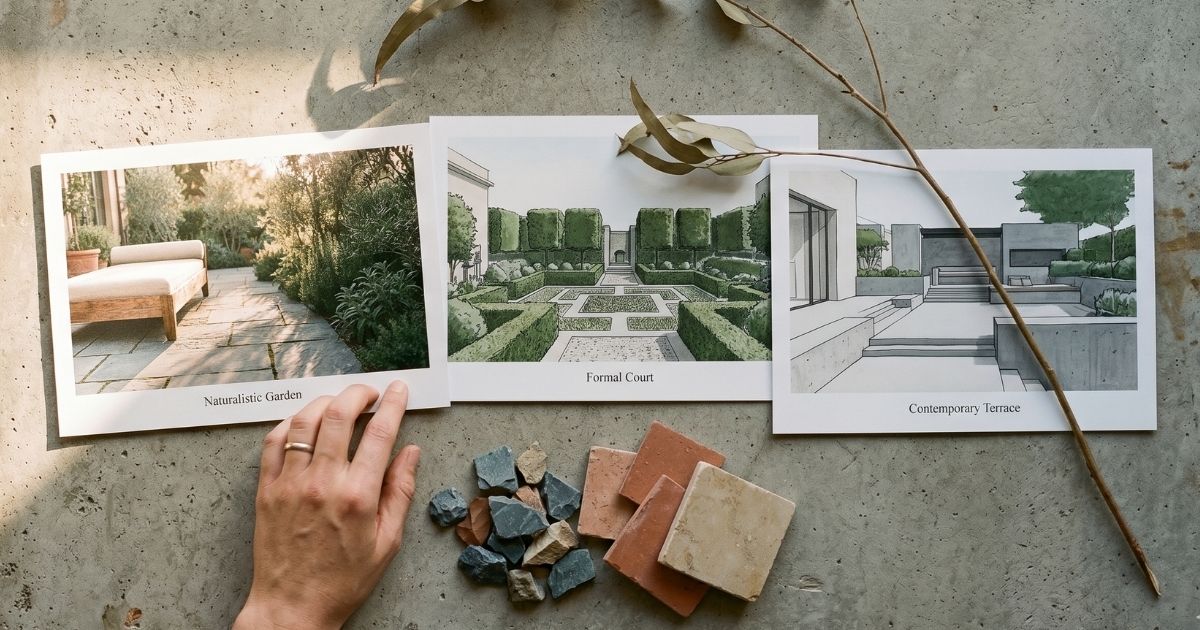
This guide covers exactly how AI landscape design fits into a professional workflow, what the current generation of tools handles well in 2026, where they still fall short, and the prompting techniques that produce client-ready results instead of fantasy AI imagery.
What is AI landscape design?
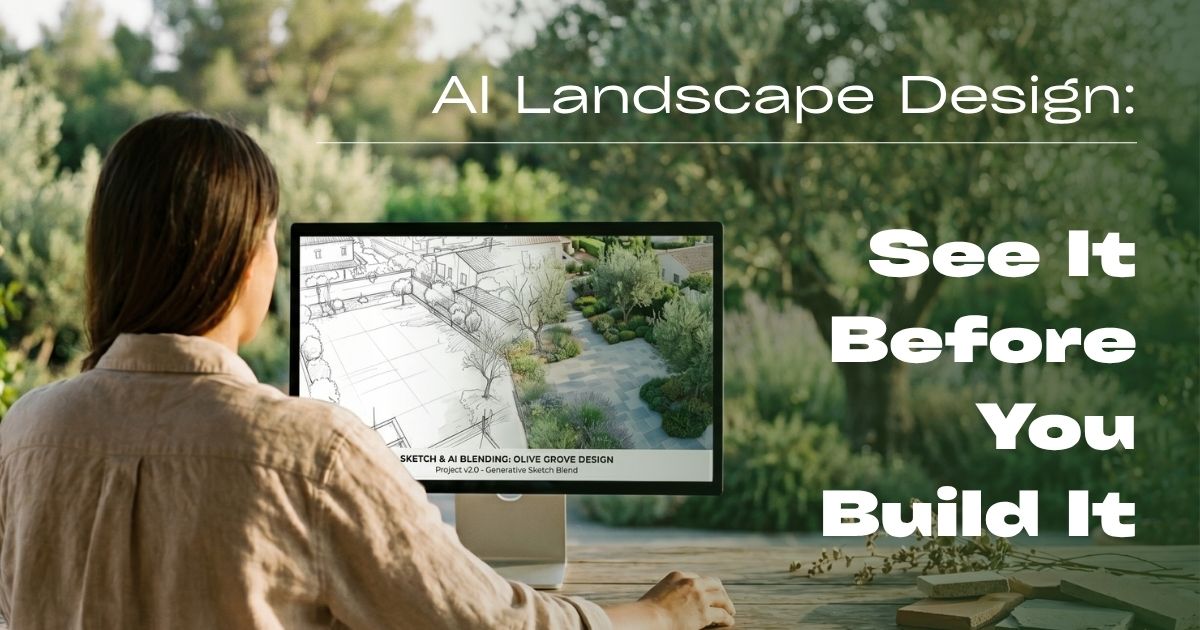
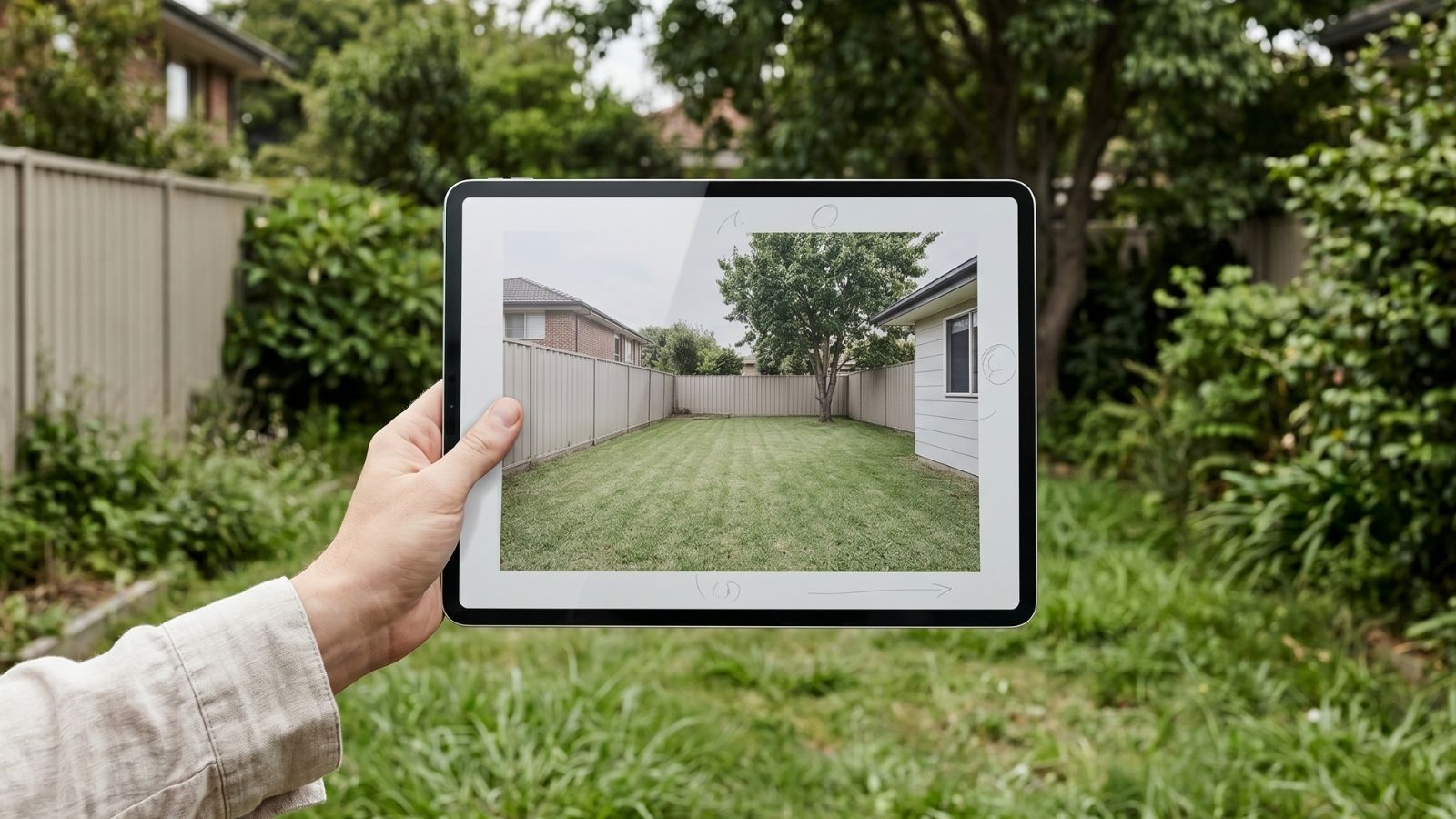
AI landscape design is the use of generative AI models to produce photorealistic landscape visualizations from a reference photo, rough sketch, or simple plan view. The model preserves the actual yard’s geometry — house position, fence lines, slope, mature trees — while restyling every other element: planting beds, hardscape, water features, lighting, and outdoor furniture.
The output is a 2D image, not a buildable plan. It’s exactly the right format for client concept approval and pre-installation visualization, and it pairs naturally with traditional CAD-based landscape documentation. Publications like Dezeen have been tracking AI landscape rendering becoming a standard exhibit in early-stage design pitches since 2024.
How AI landscape design works in a working studio
Professional AI landscape tools follow a consistent pipeline that mirrors how landscape architects already think about projects:
- Upload a base image. A drone shot of the property, a wide ground-level photo, or a hand sketch with footprint and major features. Drone shots produce the strongest results.
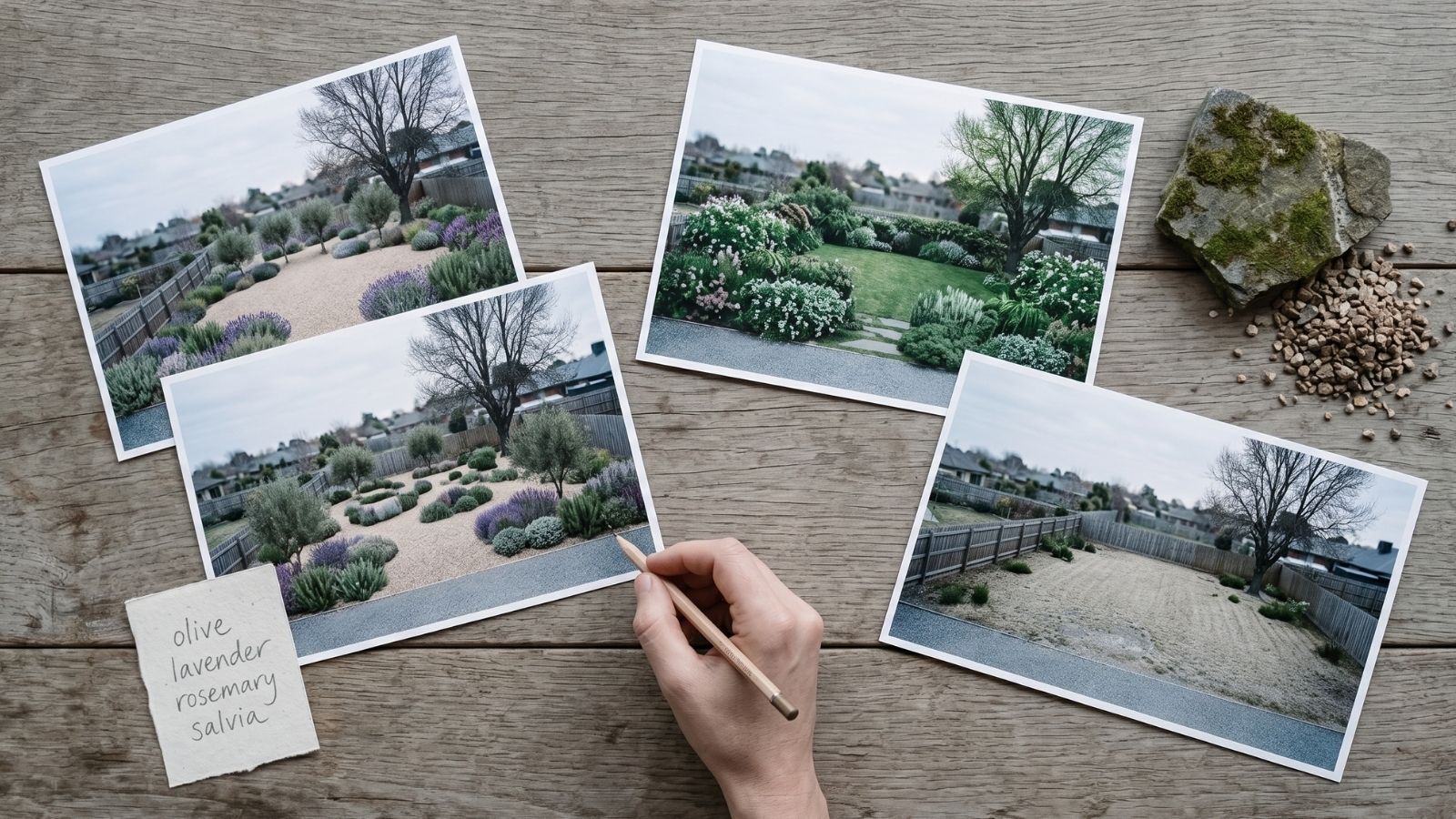
- Define plant palette and hardscape. Specify by region and species (“drought-tolerant Mediterranean: olive, lavender, rosemary”), hardscape material (“decomposed granite paths, bluestone patio”), and seasonal mood.
- Generate variations. Three style directions — naturalistic, formal, contemporary — produced with locked camera so the client can compare directly.
- Refine with masking. Swap only the planting bed, only the patio, only the pool surround — without restyling everything.
What AI landscape design handles well in 2026
| Use case | What it delivers |
|---|---|
| Hardscape concepts | Test bluestone, travertine, decomposed granite, exposed aggregate concrete on the same patio footprint |
| Planting schemes | Compare drought-tolerant, cottage garden, or modern minimalist palettes |
| Pool surround styling | Visualize plaster colors, coping materials, deck hardscape |
| Outdoor lighting moods | Daytime read vs. evening landscape lighting comparison |
| Pre-renovation concept boards | Client sees their actual yard restyled, not a stock reference |
| Real estate landscape staging | Stage outdoor spaces for property listings |
AI landscape design vs. traditional landscape rendering
Traditional landscape rendering (SketchUp + V-Ray, Lumion, hand-illustration) produces buildable, dimensionally-accurate visuals — but takes 8–20 hours per concept. AI landscape design produces a photorealistic concept in 5–15 minutes. They serve different stages of the project.
| Dimension | AI landscape design | Traditional rendering |
|---|---|---|
| Time per concept | 5–15 min | 8–20 hours |
| Plant accuracy | Region-appropriate, not species-exact | Species-exact if modeled |
| Dimensional accuracy | Approximate | Buildable |
| Best for | Concept approval, client pitch | Construction docs, planting plans |
| Iteration cost | Near zero | High (rebuild geometry) |
The pragmatic workflow most landscape studios are settling on: AI for the first two client meetings, then hand the approved direction to your standard CAD pipeline for installation drawings.
When designers should use AI for landscape projects
- Discovery and concept meetings — show three planting and hardscape directions in a single pitch.
- Pre-installation visualization — client sees their actual yard restyled before a single shrub is ordered.
- Hardscape material approval — bluestone vs. travertine vs. concrete on the SAME patio.
- Pool and water feature concepts — surround styling, plant border, deck integration.
- Real estate staging — outdoor visual upgrade for listing photography.
- HOA and city approval submissions — directional renders to anchor design intent.
Where AI still falls short for landscape work: planting plans (you still need a horticulturist), grading and drainage, hardscape construction details, and irrigation layouts. Those remain in CAD.
Seven rules for designer-grade AI landscape renders
- Always start from a real yard photo. Drone or wide ground shot taken in soft daylight produces the strongest base. Generic prompts produce generic landscapes.
- Name plants by region and habit. “Drought-tolerant Mediterranean: olive, lavender, rosemary, salvia” outperforms “modern garden”. The AI has absorbed plant vocabulary.
- Specify hardscape material precisely. “Bluestone irregular flagging with moss joints” reads completely differently from “stone patio”.
- Set lighting mood deliberately. “Late afternoon golden hour, warm uplighting” produces a hero shot; “soft overcast morning” produces a portfolio detail shot.
- Mask hardscape and planting separately. Lock the hardscape when refining plants. Lock plants when comparing patio materials.
- Maintain camera position across variants. Clients compare faster when only one variable changes between renders.
- Cull aggressively. Generate eight variants per direction, present the strongest two with a clear recommendation. Curation is the designer’s value-add.
Limitations to flag with landscape clients
- Plant scale drift. Specimen trees may render at wrong mature scale; check before client meetings.
- Seasonal accuracy. The AI may show plants in peak bloom even when seasonality wouldn’t allow it. Note this explicitly.
- Drainage and grading. AI doesn’t model topography correctly — slope reads incorrectly in many renders.
- Native vs. invasive. The model may suggest non-native plants. Always cross-check against your regional native plant database before specifying.
- Hardscape edge details. Tile-to-grass transitions, coping returns, and step details often render approximate.
How Roomwork.ai supports landscape projects
Roomwork.ai is built for professional designers and architects, including landscape professionals who increasingly cross over with interior projects. The platform preserves yard geometry across iterations, supports masking for hardscape vs. planting separation, and locks camera angles so client decks read clearly. Try Roomwork.ai free with a real yard photo and produce a three-direction landscape pitch this afternoon.
Frequently asked questions
Can AI landscape design replace a landscape architect?
No. AI produces visual concepts; landscape architects produce planting plans, grading, drainage, irrigation, and code-compliant documents. AI compresses concept work, not specification.
What photo works best as a base image?
A drone or elevated wide shot taken in soft daylight, showing the full project area with mature trees and existing features. Avoid heavily shadowed midday photos.
Can AI landscape renders be used for HOA submissions?
For directional approval, yes — with a disclaimer that final plans supersede the rendering. Most HOAs accept AI concepts paired with traditional planting plans.
How accurate are AI-generated plant lists?
Region-appropriate but not species-precise. Always cross-check with your regional native plant database and a horticulturist before specifying for installation.
Does AI work for small residential gardens?
Yes — actually it shines for small spaces where layout decisions are visually decisive (patio size vs. lawn vs. planting bed).
How long does a three-direction landscape pitch take with AI?
One to two hours of active working time, including curation and light retouching, vs. a full week with traditional concept rendering.
See it in your own projects.
Generate your first AI interior visualization in under 3 minutes. No 3D experience required.