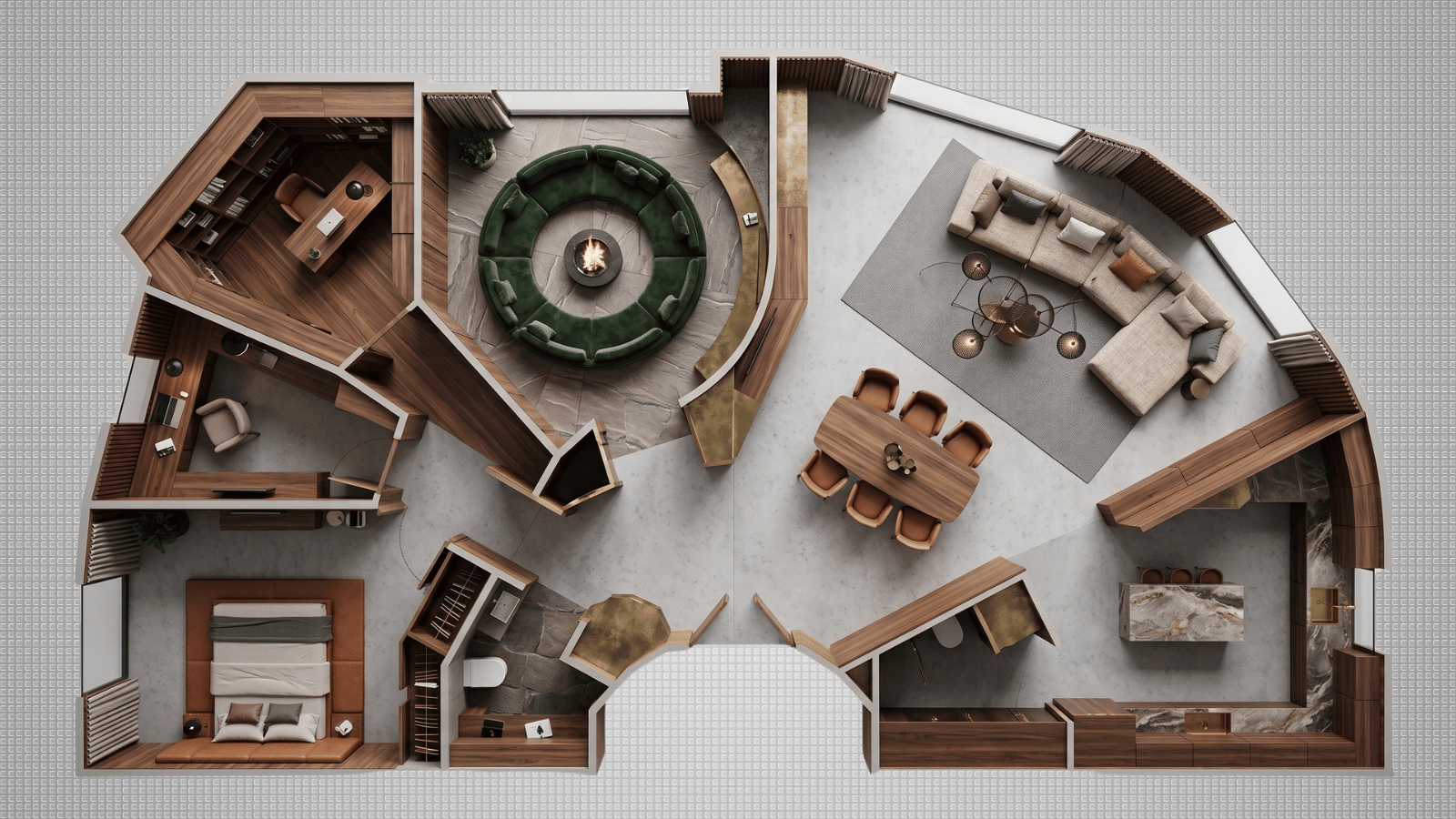
1. Generative restyling tools
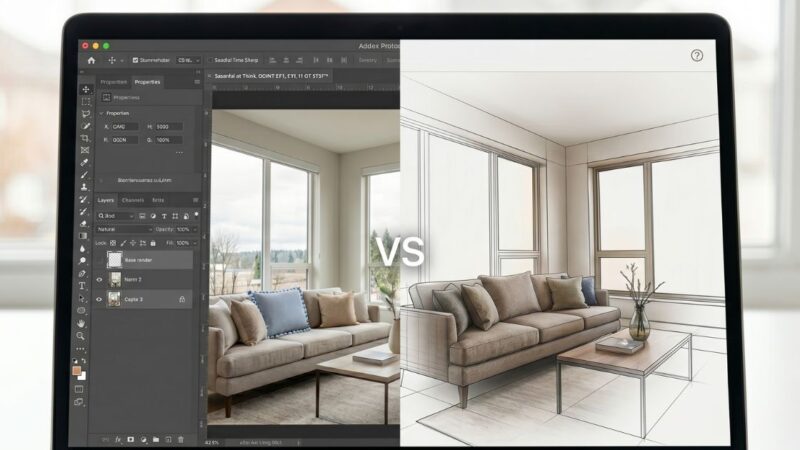
Image-to-image AI that takes a photo or 3D massing and produces restyled versions. The core concept tool for most studios. Key capabilities: object masking, camera lock, material-first prompting, multi-variant batch. Roomwork.ai sits in this category.
Best for: concept decks, client pitches, material studies, pre-renovation visualization, hospitality concept sheets.
2. 3D-to-AI hybrid rendering
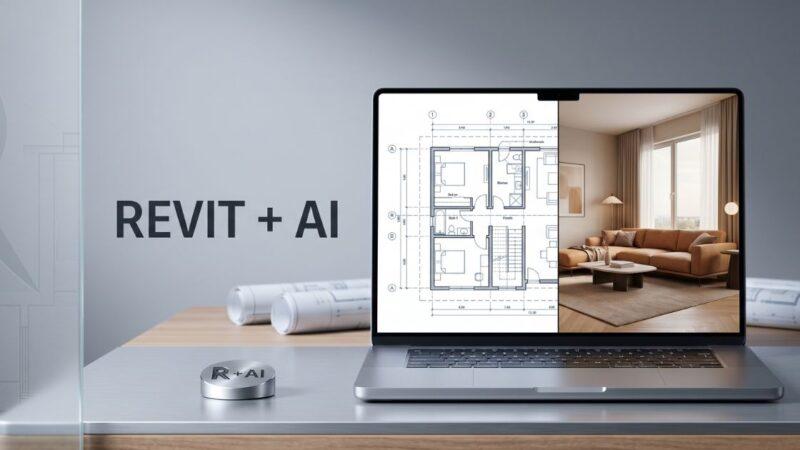
Tools that accept SketchUp, Rhino, Revit, or Blender geometry and produce photorealistic AI-enhanced renders. Bridges the gap between technical 3D workflows and AI speed — useful for studios with existing 3D pipelines who want render time down from hours to seconds.
Best for: studios already using V-Ray or Enscape, architecture-led interior firms, hospitality projects with AutoCAD backbone.
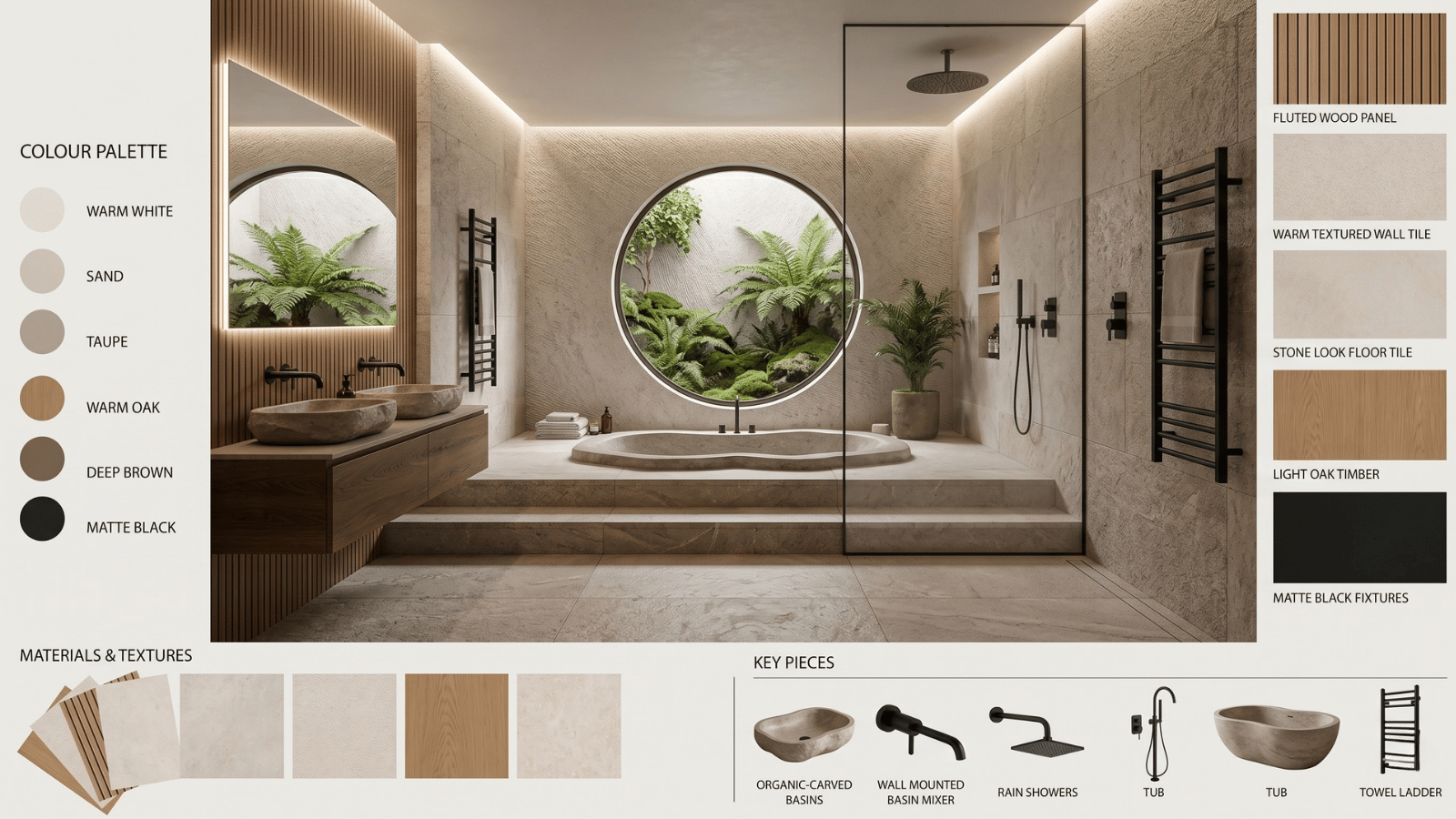
3. AI mood board generators
Tools that curate reference imagery, textures, and palettes from a short prompt. Useful for the earliest stage of a project — discovery and vibe exploration — but don’t produce client-ready visuals on their own.
Best for: discovery meetings, creative direction development, brief refinement. Covered in detail in our AI mood board generator guide.
4. Virtual staging AI
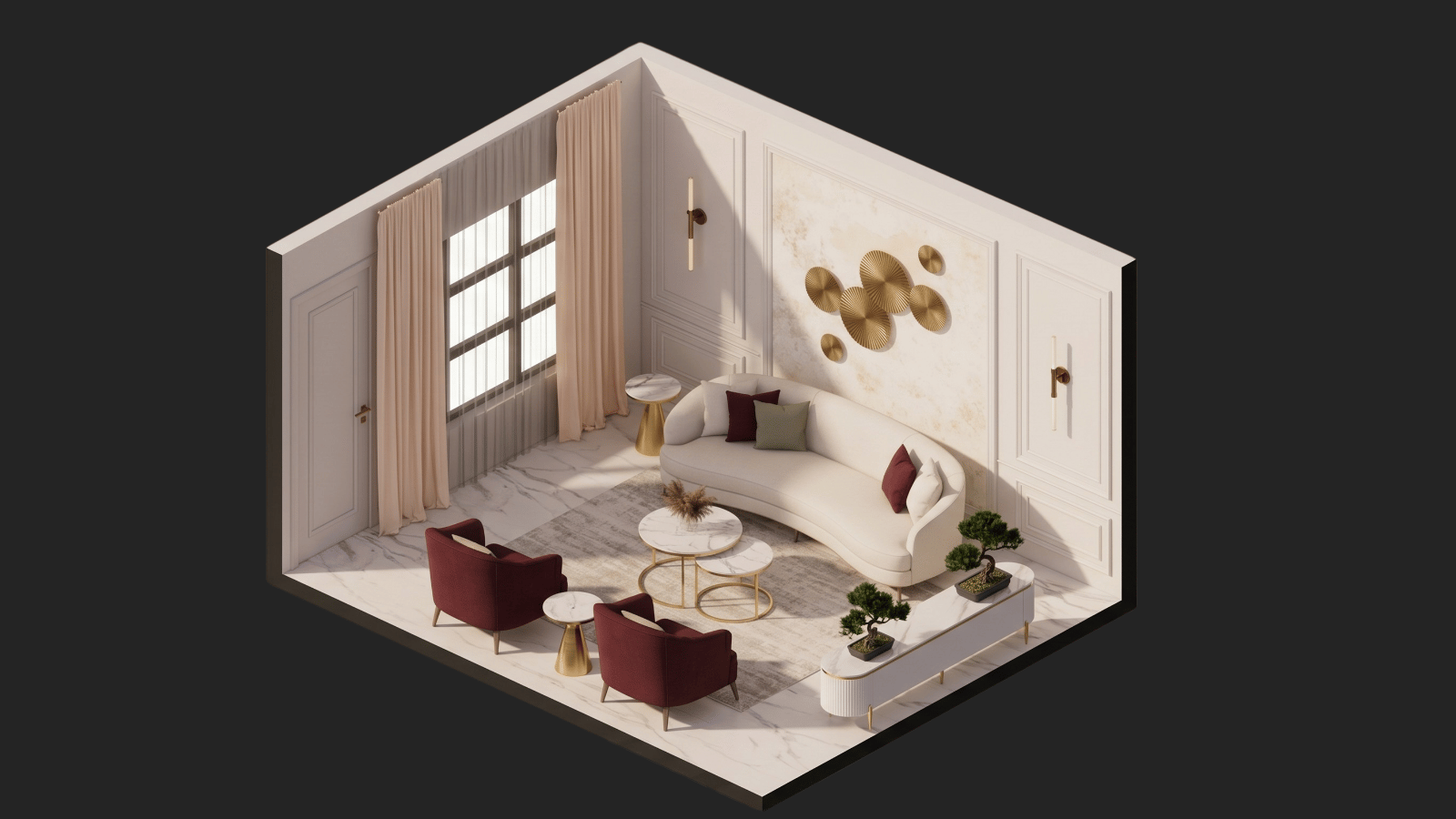
Specialized tools for real estate listings and property marketing. Empty rooms in, furnished rooms out. Priorities: speed, photoreality, high-volume throughput. Different from design studio tools — less customization, more batch processing.
Best for: real estate photographers, property marketers, short-term rental operators, multifamily developers. See our virtual staging guide.
5. CAD and design co-pilots
AI layers inside traditional design software (Revit, SketchUp, AutoCAD, Procreate) that handle repetitive tasks — auto-dimensioning, schedule generation, spec sheet drafting, and material takeoffs.
Best for: technical production, documentation, compliance. Not for concept or pitch work.
6. AI floor plan generators
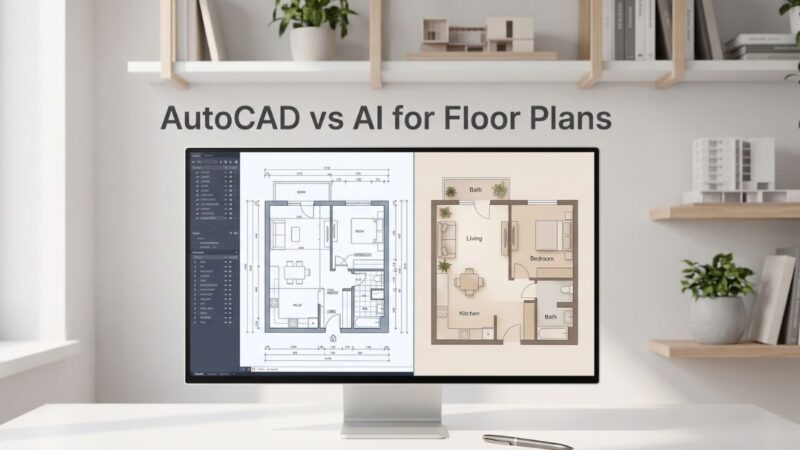
Tools that produce floor plans from room dimensions, client requirements, or even hand sketches. Useful for early space planning and residential remodels. Output quality varies — most are directional, not code-ready.
Best for: initial space planning, pre-design conversations, renovation scoping.
7. Rendering accelerators
AI layers that upscale, denoise, and photo-finish traditional 3D renders. Cuts V-Ray / Corona render time by 5–10x on final-pass imagery.
Best for: studios producing a lot of final-pass 3D renders under deadline pressure.
How to pick the right category mix for your studio
| Studio type | Recommended categories |
|---|---|
| Residential design studio | Generative restyling + mood board generator |
| Architecture-led interiors | Generative restyling + 3D-to-AI hybrid + rendering accelerator |
| Hospitality/boutique hotel | Generative restyling + mood board generator |
| Real estate staging | Virtual staging AI (primary) |
| Multifamily / developer | Virtual staging + floor plan generator |
| Remodeler / contractor-adjacent | Floor plan generator + generative restyling |
Questions to ask before buying any AI interior design tool
- Does it accept a real image as input, or only text?
- Can I mask and regenerate specific regions without restyling the whole room?
- Is camera locked across variants so clients can compare directly?
- Does the license allow commercial use of output?
- Is export resolution sufficient for print / deck use?
- What’s the credit cost per typical project — not per render?
- Can the team share credits and assets across projects?
How Roomwork.ai fits the stack
Roomwork.ai is a generative restyling tool built specifically for interior designers — object-level control, camera lock, material-first prompting, and studio-grade export. Pair it with a mood board generator for discovery stage and a rendering accelerator if your studio already produces final 3D. Start free and build a practical AI stack from the tool your working week actually needs.
Frequently asked questions
What are the main types of AI interior design tools?
Seven main categories: generative restyling, 3D-to-AI hybrid, mood board generators, virtual staging, CAD co-pilots, floor plan generators, and rendering accelerators. Each maps to a different workflow stage.
How many AI tools should an interior design studio use?
Two to three is ideal. One primary generative restyling tool, one mood board or discovery tool, and optionally a rendering accelerator if you produce 3D. More than three fragments the workflow.
Is there one AI tool that does everything?
No, and be skeptical of tools that claim to. Different workflow stages have different requirements. A tool optimized for virtual staging isn’t optimized for concept studies; a mood board generator isn’t a rendering engine.
How much should a studio budget for AI interior design tools?
Most professional tools are $20–$100 per user per month on credit-based plans. For a 3-person studio running 10–20 projects per year, expect $100–$400 per month total for a complete AI stack.
Are AI interior design tools replacing designers?
No. Tools produce image inventory; designers produce the edit, the taste, and the specification. AI compresses production time, not expertise.
Which AI tool category is most important to adopt first?
Generative restyling. It touches the most project stages (concept, material study, client pitch) and delivers the clearest time savings.
See it in your own projects.
Generate your first AI interior visualization in under 3 minutes. No 3D experience required.