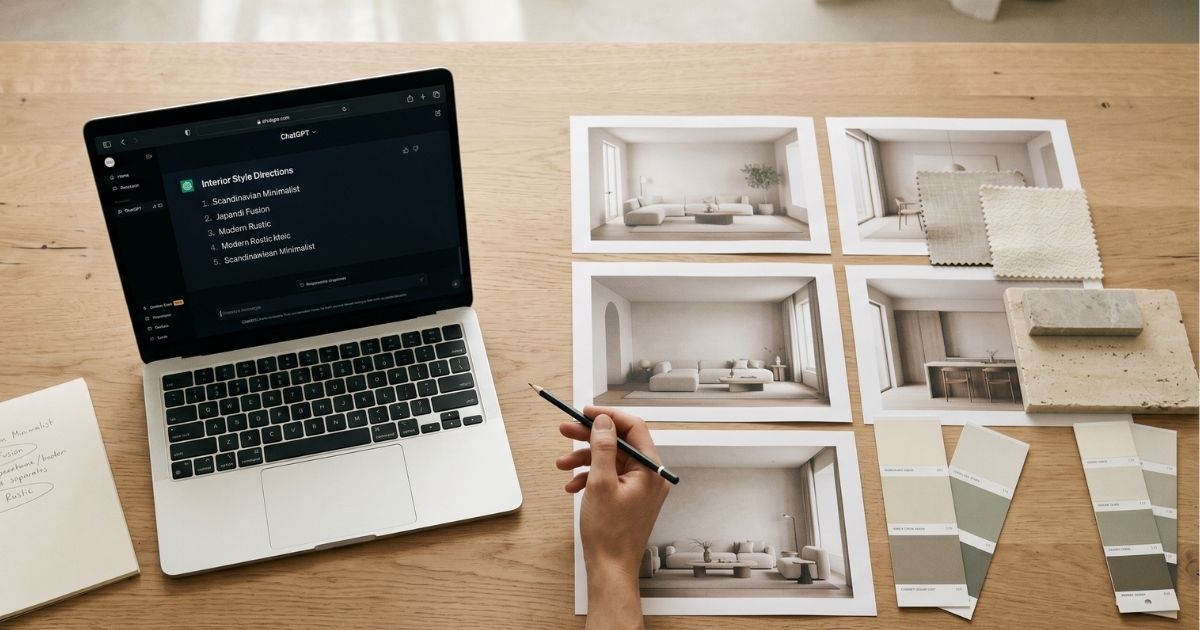
This is an honest hands-on review. We’ll cover what ChatGPT actually delivers for interior design tasks, where it’s good enough, where it breaks, and the realistic verdict on whether designers should rely on it as a primary tool.
What ChatGPT can do for interior design in 2026
ChatGPT (with image generation enabled via DALL·E 3 or its successor models) can do four interior-design-related tasks reasonably well: generate a stylistic image from a text prompt, restyle an uploaded room photo, write copy for a client deck, and brainstorm directional vibes from a brief. The image quality has improved dramatically since 2023.
It’s important context that ChatGPT is a generalist. The same tool also writes code, summarizes documents, and answers questions — image generation is one feature among many. Specialist interior design platforms only do interior design.
ChatGPT vs. purpose-built AI interior design tools
| Capability | ChatGPT | Pro AI tools (Roomwork-class) |
|---|---|---|
| Text-to-image rendering | Yes — strong | Yes — equally strong |
| Image-to-image from real photo | Limited; quality varies | Required core feature |
| Object-level masking | None — full regenerate only | Full regional control |
| Camera lock across variants | None — perspective drifts | Built-in for client decks |
| Material library depth | Generic (“oak”, “marble”) | Wood species, stone variety, tile size |
| Commercial license clarity | Improved but still complex | Explicit, included |
| Studio-grade export resolution | 2048×2048 max typically | Print-quality, configurable |
| Output ownership | Subject to OpenAI ToS | You own outputs |
| Credit economics | Per-message limits | Designed for studio iteration depth |
When ChatGPT is genuinely useful for interior designers
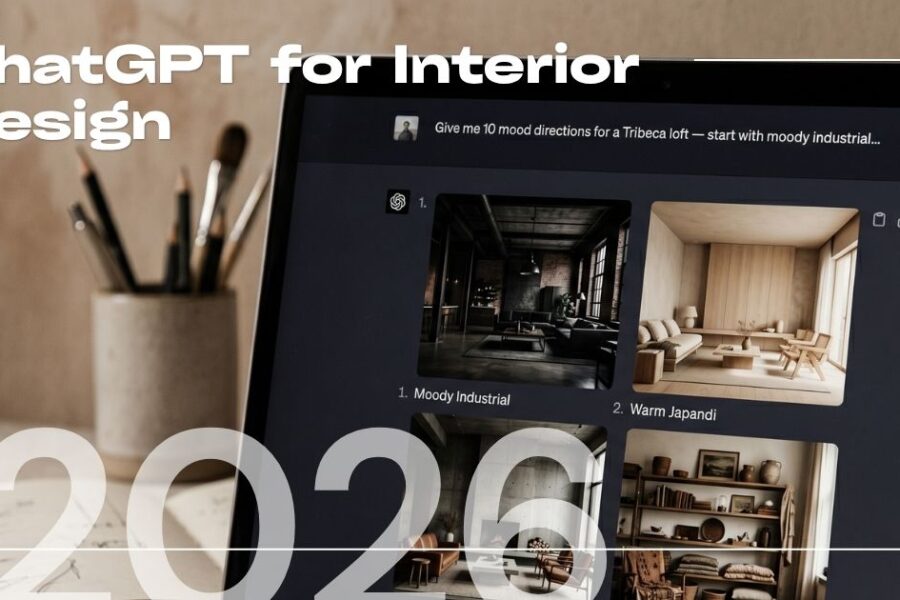
- Discovery brainstorming. “Give me 10 directional moods for a Tribeca loft client — moody industrial, warm Japandi, etc.” — ChatGPT excels at this kind of expansion.
- Quick stylistic exploration. Text-to-image generation when you don’t need to anchor to a real photo.
- Client deck copywriting. Drafting the narrative around your own renders.
- Researching design history references. “Mid-century Italian living rooms — what defines the style?”
- Drafting RFP responses or scope documents. The general writing capability is strong.
Where ChatGPT breaks for professional design work
- Camera drift between variants. Try generating “the same kitchen with three cabinet finishes” — ChatGPT will subtly shift the camera angle, the proportions, even the room shape. Client side-by-side decks become unusable.
- No regional masking. Want to keep the floor and ceiling, change only the sofa? ChatGPT can’t do that surgically. You either accept the full regenerate or fight it through prompt engineering.
- Inconsistent material rendering. Specifying “honed Calacatta marble” produces visibly different veining each time. Pro tools maintain material identity.
- Studio-grade export limits. Output resolution caps below what you need for 36″×24″ presentation boards.
- Commercial use ambiguity. Each ChatGPT update changes the licensing language. Pro tools have clear commercial-use terms in writing.
ChatGPT prompts that actually work for interior design
If you’re going to use ChatGPT for design work despite the limitations, prompt construction matters more than with purpose-built tools. Lead with materials, era references, and specific objects:
Better prompt: “Photorealistic interior render. Living room with rift-cut white oak floors, off-white plaster walls, cream bouclé Camaleonda-style sectional, vintage Oushak rug, walnut coffee table, single large abstract artwork, late afternoon west-facing natural light. Wide-angle camera at standing eye level.”
Generic prompt that fails: “Modern living room, cozy mood.”
The first produces a designer-readable visual. The second produces generic AI-stock interior.
Hybrid workflow: when to use ChatGPT alongside a pro tool
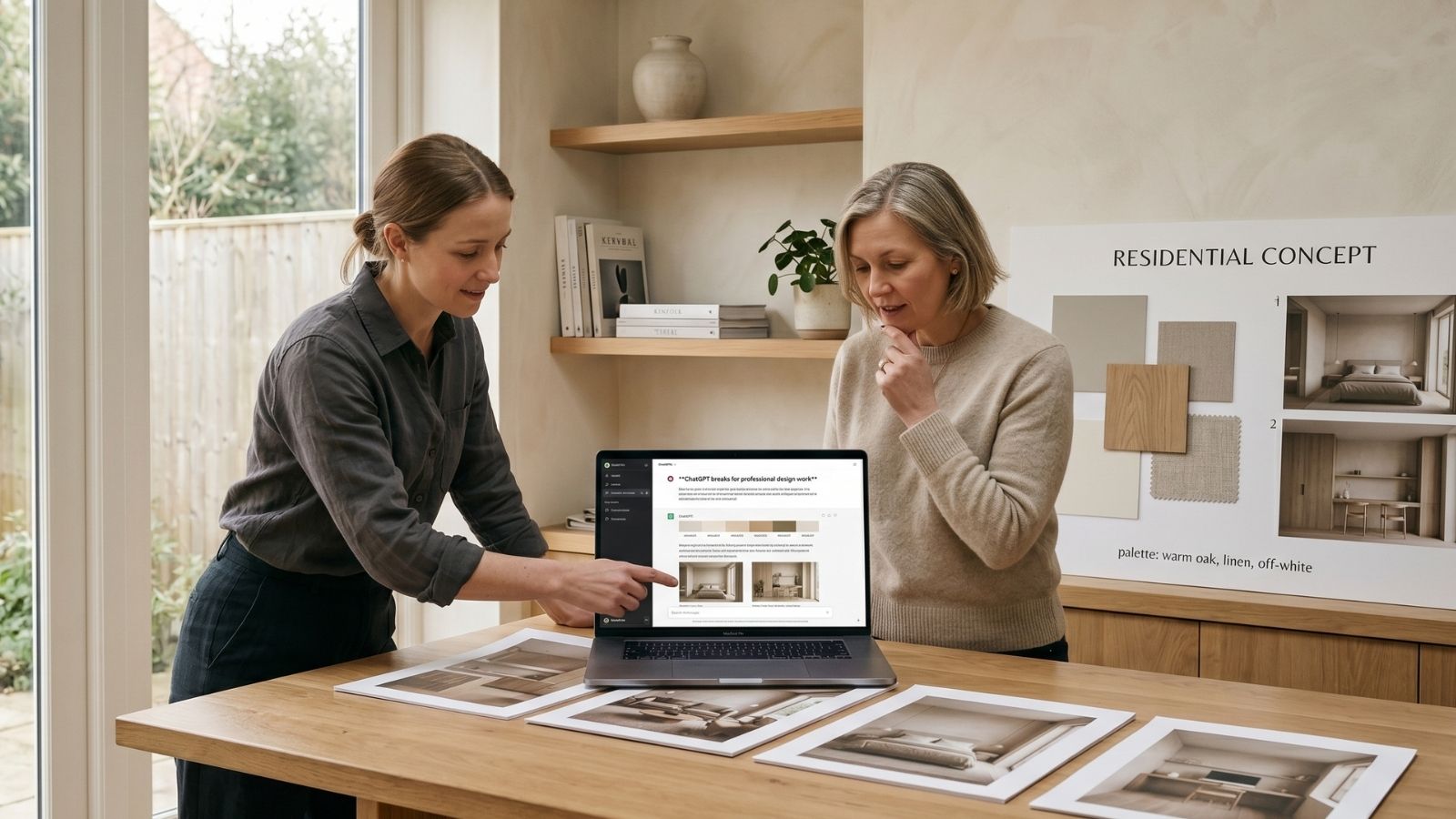
- ChatGPT for ideation — generate 8–12 stylistic directions from a brief, pick 3.
- Pro tool for visualization — apply chosen directions to the client’s actual room with locked camera.
- ChatGPT for client copy — write the narrative explanation alongside your visual deck.
- Pro tool for material studies — compare 4 stones, 3 cabinet colors with object-level control.
Designers who treat ChatGPT as the brainstorm + writing layer and a pro tool as the visualization layer get the best of both.
Verdict: should designers replace pro tools with ChatGPT?
No — not in 2026. ChatGPT is a useful supplement for ideation and writing, but the gaps in masking, camera control, material consistency, and commercial-use clarity make it unsuitable as the primary visualization tool for client-facing studio work.
If you’re exploring AI for the first time and have ChatGPT Plus, start there to build prompting skill. When you’re ready to ship client deliverables, move to a tool built for the job.
Roomwork.ai is purpose-built for professional interior designers and architects. Object-level masking, locked camera across variants, designer-grade material vocabulary, and commercial license on output. Try free with a real client photo and judge it against your ChatGPT workflow directly.
Frequently asked questions
Is ChatGPT free for interior design use?
ChatGPT has a free tier with limited image generation. For consistent design work you need ChatGPT Plus ($20/month). For studio-grade output, dedicated tools at similar price points outperform it.
Can ChatGPT redesign a room from a photo?
Yes, but with significant limitations: camera drift, inconsistent results, no regional masking. For one-off exploration it works; for client-deck consistency it fails.
Are ChatGPT-generated interior designs commercially usable?
Currently yes for ChatGPT Plus subscribers, but the license terms have changed multiple times. Always check the current terms before using output in client deliverables.
What’s the best ChatGPT prompt for interior design?
Lead with materials and era references, name a specific anchor object, set lighting explicitly, and specify camera position. Avoid vague style words like ‘modern’ or ‘cozy’.
Can ChatGPT produce architectural plans?
Not reliably. AI text-to-image models are not trained on dimensional accuracy. For plans, use AutoCAD, Revit, or AI floor plan generators specifically built for the task.
Should I use ChatGPT or a dedicated AI interior design tool?
For client-facing studio work, dedicated tools win on every meaningful dimension. For ideation and supplementary tasks, ChatGPT is useful alongside a pro tool.
See it in your own projects.
Generate your first AI interior visualization in under 3 minutes. No 3D experience required.