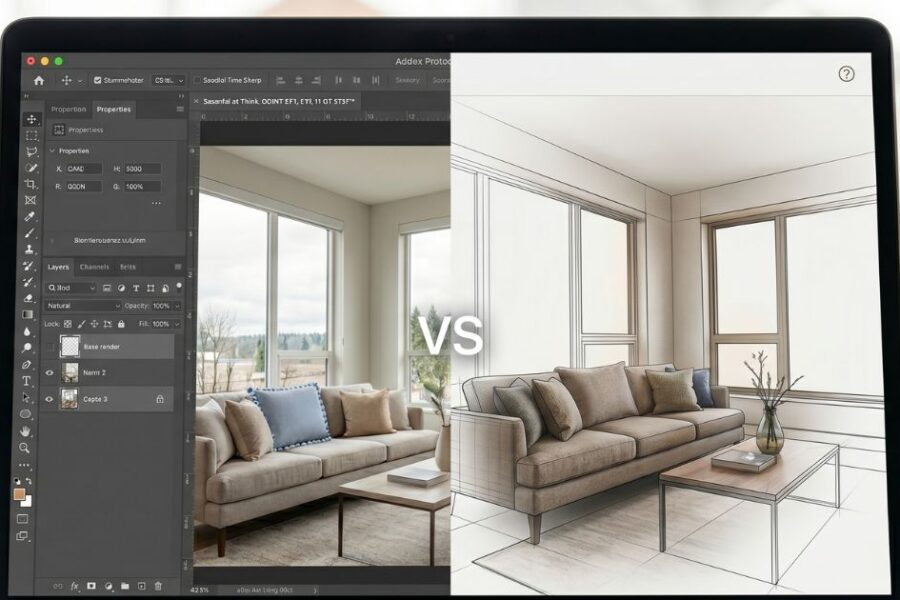
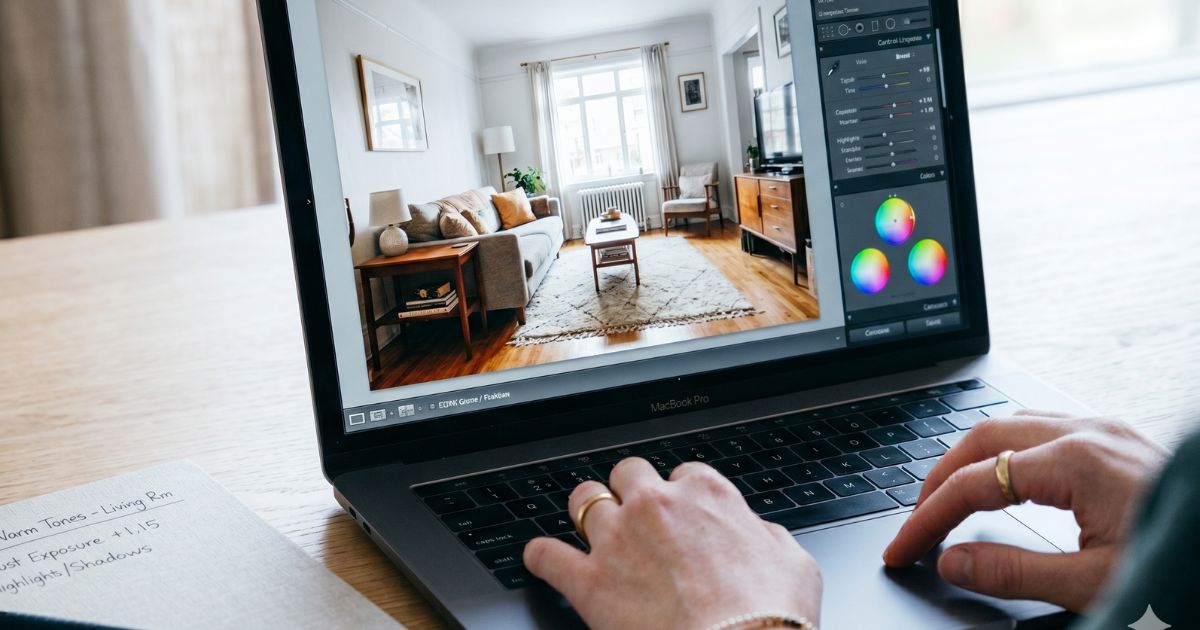
This is the working designer’s comparison between Photoshop and AI tools for interior design image work — where each one wins in the 2026 workflow, how Photoshop’s own AI features (Generative Fill, Generative Expand) change the calculus, and the integration patterns that produce the best output.
What Photoshop does best in 2026
Adobe Photoshop has remained the industry standard for image editing since the 1990s. For interior designers in 2026, its strengths are:
- Precise pixel-level editing. Retouching photographs, removing distractions, correcting perspective.
- Layer-based composition. Combining multiple images, masking, blending modes for complex composites.
- Color correction and grading. Adjusting color temperature, exposure, and tonal balance to professional standards.
- Native AI features. Generative Fill, Generative Expand, Remove tool, and Sky Replacement integrate AI directly into the Photoshop workflow.
- Final image production. Files prepared for print, web, or social media at exact specifications.
- Photo manipulation. Combining sketch overlays with photographs, creating mood boards, hybrid renderings.
Photoshop costs $22.99/month standalone or $59.99/month as part of Creative Cloud All Apps. The learning curve is significant — 40–80 hours for basic competence, hundreds of hours for professional fluency.
What standalone AI tools do better than Photoshop
- Full-scene generation. Generating an entire interior from a photo, sketch, or text — Photoshop cannot do this even with its AI features.
- Style transfer at scene scale. Restyling a complete room into a different design language. Photoshop’s AI features handle objects, not full scenes.
- Multiple variation speed. Generating 6 design directions in 15 minutes — Photoshop AI is fast but not at this scale.
- Material substitution at scene level. Changing all materials in a room (floor, walls, cabinets, fixtures) in a single operation.
- Furniture replacement. Replacing furniture pieces in a real room photo. Photoshop can but it’s tedious; AI tools native.
Capability comparison
| Capability | Photoshop | AI Interior Tools |
|---|---|---|
| Pixel-level retouching | Excellent | Limited |
| Full scene generation | Not capable | Native |
| Object removal | Excellent (Remove tool, Generative Fill) | Limited |
| Object replacement | Good (Generative Fill) | Excellent at scene scale |
| Style transformation | Limited (color, tone) | Native (full design language) |
| Material change | Tedious (manual) | Native |
| Furniture swap | Possible but slow | Native |
| Color correction | Excellent | Basic |
| Final image production | Industry standard | Output only |
| Cost | $22.99/mo standalone | $20–$200/mo typical |
When Photoshop wins
- Photography retouching. Cleaning up real-project photos for portfolio, social media, or publication.
- Color correction on finished renders. Final color grading on AI or traditional renders before client delivery.
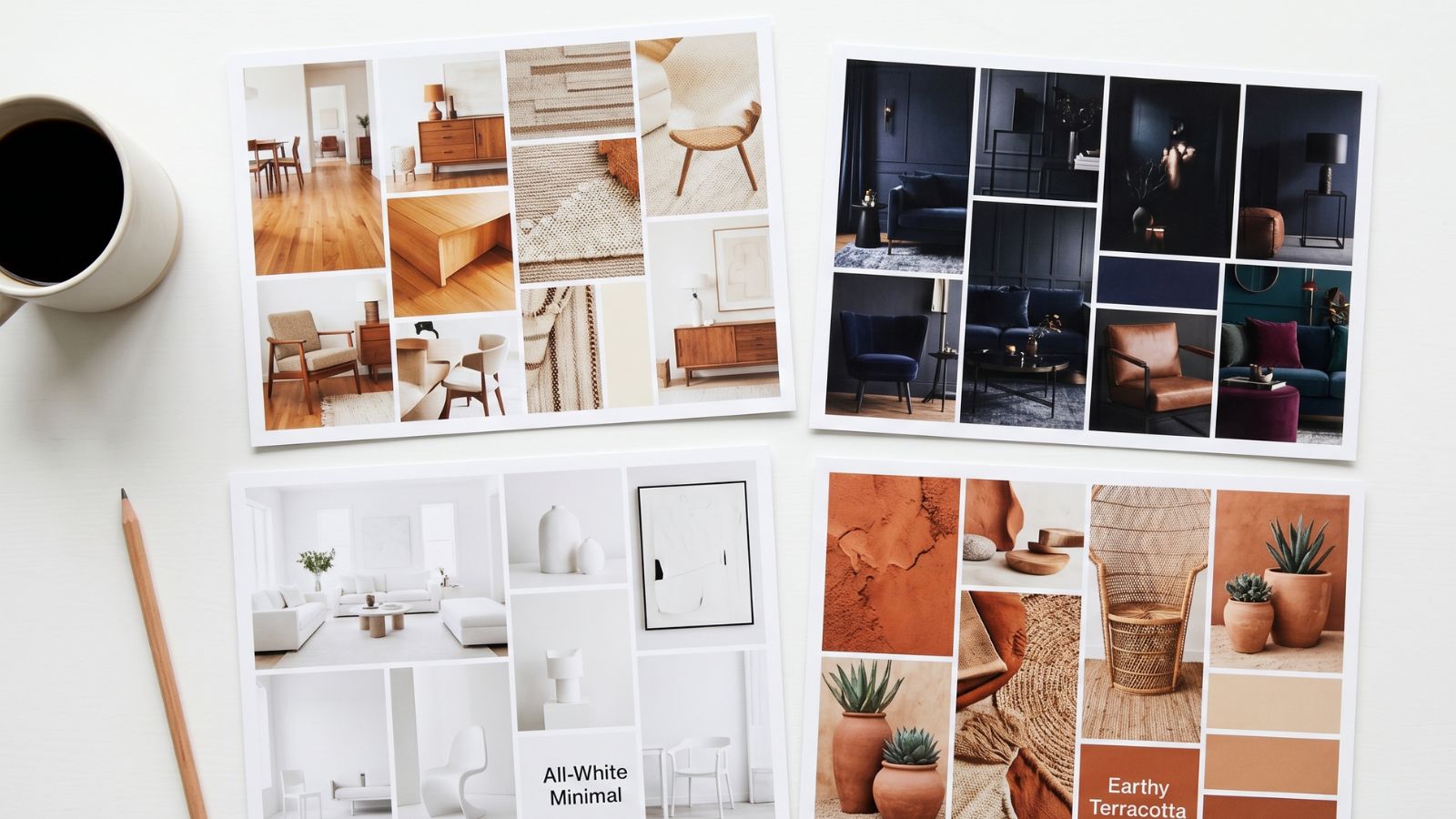
- Mood board layouts. Combining product images, swatches, and reference photography into curated boards.
- Marketing collateral. Combining renders with text, branding, and layout for proposals, brochures, and presentations.
- Composite imagery. Combining multiple AI renders, photography, and graphics into single images.
- Print preparation. Final files for printed proposals, presentation boards, and editorial submissions.
- Sky and exterior replacement. Replacing skies, view-out-windows, or backgrounds with native sky replacement.
When AI interior tools win
- Concept-stage rendering. Generating photoreal interior visualizations from photos, sketches, or text.
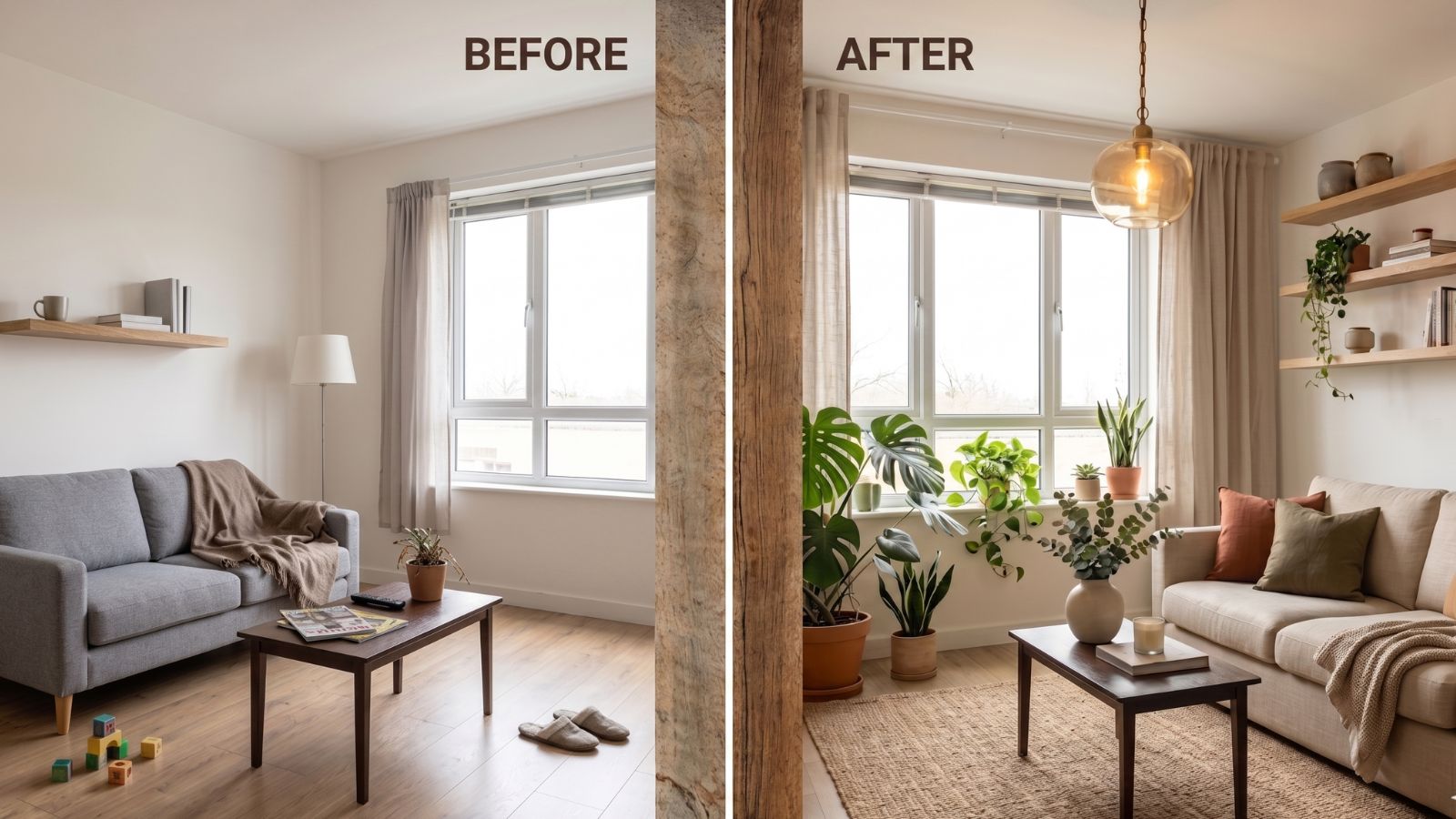
- Full room style transformation. Restyling an entire room into a different design direction.
- Material exploration at scene scale. Testing 4 different floor + wall + cabinet combinations in the same room.
- Multiple direction variations. Generating 5–10 versions of the same concept for client decision.
- Existing-room visualization. Showing what an existing room could become without rebuilding it.
- Discovery-call concept previews. Quick visualizations during or immediately after the first prospect meeting.
- Proposal-stage concept work. AI-rendered direction options included in design proposals.
The professional workflow combining both
- Concept generation in AI tools. Generate 3–6 design direction concepts using Roomwork.ai or similar. Output: photoreal images.
- Client direction selection. Present concepts, capture preference.
- Refinement and iteration in AI tools. Refine chosen direction with additional AI iterations.
- Photoshop refinement. Open final AI render in Photoshop. Color correct, adjust exposure, refine specific areas with Generative Fill, replace specific items if needed.
- Composition for client delivery. In Photoshop: combine multiple renders into single presentation board, add specifications, branding, project notes.
- Marketing variations. In Photoshop: prepare versions for Instagram (square), Pinterest (vertical), website (horizontal), print (CMYK).
This workflow captures the speed of AI generation and the precision of Photoshop refinement. Designers who use only one tool leave value unclaimed; designers who use both efficiently are the most productive in 2026.
Frequently asked questions
Can AI tools replace Photoshop for interior designers?
Not entirely. AI tools excel at scene-scale generation and transformation; Photoshop excels at precise retouching, color correction, layered composition, and final image production. Most professional designers in 2026 use both — AI for generation, Photoshop for refinement and final output.
Does Photoshop have AI features for interior design in 2026?
Yes. Adobe Photoshop includes Generative Fill, Generative Expand, the Remove tool, Sky Replacement, and Generative Workspace. These features handle object-level AI operations within Photoshop. They do not replace scene-scale AI tools like Roomwork.ai but complement them for refinement work.
Should I learn Photoshop in 2026 as an interior designer?
Yes. Even with AI tools handling concept generation, Photoshop remains the industry standard for final image production, color correction, retouching, and marketing collateral. Photoshop fluency adds value to AI tool output and enables professional-quality final deliverables.
What’s the best AI interior design tool to pair with Photoshop?
Roomwork.ai is the strongest fit for professional interior designers because its output quality and design fluency complement Photoshop refinement well. For more generic AI work that needs heavier Photoshop refinement afterward, Midjourney remains popular. The workflow is generally: AI generates, Photoshop polishes.
Can Photoshop’s Generative Fill replace scene-scale AI tools?
No, for full-scene work. Photoshop’s Generative Fill handles object-scale additions, replacements, and removals within an existing image well, but it cannot generate entire scenes from scratch or perform full-room style transformation. For those use cases, scene-scale AI tools (Roomwork.ai, Midjourney) are required.
See it in your own projects.
Generate your first AI interior visualization in under 3 minutes. No 3D experience required.