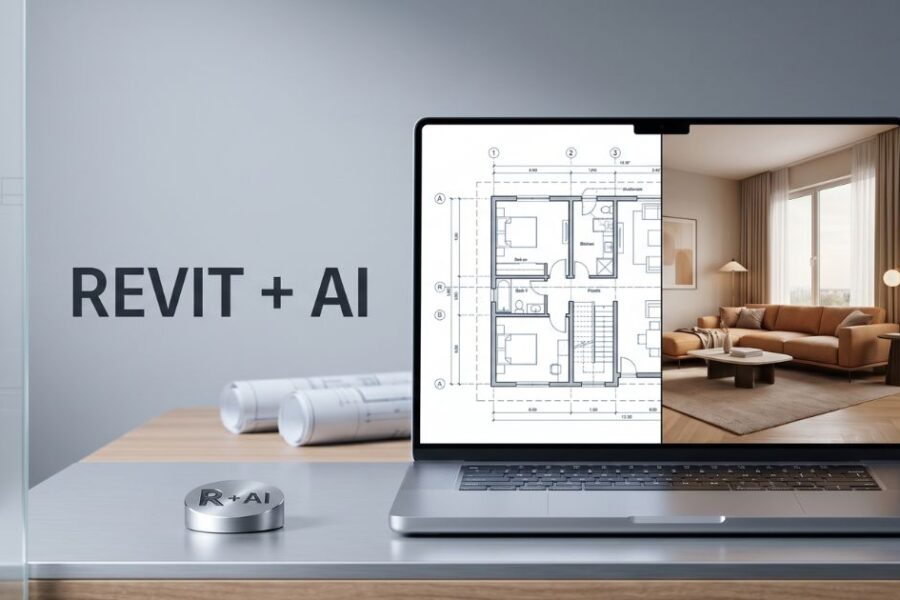
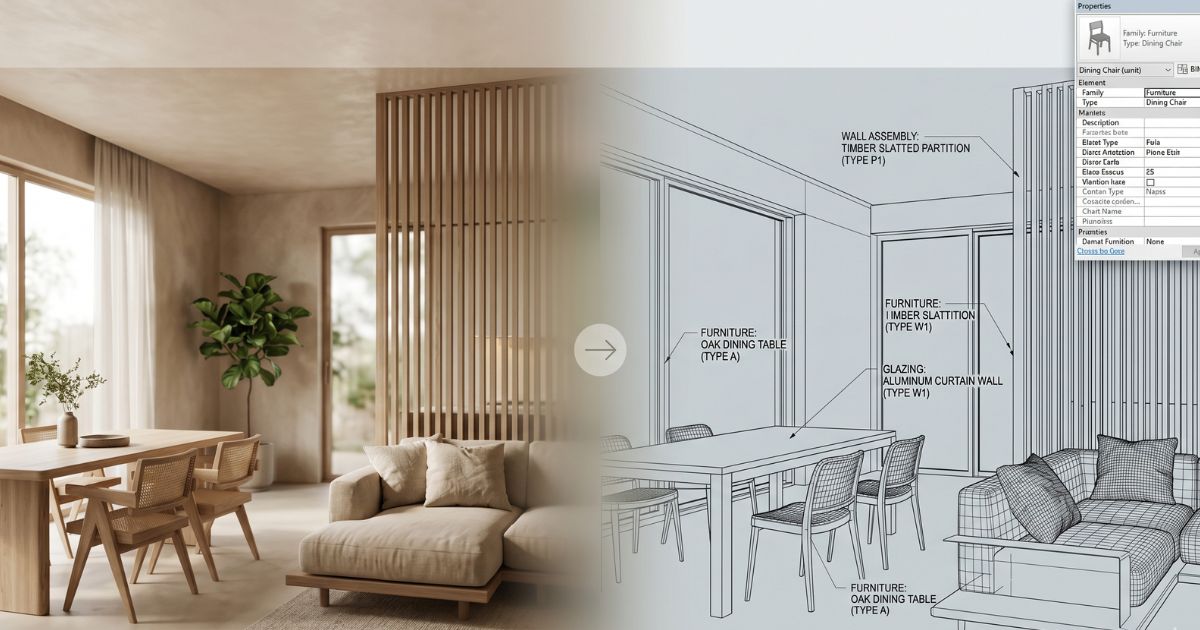
This is the BIM architect’s practical guide to integrating AI tools into a Revit-centered workflow — where AI saves time, where it must not touch the model, and the specific integration patterns leading architectural firms are using in 2026.
Why Revit + AI is a working combination
Revit and AI tools optimize for opposite ends of the architectural workflow:
- Revit optimizes for accuracy, BIM coordination, parametric models, schedules, drawings, and integrated MEP. The model is the documentation source of truth across the firm and trades.
- AI tools optimize for visualization speed, style exploration, material direction testing, and presentation work. The output is visual, not data-coordinated.
The integration succeeds when each tool stays in its lane. Architects who try to use AI tools as Revit replacements get into trouble immediately — AI cannot maintain a BIM model. Architects who refuse to use AI for visualization leave significant time savings unclaimed.
The five integration patterns leading firms use
- Revit-to-AI for material exploration. Export Revit perspective views as images, run them through AI tools to test 4–6 material palette directions for the space before specifying in Revit.
- Revit-to-AI for client presentations. Export Revit views with white-box materials, use AI to add photoreal materials, atmosphere, and styling for client decision meetings.
- AI-to-Revit for design direction. AI tools used at concept stage to explore direction with the client, then the chosen direction modeled in Revit for documentation.
- Revit-coordinated AI marketing renders. Final project marketing imagery generated from Revit views through AI tools, faster and at lower cost than traditional rendering.
- AI for context and surroundings. Adding photoreal context (sky, vegetation, surroundings) to Revit perspective views through AI compositing.
Which AI tools work with Revit in 2026
- Roomwork.ai. Strong fit for interior view re-rendering. Takes Revit perspective exports and generates photoreal interior visualizations with material and style direction.
- Enscape (with AI features). Real-time rendering plugin that integrates directly into Revit with growing AI-powered style and material features.
- Twinmotion. Owned by Epic Games, real-time rendering with direct Revit integration and increasing AI capabilities for vegetation, materials, and lighting.
- Lumion. Real-time architectural rendering with Revit integration and AI-assisted material libraries.
- Midjourney + image prompting. Generic AI tool useful for early concept work using Revit view exports as image references.
- Stable Diffusion variants. Customizable for firms with specific style training; requires technical setup.
What AI tools should never touch in a Revit workflow
- The Revit model itself. AI cannot modify Revit families, parameters, or model geometry. Treat AI outputs as references that inform manual Revit modeling decisions.
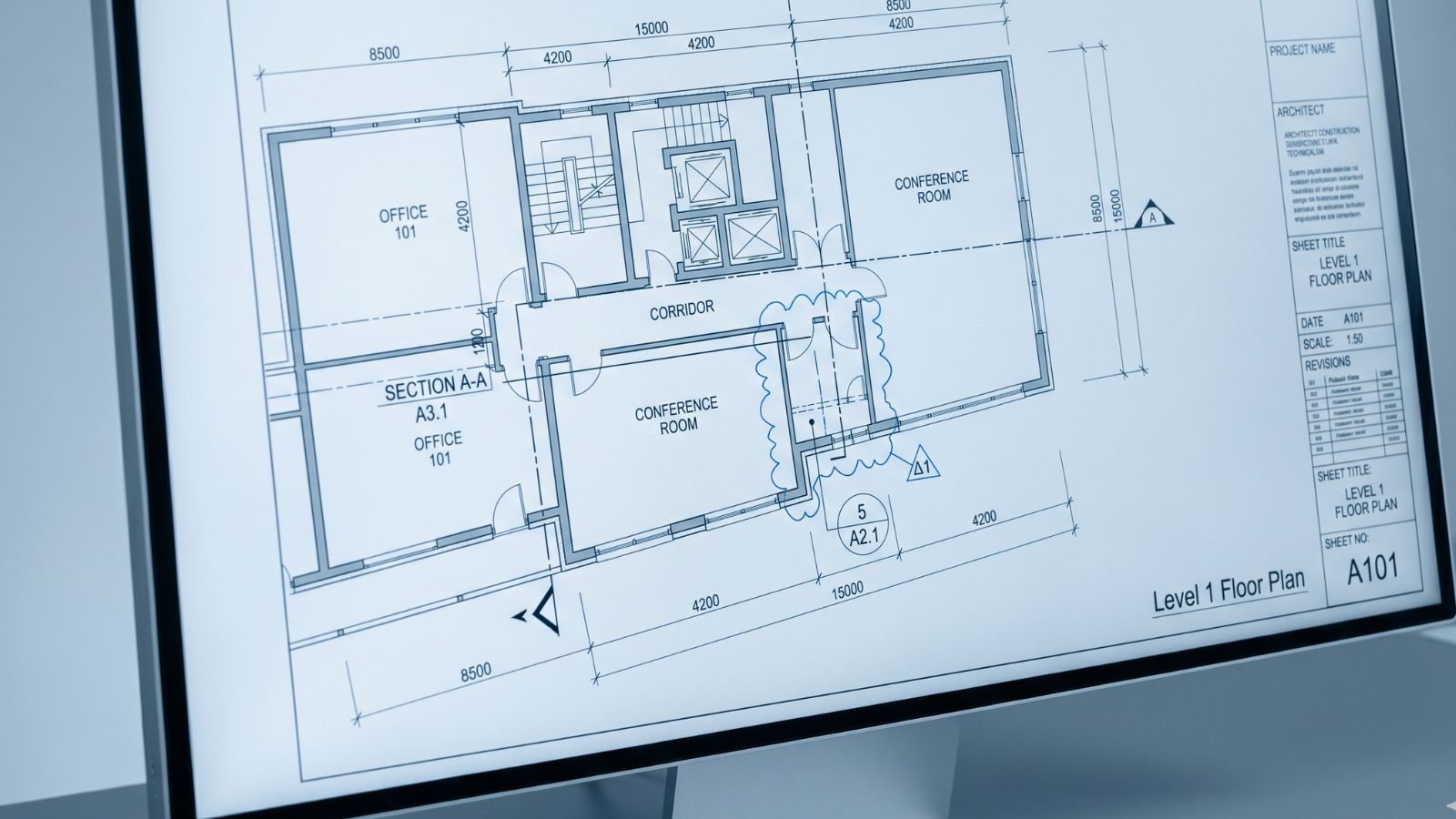
- Construction documents. Drawings issued to trades, engineers, and building departments must come from Revit, not AI. AI visualizations are presentation layer only.
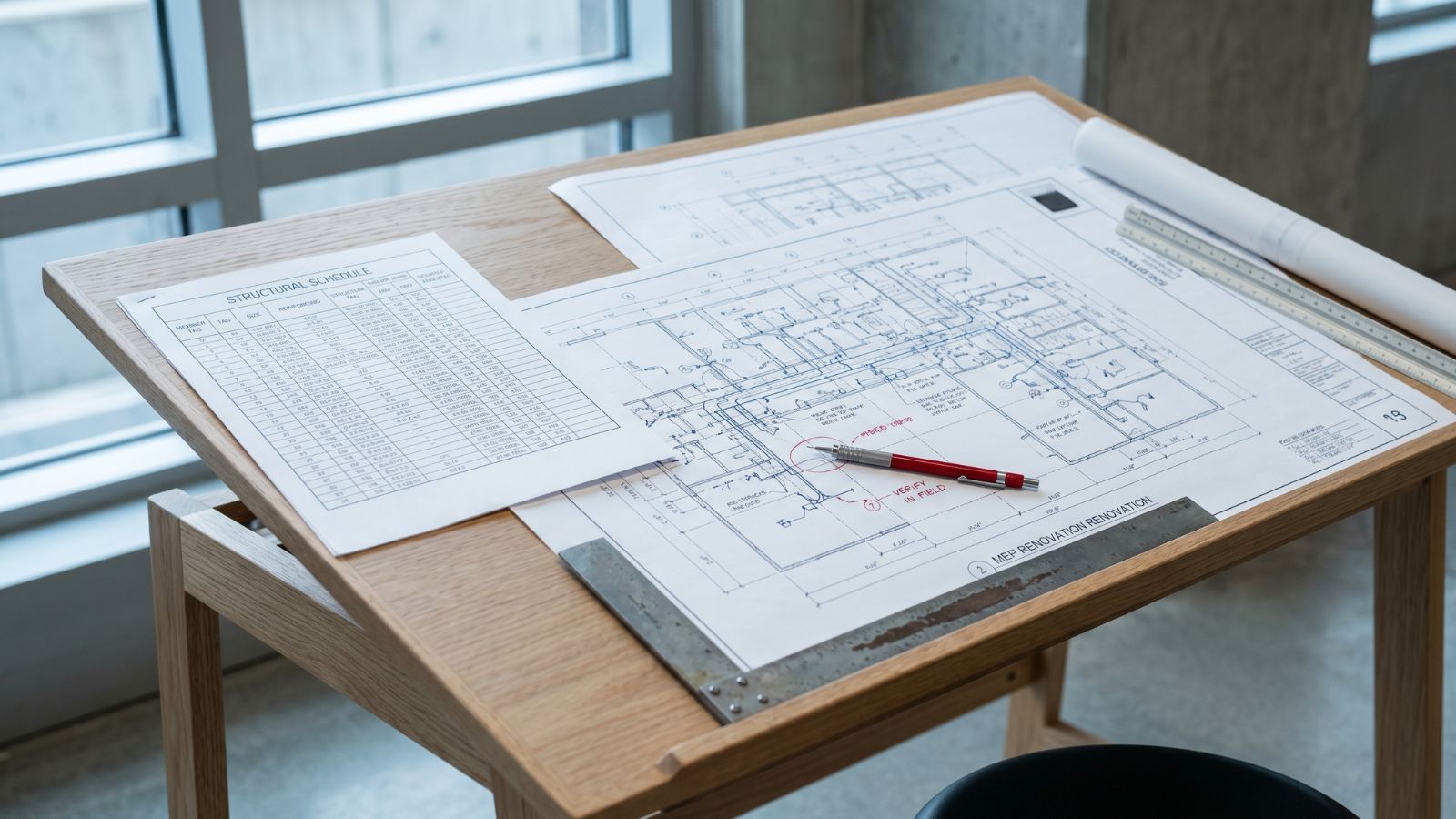
- Schedules and material take-offs. BIM data extraction must remain in Revit. AI cannot generate accurate quantity take-offs or specification schedules.
- MEP coordination. Mechanical, electrical, and plumbing coordination is BIM-native work. AI has no role here.
- Code compliance documentation. Code-checking, life-safety, and accessibility analysis must remain in measured BIM context.
A working Revit + AI day-to-day
- Monday concept review: Export 3 Revit perspective views, run through AI tool with three different style directions, present in afternoon client meeting.
- Tuesday material study: Take chosen client direction, generate 4 material palette options on the same Revit views using AI, narrow to two for further development.
- Wednesday Revit modeling: Translate chosen direction into Revit — model real materials, families, and assemblies in BIM-coordinated way.
- Thursday client design review: Present updated Revit views with AI-enhanced photoreal materials for client sign-off.
- Friday CD prep: Revit-only work — sheets, schedules, details. AI tools off.
This pattern is the working week in many architecture firms in 2026. The AI tools save 6–10 hours of rendering and visualization work; the Revit model integrity stays intact.
Where this is heading by 2027
Direct AI integrations into Revit are emerging rapidly. By 2027, expect:
- Native AI material recommendation. Revit suggesting material assignments based on space type, style direction, and project precedents.
- AI-assisted family generation. Auto-generation of Revit families from photo references or style descriptions.
- Real-time photoreal preview. AI-powered always-on rendering integrated directly into Revit views.
- AI quality-assurance review. AI tools reviewing Revit models for code issues, conflicts, and best-practice deviations.
- Direct AI marketing render pipelines. One-click export from Revit to publication-quality AI renders.
Architects who build AI integration fluency now — even with the current somewhat-clunky export/import patterns — will be positioned to capture these integrations cleanly as they arrive.
Frequently asked questions
Can AI tools replace Revit for architects?
No. Revit produces BIM-coordinated models, construction documents, schedules, and trade-coordinated information that AI tools cannot generate. AI tools accelerate visualization, material exploration, and presentation work but do not produce documentation-grade output.
Does Revit have built-in AI features in 2026?
Some, with more coming. Autodesk has been integrating AI features into Revit including AI-assisted layout generation, material suggestion, and rendering enhancement. The pace of native AI integration is accelerating. Third-party plugins (Enscape, Twinmotion, Lumion) add more AI capabilities.
Which AI tools work best with Revit?
For interior visualization, Roomwork.ai produces strong results from Revit view exports. For architectural rendering, Enscape, Twinmotion, and Lumion integrate directly into Revit with growing AI capabilities. For early concept work, Midjourney with image prompting using Revit exports is fast and useful.
How long does it take to learn a Revit + AI workflow?
If you’re already Revit-fluent, the AI integration adds 4–8 hours of learning to develop a working workflow. The export-image-AI-iterate-import-style pattern is straightforward once practiced. Most firms get value in the first project cycle.
Should architects learn Revit or AI tools first?
Revit first for any architect serious about the discipline. Revit is the documentation backbone; without it, AI tools have nothing to integrate with. Once Revit-fluent, AI tools become valuable accelerators for visualization and presentation work that previously took disproportionate time.
See it in your own projects.
Generate your first AI interior visualization in under 3 minutes. No 3D experience required.