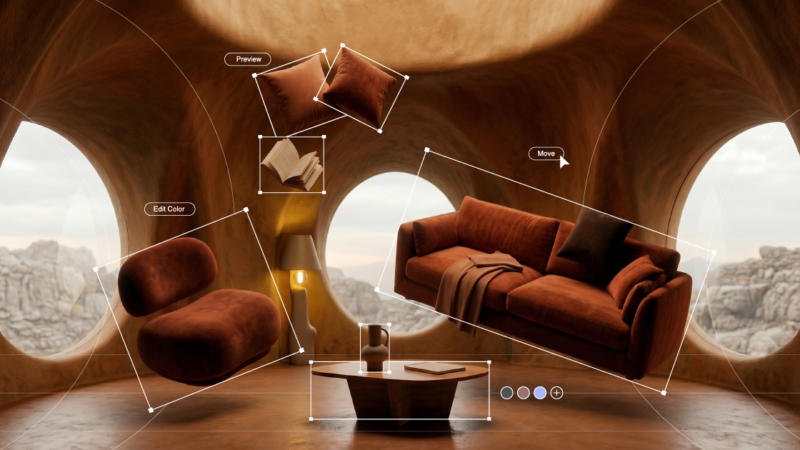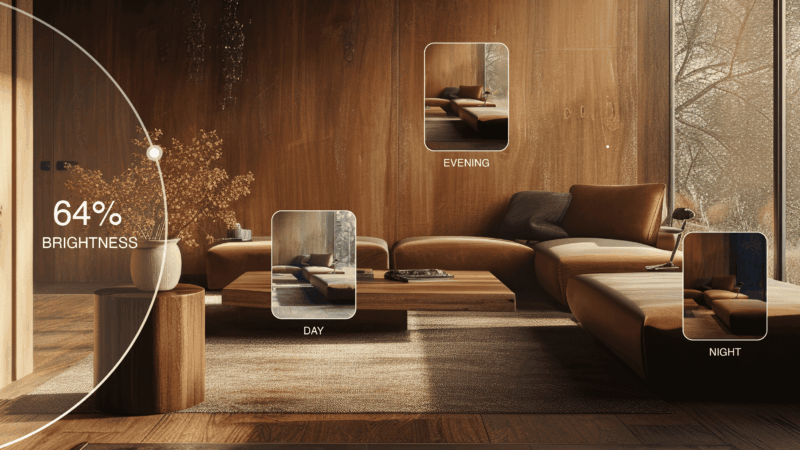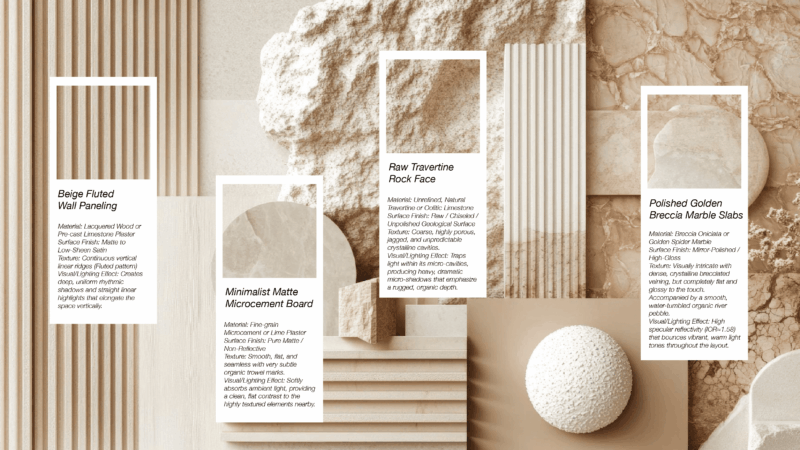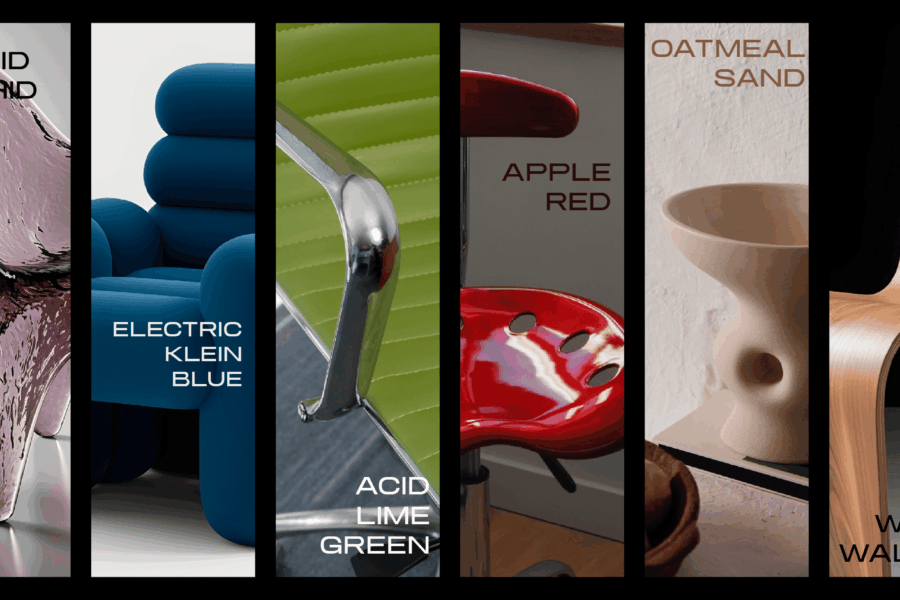
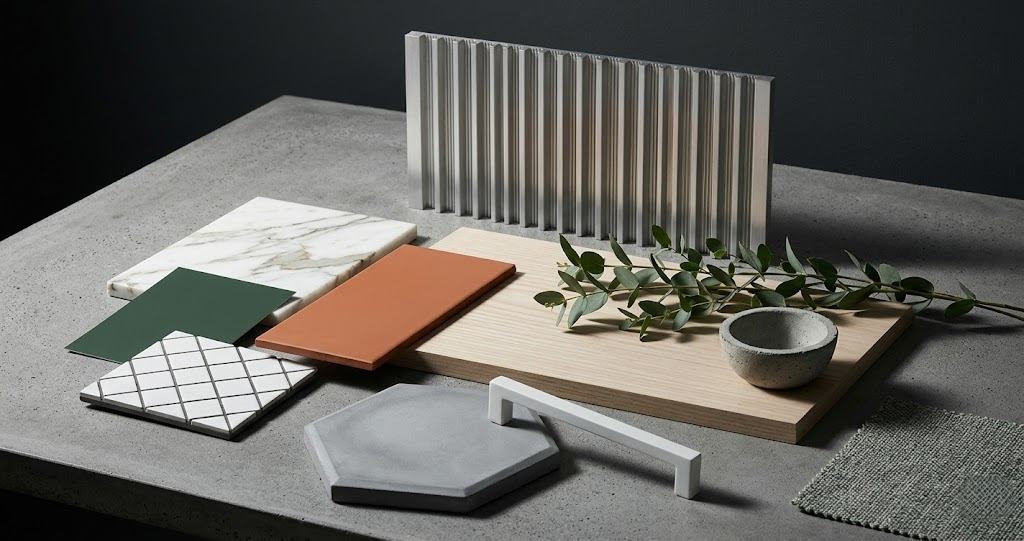
This is the working designer’s guide to AI-accelerated material and finish board workflows — how the spec deliverable has evolved in 2026, the specific AI workflow patterns that produce client-ready boards faster, and how to balance digital exploration with physical samples for final approval.
What a material and finish board actually is
The material and finish board is the design deliverable that documents specified materials, finishes, and color combinations for a project. It serves three purposes:
- Design decision. The board is where the designer commits to a material direction before procurement and construction.
- Client approval. The board is what the client signs off on, often with their initials beside each spec.
- Trade reference. The board (or its specifications document) goes to contractors, cabinet makers, and trades as the source of truth for materials.
The traditional board includes physical samples mounted on a substrate — wood, stone, tile, fabric, hardware — plus product specifications and a key plan. This format remains the gold standard for final approval boards. What has changed is how the design direction is explored before the physical board gets made.
Why AI changed material board workflow
The traditional material board workflow had a slow loop: designer hypothesizes a direction, orders physical samples, waits 2–10 days for samples to arrive, mounts them, presents to client, often hears “I’m not sure” and starts over. Iteration cost is high — both time and money.
AI tools collapse the exploration loop to minutes. The designer can test 5 material palette directions on photos of the actual client space in 30 minutes, narrow to the strongest 2 with the client, then order physical samples only for the chosen direction. The physical board becomes the approval document, not the exploration document.
The AI material board workflow
- Photograph the actual client space. Wide-angle photos from multiple corners. These become the canvas for AI exploration.
- Define direction options. 3–5 material palette directions worth exploring — for example: warm oak + travertine + plaster, vs. dark walnut + statement marble + paint, vs. light oak + concrete + lime wash.
- Generate AI material studies. Run each direction through Roomwork.ai or equivalent. Generate the same room with each material palette. 15–30 minutes total.
- Internal review. Narrow from 5 directions to 2–3 strongest. Annotate what’s working and what to refine.
- Iterate the top directions. Generate 2–3 variants of each strong direction. Adjust specifications. 20–40 minutes.
- Client direction meeting. Present 2 directions with AI visualizations. Capture client preference.
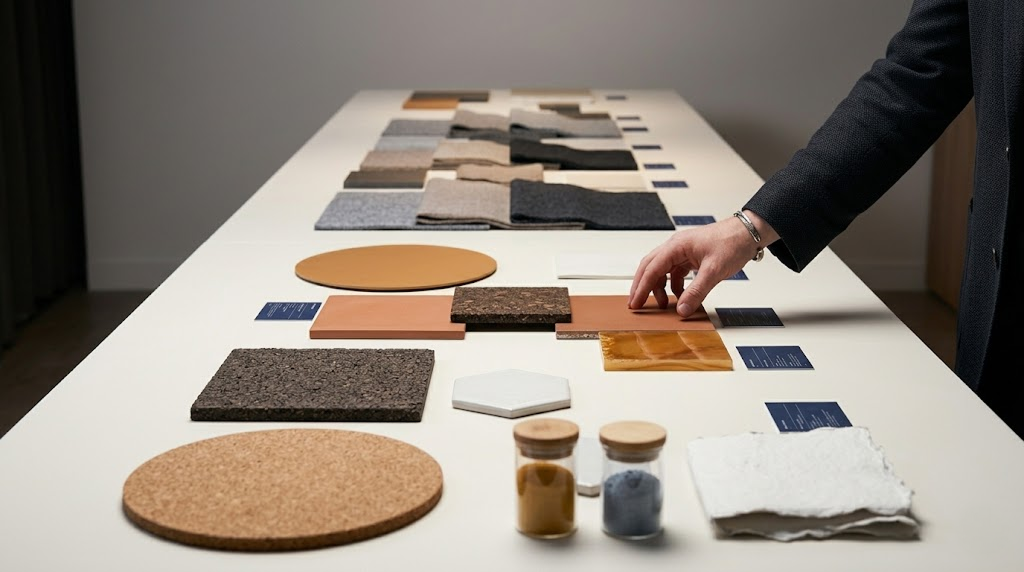
- Order physical samples for chosen direction. Wood, stone, tile, fabric, paint chips, hardware finishes.
- Build approval board. Physical samples mounted with AI render showing the full assembled palette in the space.
- Client signs off on physical board. Initials beside each spec.
What still needs physical samples
AI visualizations are concept-stage tools. Final material decisions still benefit from physical sample review. Specifically:
- Stone, slabs, and natural materials. Every piece is unique. AI shows direction; physical review confirms.
- Wood species and finish. Grain pattern, knot density, color undertone — physical review confirms.
- Fabric and upholstery. Hand, texture, weight — only physical review reveals.
- Paint colors. Color rendering on monitors is unreliable. Order real paint samples and view in the actual space at multiple times of day.
- Tile and hard surfaces. Reflectivity, sheen, surface texture — physical review confirms.
- Hardware finishes. Unlacquered brass, blackened steel, antique bronze all read differently in person.
Building a board that wins client approval
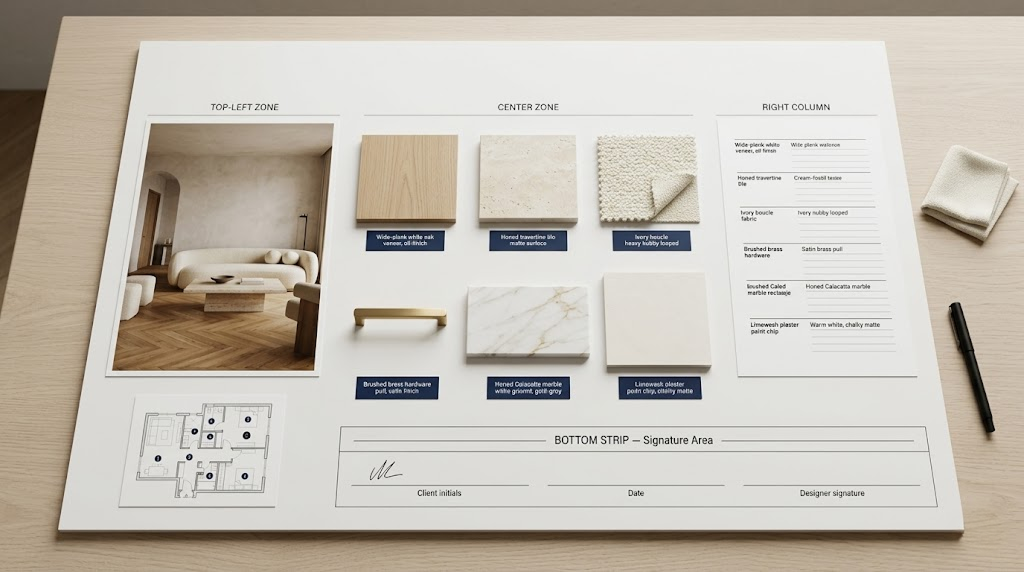
- Top-left: the visualization. AI render or traditional 3D render showing the assembled palette in the space.
- Center: the physical samples. Mounted, labeled, organized by surface (floor, walls, cabinets, counters, hardware).
- Right column: specification list. Manufacturer, product name, model number, finish for each item.
- Bottom: signature area. Date, initial line for client, designer signature.
- Optional: floor plan key. Small floor plan showing where each material applies.
The board should be readable in 60 seconds. Clients who feel overwhelmed don’t sign. Use clean typography, white or warm-neutral background, and group materials by category visually.
Five rules for AI material boards
- Always generate AI studies in the actual client space. Generic stock-room AI visualizations are concept-stage only. The exploration must happen in their room.
- Test 5 directions before narrowing. The first idea is rarely the best. Cheap iteration is the AI material board’s biggest advantage — use it.
- Show only 2 directions to the client. Presenting 5 options to clients leads to indecision. Designer narrows to 2; client chooses between them.
- Order real samples for final approval. Never specify materials from AI visualizations alone. Final approval needs physical review.
- Document the specification, not just the visualization. The signed board needs manufacturer, product name, and model number for every item. Visualization without specification is concept work, not approval work.
Frequently asked questions
What is a material and finish board in interior design?
A material and finish board documents specified materials, finishes, and color combinations for a project. It includes physical samples, product specifications, and often a key plan showing where each material applies. It serves three purposes: design decision, client approval, and trade reference for construction.
Can AI generate material boards for interior design?
AI tools generate the visualization layer of material boards — showing how a material palette will look in the actual client space. AI cannot replace physical sample review for final approval. The 2026 working pattern uses AI for exploration and physical samples for approval.
How long does an AI material board take to prepare?
AI exploration for 5 material directions takes 30–60 minutes. Physical sample ordering takes 2–10 days. Final assembled approval board takes 1–3 hours of physical work. Total elapsed time from start to client sign-off is typically 1–2 weeks, compared to 3–5 weeks under traditional all-physical workflows.
Do I still need physical samples if I use AI material boards?
Yes, for final approval. AI visualizations are concept-stage tools that accelerate exploration. Final approval should reference physical samples because monitor color rendering, material texture, and surface finish do not translate accurately. Specifying from AI visualizations alone produces poor outcomes.
What software is best for AI material boards in 2026?
Roomwork.ai is purpose-built for interior design material exploration with strong fidelity to specified palettes. Midjourney can produce material studies with prompt engineering. Photoshop with Generative Fill handles material substitution within existing photographs. The 2026 typical workflow uses Roomwork.ai or equivalent for exploration and Photoshop for final board layout.
See it in your own projects.
Generate your first AI interior visualization in under 3 minutes. No 3D experience required.