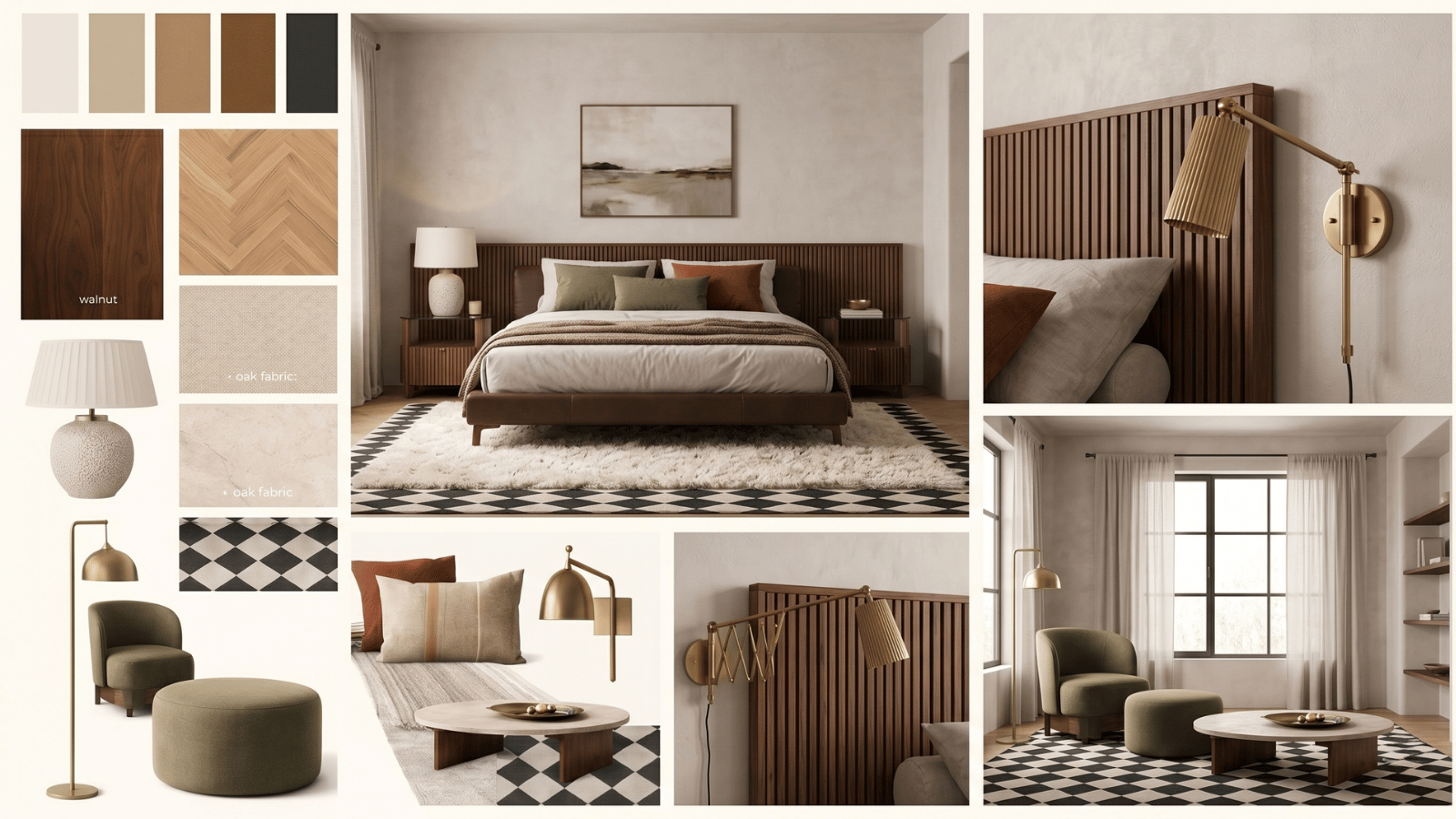
What an AI mood board generator actually does
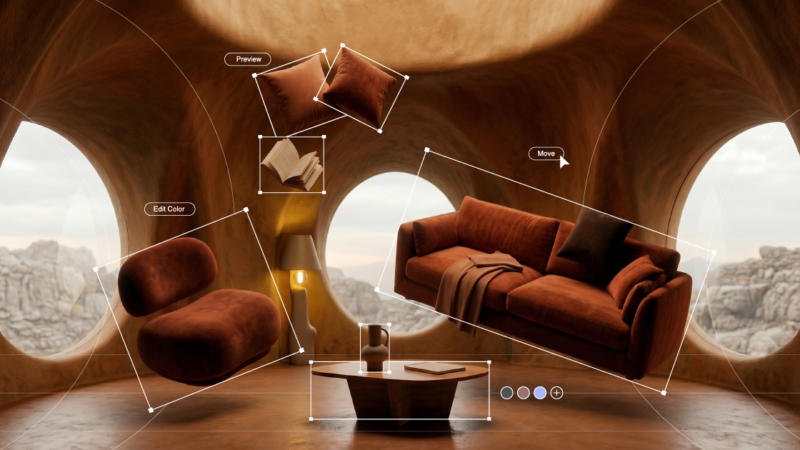
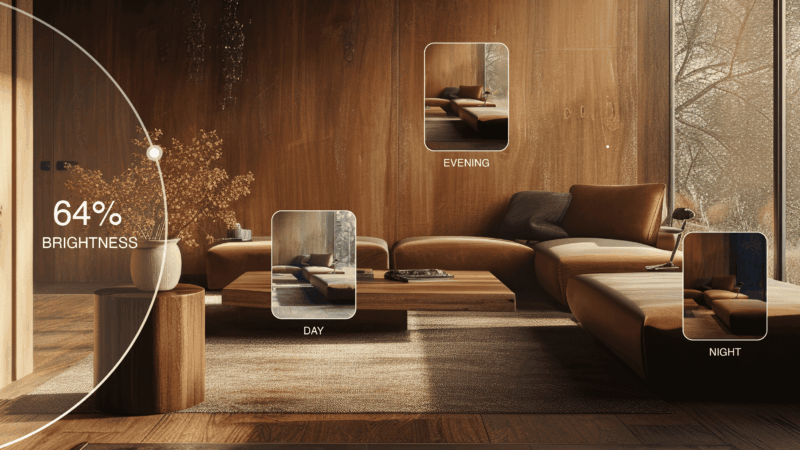
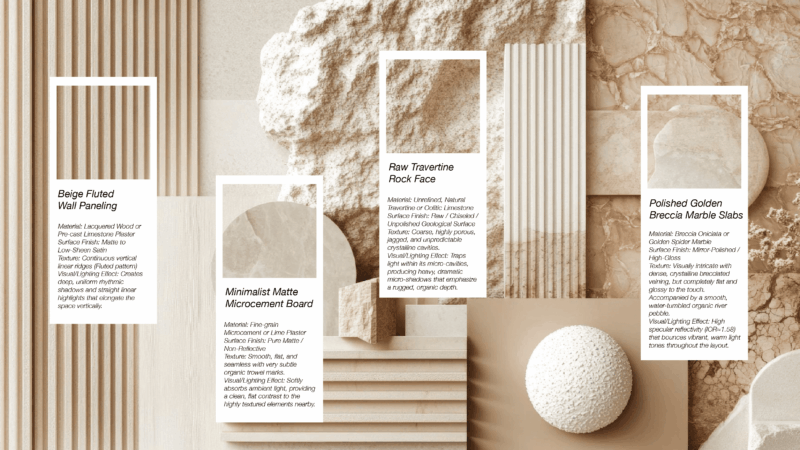
AI mood board generators take text or image inputs and produce a grid of related imagery — interiors, textures, color swatches, and material references — that collectively communicate a design direction. Some tools search existing reference libraries; others generate new images; the best do both.
The output isn’t a client-ready deliverable on its own. It’s the input to the next stage — concept visualization — where the mood board’s vibe gets applied to the actual room. Covered in our workflow breakdown.
When to use an AI mood board generator
- Project intake. Align with a client on directional vocabulary before committing to visualization.
- Style pivot decisions. When a client’s brief is vague (“something warm but modern”), a mood board makes the fork concrete.
- Team creative kickoffs. Get everyone at the studio on the same page in 15 minutes.
- Pitch pre-work. Use mood boards as the first 2 slides of a pitch deck to anchor the proposed direction.
- Reference library maintenance. Tag and organize visual inspiration systematically.
When NOT to use an AI mood board generator
- As a substitute for actual visualization. A mood board can’t show how a direction reads in the client’s real room.
- For final client approval. Clients approve rooms; they don’t approve grids of Pinterest-style references.
- For material specification. Mood board imagery is inspirational, not catalog-accurate.
- As a proxy for site visits or measurements. No AI grid replaces standing in the space.
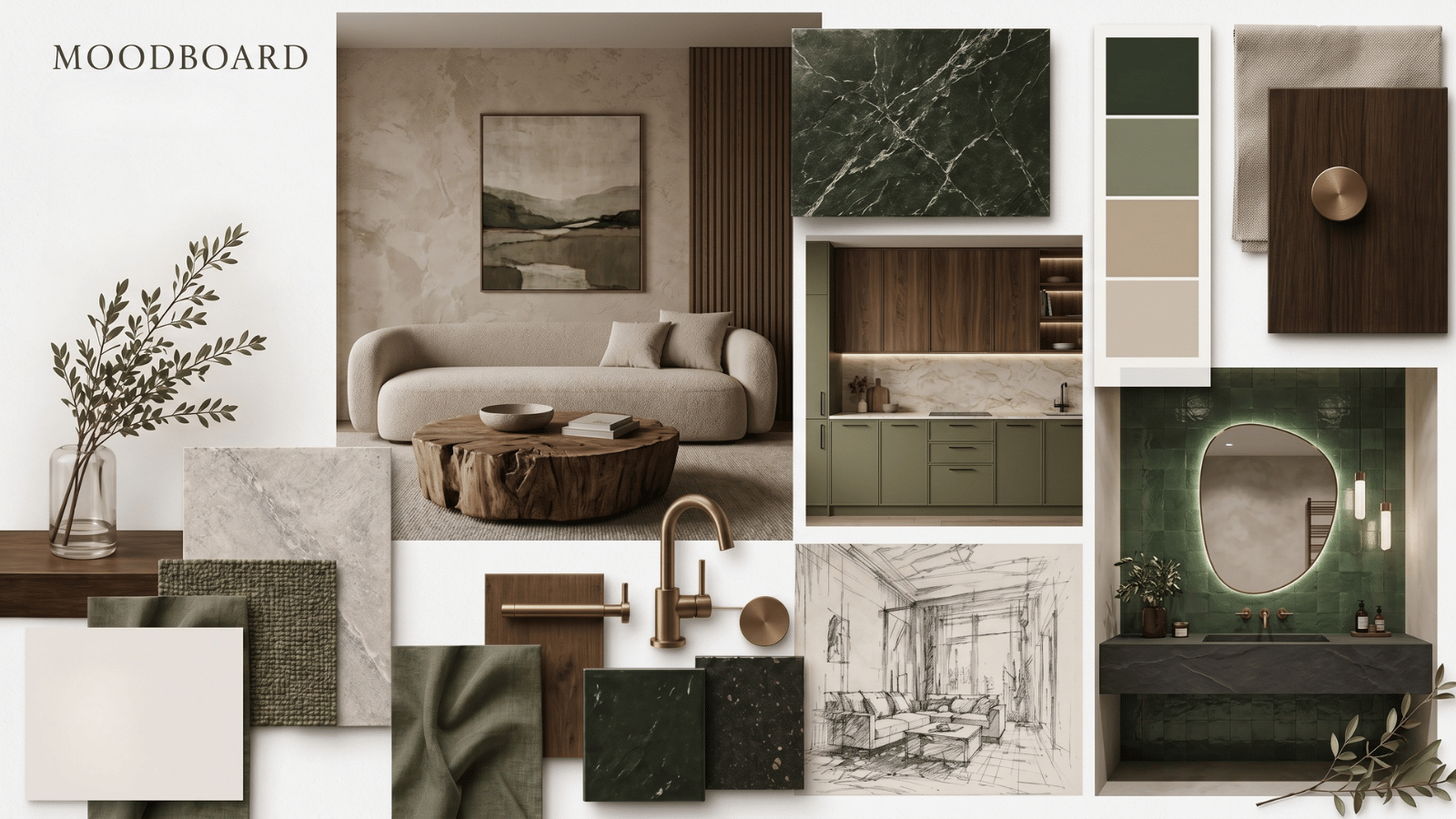
How to get a useful mood board from an AI generator
- Lead with materials, not adjectives. “White-oak floors, plaster walls, bouclé seating” produces a sharper mood than “warm modern”.
- Name reference eras. Mid-century, deVOL kitchen, 1970s Italian — the model has absorbed this vocabulary and responds precisely.
- Include one “avoid” term. “Warm Mediterranean, avoid heavy terracotta” steers output away from clichés.
- Constrain the palette. 3–4 colors max. “Warm cream, off-black, brass, clay” works; “warm tones” doesn’t.
- Pin a North Star image. If you have one reference the client has loved, include it as a seed image so the generated board orbits around it.
- Regenerate once. A second pass almost always improves coherence.
- Edit aggressively. Keep 6–8 of the strongest images for the client-facing deck, not the full grid the tool produces.
AI mood board vs. traditional mood board
| Dimension | AI mood board | Manual Pinterest mood board |
|---|---|---|
| Time to assemble | 15–30 min | 2–4 hours |
| Coherence | High — generated around a brief | Depends on curator |
| Originality | Moderate — reflects training data | High if curator is well-read |
| Client-specific fit | Direct from brief | Indirect via reference |
| Post-edit required | Always | Usually |
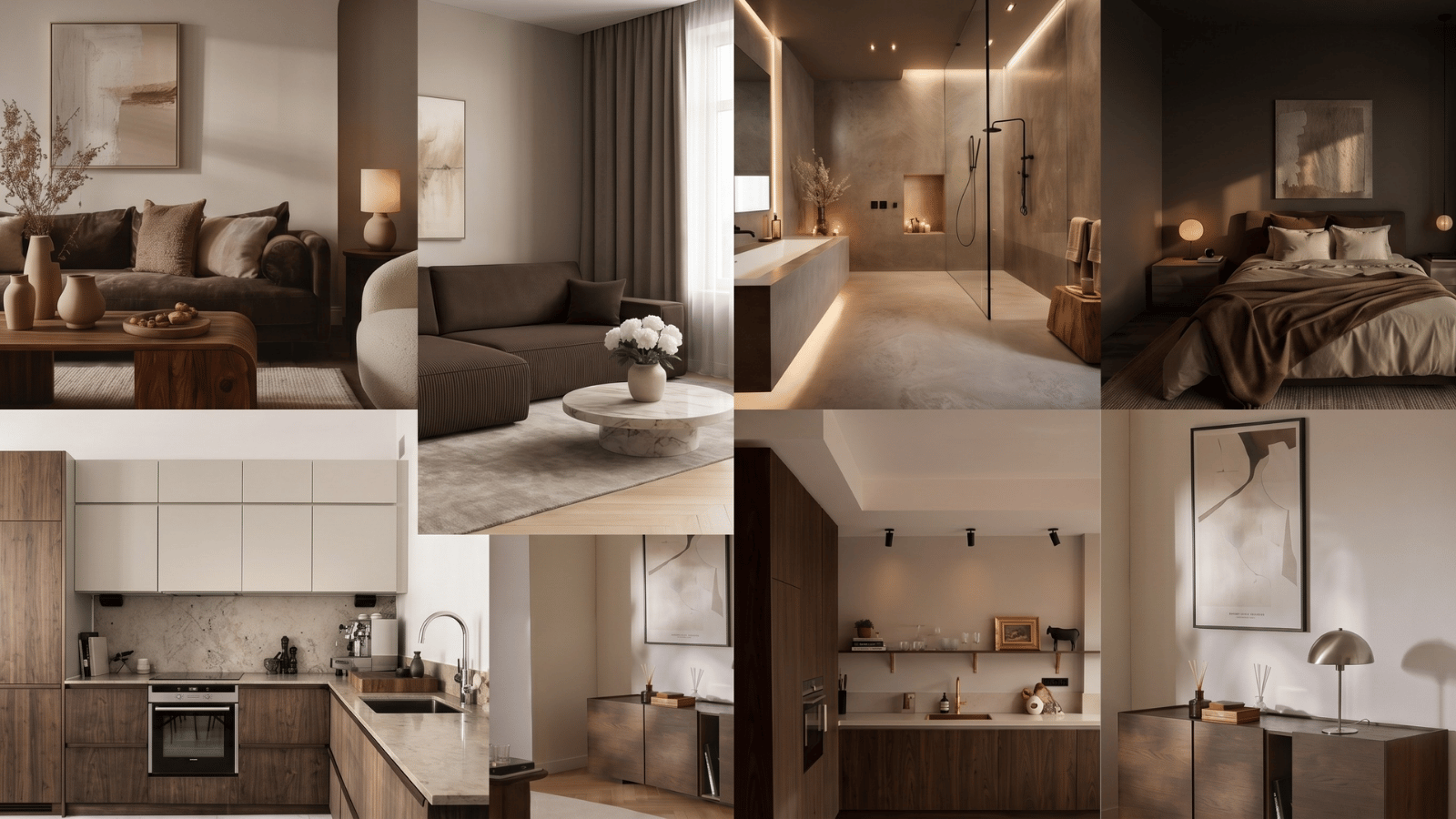
From mood board to realistic render
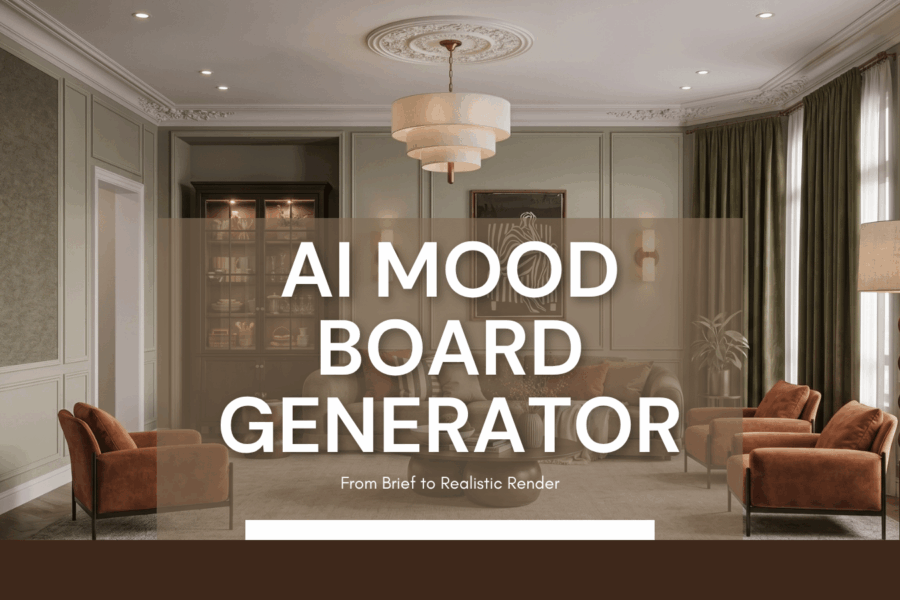
The high-leverage workflow: use an AI mood board generator to lock style direction with the client, then feed that vibe into a generative restyling tool that applies it to the actual room. The mood board becomes the input; the render becomes the output. Roomwork.ai accepts mood boards as reference input and produces photorealistic renders of the real space in that direction.
Frequently asked questions
What is an AI mood board generator?
A tool that uses AI to produce a curated grid of visual references aligned with a brief. Output: a mood board that communicates style direction. Input: text, images, palette, or references.
Can an AI mood board replace a Pinterest board?
For project-specific alignment, yes — AI output is tighter to the brief. For ongoing inspiration collection, Pinterest and Are.na remain useful complementary tools.
Is an AI mood board generator free?
Many are free at a basic tier. Professional features (high-resolution export, commercial license, style lock across sessions) typically live in paid plans.
Can I use AI mood board output commercially?
Always check the tool’s license. Some generate new imagery with commercial use allowed; others surface existing reference imagery that may be copyrighted.
How accurate are AI-generated materials and textures?
Inspirational, not catalog-accurate. Never specify materials from a mood board image alone — use it as a directional cue and verify with actual samples before specifying.
How does a mood board connect to the final rendered design?
The mood board becomes the style input for a generative restyling tool, which applies that vibe to the actual room photo. Mood board → concept render → material study → client approval — that’s the full AI workflow.
See it in your own projects.
Generate your first AI interior visualization in under 3 minutes. No 3D experience required.