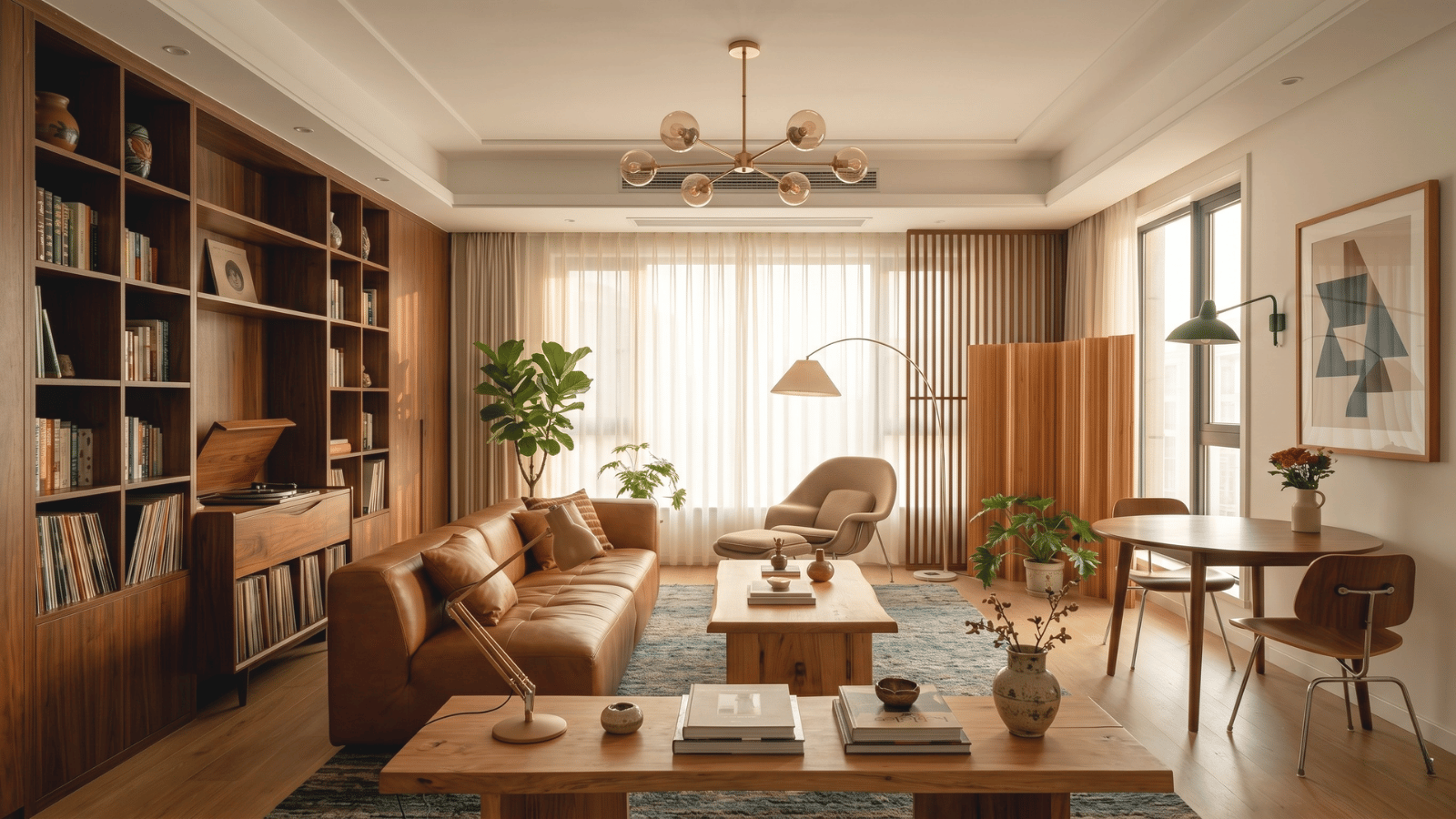
This is the working designer’s guide to Midjourney for interior design — what it actually delivers, where it shines, where it breaks, and the prompt construction techniques that produce designer-readable output instead of generic AI noise.
What Midjourney is good at for interior design
Midjourney’s strength is stylistic image generation. For interior design specifically, it excels at:
- Mood and vibe imagery. When you need 8–12 directional images for a discovery deck and you’re not yet committed to a real room.
- Reference image generation. “What does Japandi with mid-century influence look like?” — Midjourney produces fast directional reference.
- Style exploration. Brainstorm broad aesthetic territories before narrowing.
- Marketing and editorial imagery. Hero images for blog posts, social media, lookbooks.
- Speculative or conceptual portfolio work. When you need atmospheric imagery for ideas, not specific rooms.
Where Midjourney falls short for studio work
| Capability | Midjourney | Purpose-built interior AI |
|---|---|---|
| Image-to-image from real photo | Yes via /describe + reference image, but inconsistent | Core feature, optimized |
| Object-level masking | None — full regenerate only (or Vary Region with limits) | Full regional control |
| Camera lock across variants | Difficult — perspective drifts | Built-in |
| Material library | Generic vocabulary | Wood species, stone variety |
| Discord workflow | Required | Standard web app |
| Commercial license | Pro plan needed for clear commercial use | Built-in |
| Studio-grade export | Up to 2048×2048 typically | Print-quality configurable |
| Team / asset library | Limited | Studio-oriented |
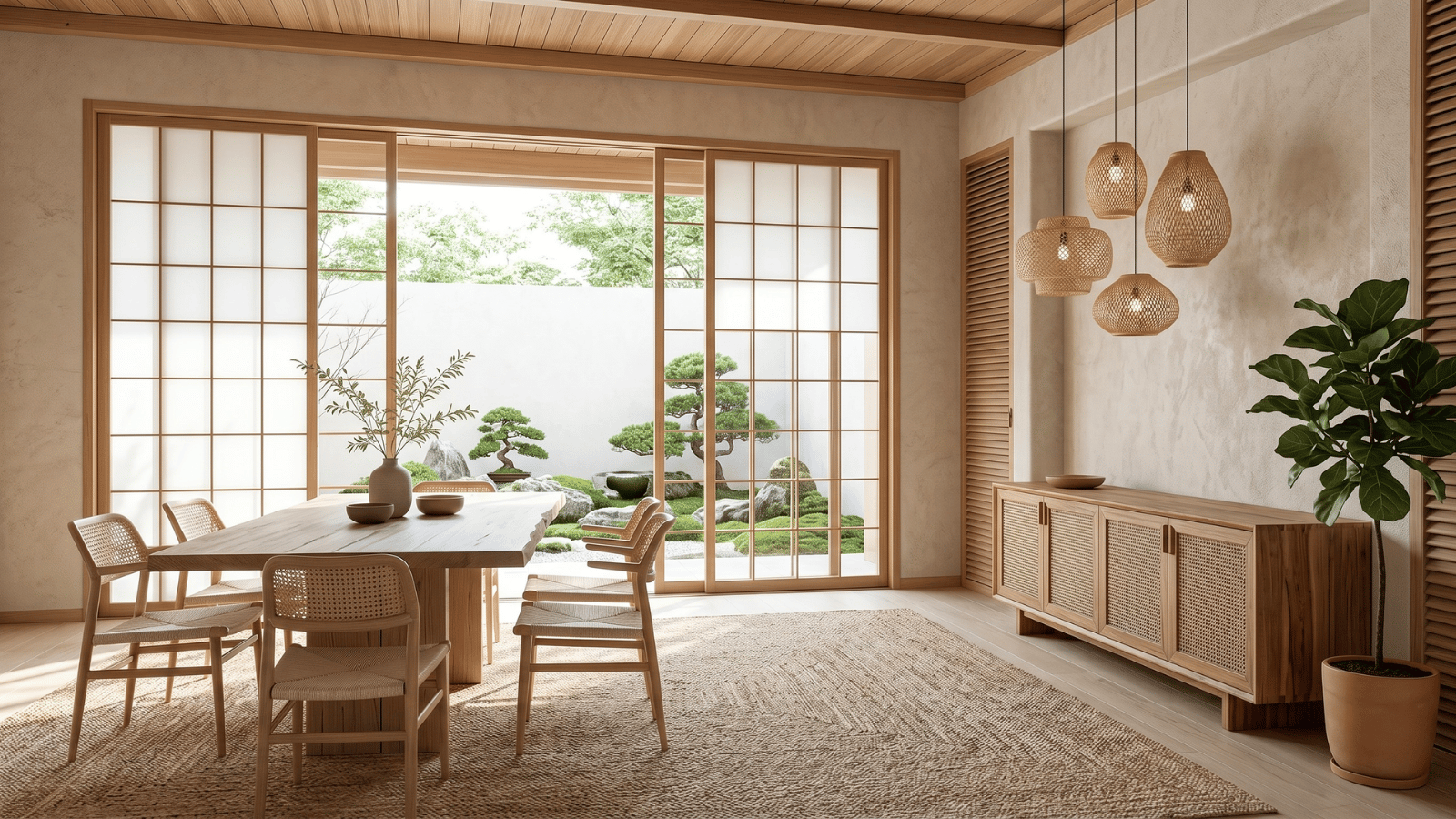
Effective Midjourney prompts for interior design
Midjourney rewards specific, layered prompts. Generic style words produce generic results. Lead with materials, era references, lighting, and camera position.
Better prompt: --ar 16:9 photorealistic interior, Japandi living room, cream bouclé Camaleonda-style sectional, white oak floors, raku ceramic vessel on walnut shelf, paper lantern pendant, deliberate negative space, soft late afternoon light, wide-angle eye-level camera
Generic prompt that fails: cozy modern living room
Useful Midjourney parameters for interior work:
--ar 16:9for landscape interior shots--ar 4:5for vertical Instagram-ready compositions--style rawreduces AI’s tendency to over-style--s 100moderate stylization--cref [image url]uses a reference image for character/style consistency
Hybrid workflow: Midjourney + a purpose-built interior tool
- Midjourney for ideation. Generate 12–20 directional images from the client brief. Pick 3.
- Purpose-built tool for visualization. Apply chosen directions to the client’s actual room with locked camera and object masking.
- Midjourney for marketing. Use it for atmospheric blog imagery, social posts, and conceptual portfolio pieces.
- Purpose-built tool for material studies. Compare 4 stones and 3 cabinet colors with regional control.
Designers who treat Midjourney as the ideation + marketing layer and a purpose-built tool as the studio production layer get the best of both.
Midjourney pricing and licensing for design studios
| Plan | Cost (2026) | Use case | Commercial license |
|---|---|---|---|
| Basic | $10/mo | Solo exploration | Yes (most use cases) |
| Standard | $30/mo | Working designer | Yes |
| Pro | $60/mo | Studio-level | Yes + Stealth mode |
| Mega | $120/mo | High-volume agencies | Yes + Stealth + max |
For most design studios, Standard ($30/mo) is sufficient for ideation use. Always check current Terms of Service before using Midjourney output in client-paid deliverables.
Verdict: should designers use Midjourney as their primary tool?
No — but yes as part of the stack. Midjourney is the strongest tool for ideation, mood-board work, and atmospheric imagery. It’s not the right tool for client-facing visualization on real rooms because of camera drift, lack of regional masking, and Discord-based workflow friction.
The recommended setup for a 2026 design studio: Midjourney for ideation + a purpose-built tool like Roomwork.ai for client production work. Standard Midjourney plan + a studio AI tool subscription typically runs $50–$80/month total — less than a single freelance render and faster than any traditional alternative.
Frequently asked questions
Is Midjourney good for interior design?
It’s excellent for ideation and mood-board imagery, less good for client-deck consistency and real-room visualization. Use it as part of a stack, not as the only tool.
Can Midjourney render interior design from a photo?
Yes via reference images and image prompts, but the consistency is lower than purpose-built interior AI tools. Camera drifts; materials shift between iterations.
How much does Midjourney cost for designers?
$10–$120/month depending on plan. Standard ($30/mo) is sufficient for most working designers.
Are Midjourney images commercially usable?
Yes for paid plan subscribers in most cases. Always confirm current Midjourney Terms of Service before using output in paid client deliverables.
What’s the best Midjourney prompt for interior design?
Lead with materials, name a specific anchor object, set lighting and camera explicitly. Avoid vague style words. Use –ar 16:9 and –style raw for cleaner output.
Should I use Midjourney or Roomwork.ai?
For ideation, Midjourney. For client-room visualization with locked camera, object masking, and material studies, Roomwork.ai. Most studios use both.
See it in your own projects.
Generate your first AI interior visualization in under 3 minutes. No 3D experience required.