What separates a professional AI interior design app from a consumer one
| Capability | Consumer app | Professional app |
|---|---|---|
| Camera lock across variants | Rarely | Required |
| Object-level masking | Limited | Full regional control |
| Material-first prompting | Style-based | Finish-specific (wood species, stone type, tile size) |
| Output resolution | Social-grade | Print / presentation grade |
| Batch iteration | One at a time | Multi-variant per session |
| Client-ready export | Watermarked or compressed | Clean export with alt versions |
Categories of AI interior design apps in 2026
1. Professional generative tools (Roomwork.ai and similar)
Purpose-built for interior design studios. Image-to-image with object-level control, material swapping, and camera-locked variants. Best for concept decks, client pitches, and material studies. Roomwork.ai is in this category.
2. General image generators with ControlNet-style workflows
Tools like Midjourney, Stable Diffusion with ControlNet, and Adobe Firefly can produce interior renders with sufficient prompting skill — but lack built-in interior-specific workflows like material libraries and layout preservation.
3. Consumer restyling apps
“Redesign your room” apps aimed at homeowners. Fast, fun, and image-only — but lacking the control, consistency, and professional polish required for client-facing work.
4. 3D-to-AI hybrid tools
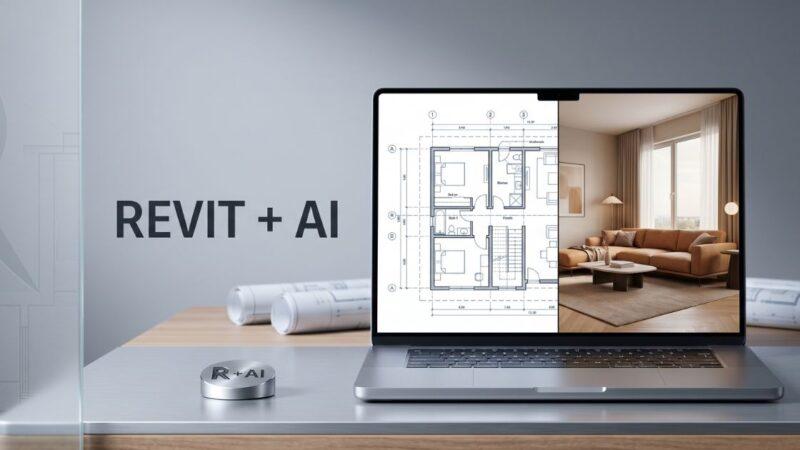
Tools that combine SketchUp / Rhino / Revit geometry with AI texture and lighting layers. Useful when a studio already has a 3D pipeline and wants to add photorealism without full V-Ray render times.
5. Virtual staging AI
Specialized tools for real estate listings — empty rooms in, styled rooms out. Different priorities than design studio tools (speed over customization). Covered in depth in our virtual staging guide.
How to evaluate an AI interior design app for your studio
- Run your own test image through the free tier. Use a photo of an actual client’s room and prompt for a specific direction. Judge the output on scale accuracy, material realism, and fixture credibility.
- Test masking capability. Can you regenerate just the sofa without restyling the rest? Can you lock the window wall while changing the fireplace?
- Check camera stability. Generate 3 variants with the same prompt — does the perspective hold?
- Read the terms for commercial use. Some consumer tools prohibit commercial use of output; unusable for a studio.
- Evaluate export quality. Watermarks? Resolution cap? Format flexibility for client decks?
- Look at the credit economics. Most professional tools use credit-based pricing. Calculate credits per deliverable project, not per render.
What to avoid when choosing an AI interior design app
- Tools that only accept text prompts (no base image) — you’ll lose architectural accuracy.
- Apps with no masking or region-level control — every change means a full regenerate and drift.
- Free tiers that watermark or compress output — unusable for professional client work.
- Tools positioned as “one-click redesign” — the one-click abstraction hides the control you need for brief-specific output.
- Apps without a commercial-use license for generated images.
Why Roomwork.ai sits in the professional category
Roomwork.ai is built for interior design studios, not homeowners. The platform keeps object appearance stable across iterations, supports material-only regeneration, locks camera across variants for side-by-side client decks, and produces print-grade export. The credit model is designed around studio workflows — a designer runs 20–40 iterations per project, not one. Try it free with a real client photo and judge it on the output.
Frequently asked questions
What is the best AI interior design app for designers?
“Best” depends on your workflow. For client-facing studio work, professional tools with camera lock, object masking, and commercial licensing (like Roomwork.ai) outperform consumer apps. Test 2–3 with a real client photo to choose.
Are free AI interior design apps good enough for professional work?
Usually not — free tiers often watermark output, cap resolution, and block commercial use. Use them to evaluate the engine; upgrade for actual client deliverables.
Can I use one AI app for kitchens, bathrooms, bedrooms, and living rooms?
Yes — a well-built professional app handles all room types. Prompting habits change per room (bathroom leans on stone and tile; bedroom on textile and paint), but the tool stays the same.
How many AI interior design apps should a studio actually use?
One primary professional tool plus one generalist image generator for stylized or abstract imagery. Avoid stacking multiple consumer apps — it fragments your workflow.
Is ChatGPT’s image generation good enough for interior design?
It’s improving fast, but as of 2026 it still lacks the object-masking and camera-lock control a studio needs. Useful for ideation; insufficient as the primary studio tool.
Do AI interior design apps replace 3D rendering?
For concept and pitch phases, yes. For construction documents, walkthrough VR, and spec-exact client renders, no — 3D remains the standard. Most studios run both pipelines.
See it in your own projects.
Generate your first AI interior visualization in under 3 minutes. No 3D experience required.