What counts as “AI interior design software” in 2026
The term has broadened. In practice, it refers to any software where AI is the primary mechanism for producing or modifying interior design output — concept visualization, material assignment, layout generation, or photorealistic rendering. Adjacent categories (AI-enhanced 3D tools like SketchUp plugins) count if AI is doing meaningful design-stage work, not just post-processing.
Professional vs. consumer AI interior design software
| Capability | Professional | Consumer |
|---|---|---|
| Image-to-image from real photo | Required | Sometimes |
| Object-level masking | Full regional control | Limited or missing |
| Camera lock across variants | Built-in | Rare |
| Material library depth | Wood species, stone varieties, tile size | “Wood”, “stone”, “tile” |
| Export resolution | Print / presentation grade | Social / compressed |
| Commercial use license | Explicit, typically included | Often prohibited |
| Credit economics | Priced for studio iteration | Priced for one-off projects |
| Team / collaboration | Shared library, asset handoff | Single-user |
The anatomy of a studio AI stack
A working studio usually runs three AI software categories in parallel:
- Generative concept software. The primary tool for producing restyled renders, material studies, and client pitch variants. Used daily. Roomwork.ai fits here.
- Discovery / ideation software. AI mood board or reference exploration tool. Used at project kickoff.
- Rendering acceleration. For studios producing final-pass 3D renders — AI denoising, upscaling, relighting. Used at the handoff stage.
Smaller studios can often drop the third category and run entirely on the first two. Larger architecture-led interior firms typically need all three.
How to evaluate professional AI interior design software
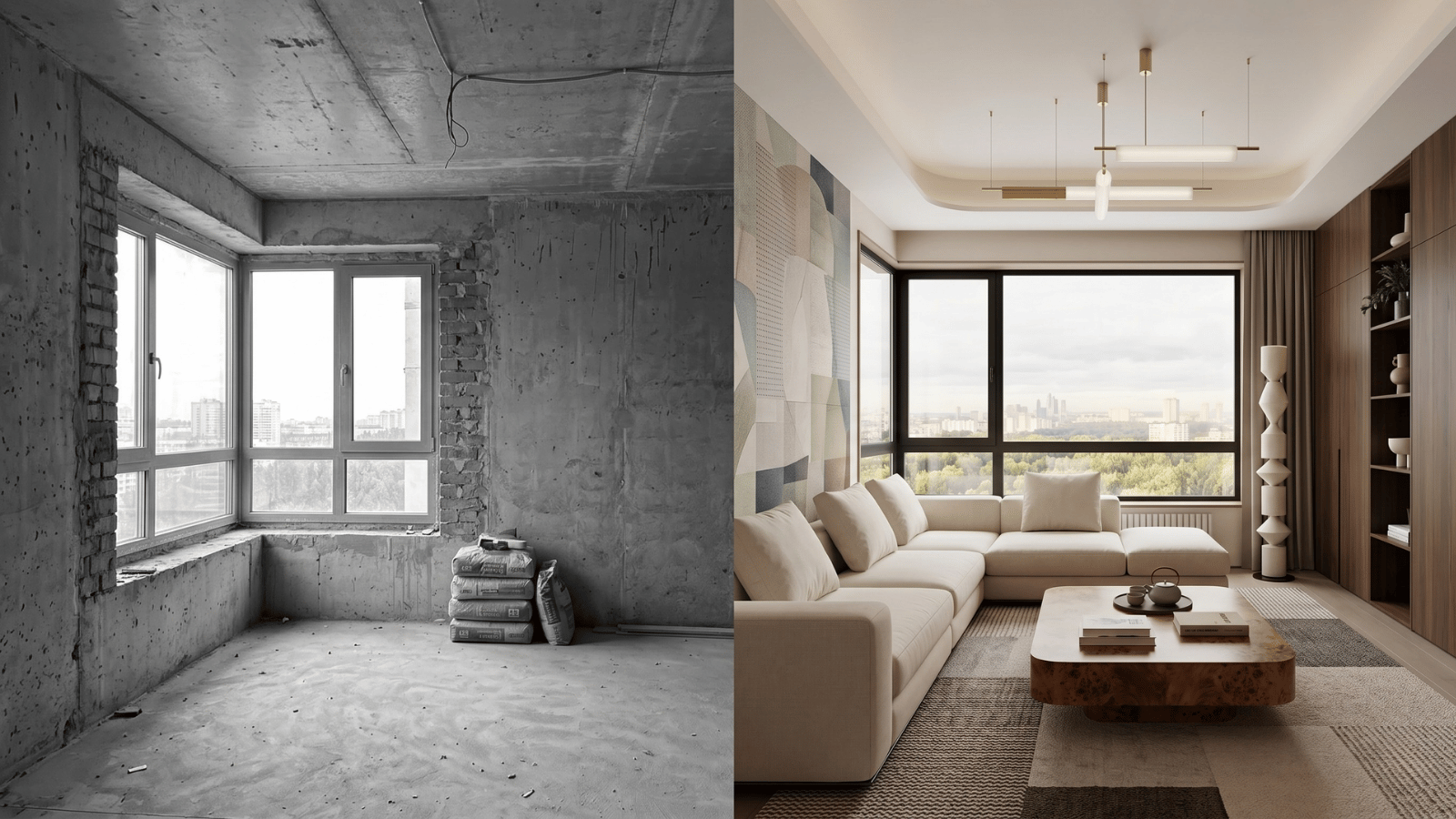
- Upload a real client photo. Not a stock interior — something from your actual pipeline. Judge on how well architectural scale is preserved.
- Test three material directions. Warm mid-century, moody contemporary, clean Scandinavian. How does each render?
- Run masking. Can you change only the sofa? Only the floor? Only the ceiling?
- Check camera consistency. Generate 4 variants — does perspective hold or drift?
- Export the result. What resolution? Watermarked? Acceptable for a client deck?
- Read the terms of service. Commercial use allowed? Output ownership? Model training opt-out?
- Calculate cost per project. Not per render — a single project consumes 20–60 renders across iterations.
Pitfalls in AI interior design software purchasing
- Buying on one-render demos. Any tool produces a good cherry-picked demo. Evaluate on 10–20 real iterations.
- Ignoring commercial license terms. A tool unusable for paid client work is worthless for a studio, no matter how good the output.
- Overvaluing “fast onboarding.” A tool that requires some skill to drive produces better output than one optimized for one-click ease.
- Stacking consumer tools. Three consumer apps don’t add up to one professional tool — they fragment the workflow.
- Skipping the export test. Output quality at studio-required resolutions (1600×900, 2400×1600 for print) is often worse than the demo preview.
Why Roomwork.ai positions as professional AI interior design software
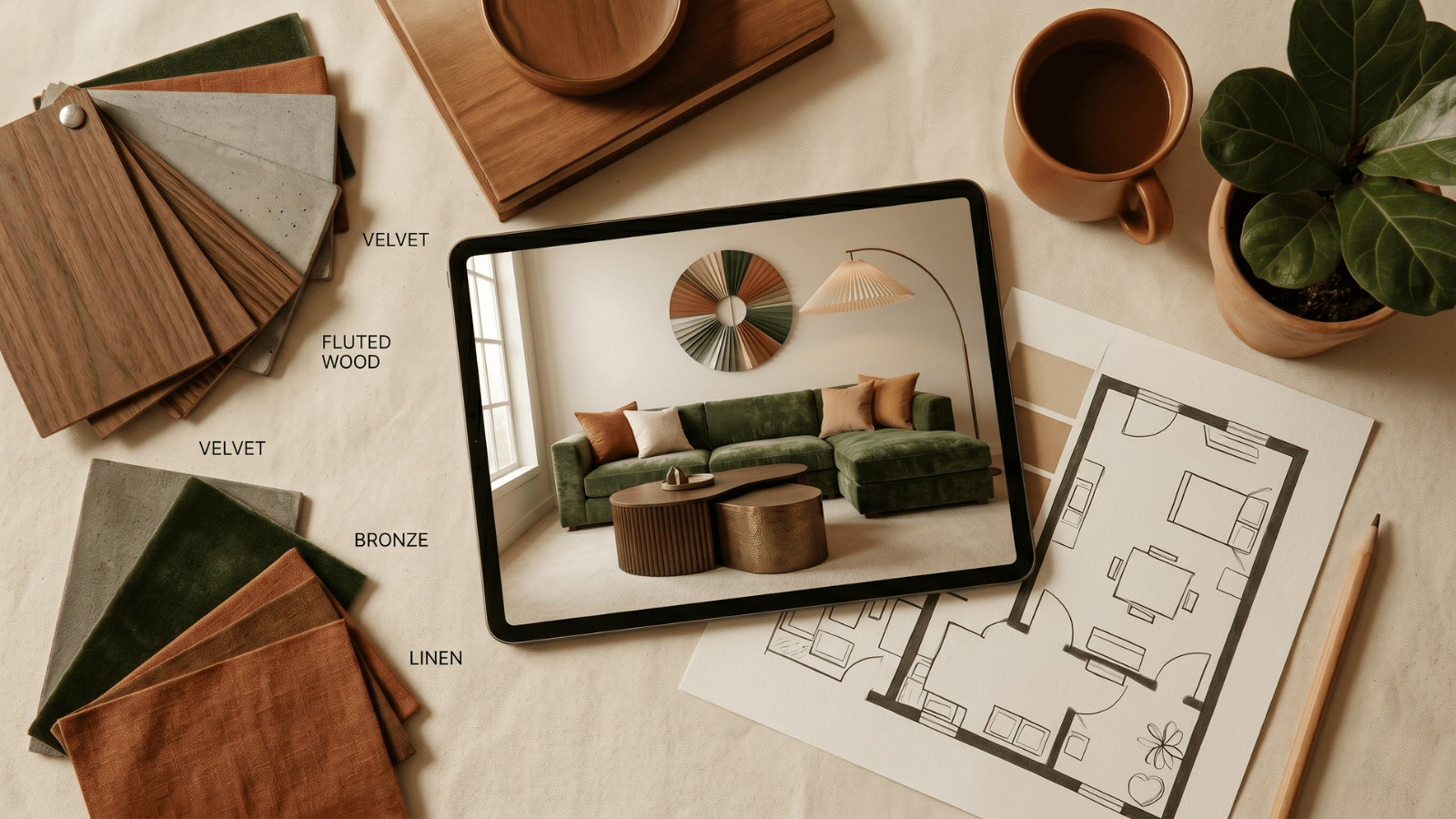
Roomwork.ai is built for interior designers, architects, and design studios. It preserves architectural geometry, supports object-level masking, locks camera for client-grade comparison decks, produces presentation-quality export, licenses output for commercial use, and prices credits for the real iteration depth of studio projects. Try it free and evaluate against the 7-step checklist above with your own client photo.
Frequently asked questions
What is the best AI interior design software for professionals?
The “best” depends on project mix. For most residential and hospitality design studios, a generative restyling tool with object masking and camera lock (like Roomwork.ai) is the foundational layer, supplemented by a discovery/mood board tool.
Is free AI interior design software good enough for studio work?
Typically not — free tiers watermark, cap resolution, and restrict commercial use. Use free plans to evaluate; upgrade for client deliverables.
Can AI interior design software replace traditional design tools?
At the concept and pitch stage, increasingly yes. At the construction documentation stage, no — CAD and technical 3D remain the backbone.
How steep is the learning curve for professional AI interior design software?
Most working designers are productive in 2–4 hours of practice. The skill is in prompt construction and curation — both of which already overlap with designer training.
Does AI interior design software work on Mac, Windows, and mobile?
Most professional tools are browser-based and work cross-platform. A few have desktop apps or SketchUp/Revit plugins. Mobile support is usually view-only.
Do I need a technical background to use AI interior design software?
No. The interfaces are designer-friendly. The skill transfer is in naming materials, finishes, and lighting precisely — which most trained designers already do.
See it in your own projects.
Generate your first AI interior visualization in under 3 minutes. No 3D experience required.