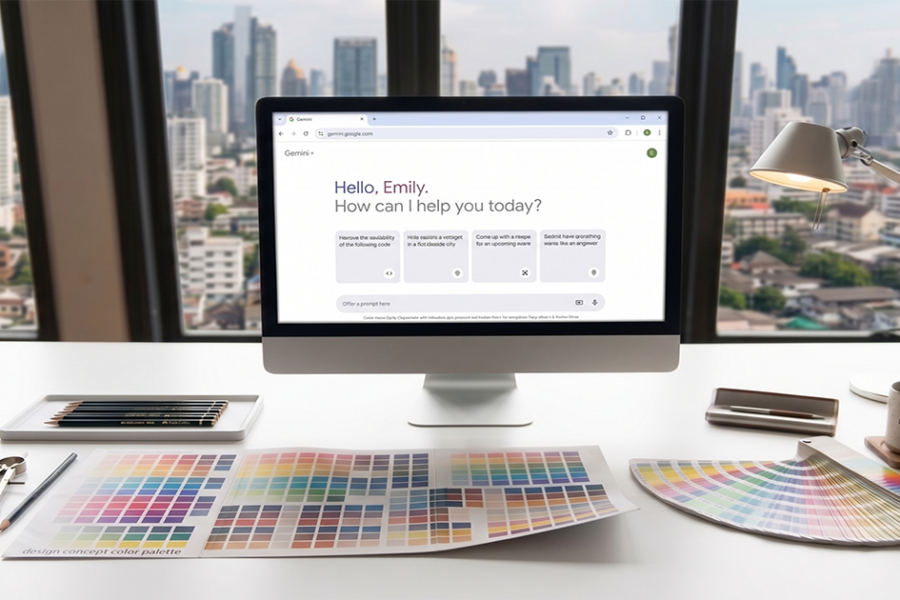
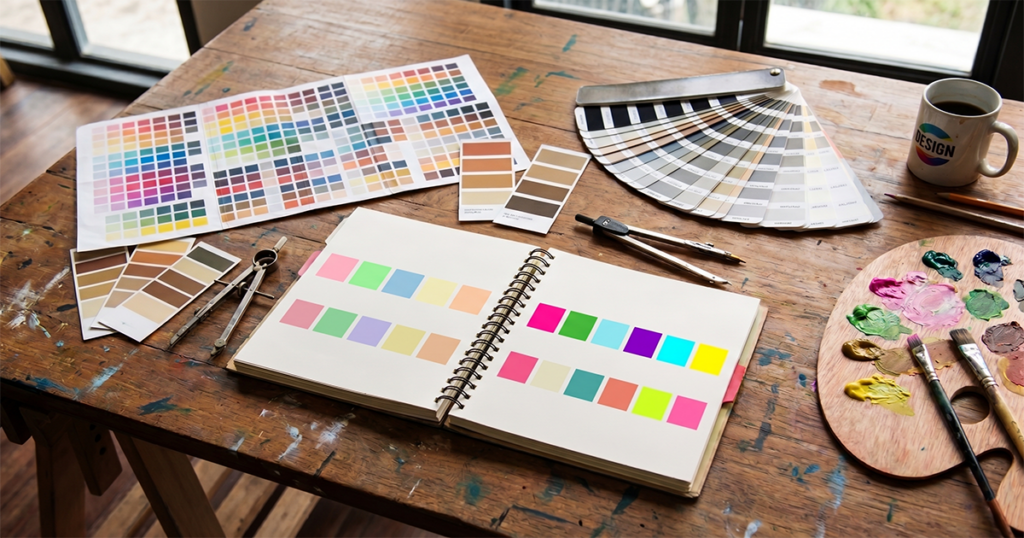
This guide covers how working interior designers use AI color palette generators in 2026 — the tools that ship usable output, the workflow where AI fits naturally, and the limitations to manage. With examples from project work and prompting techniques that produce client-ready palettes.
What AI color palette generators actually do
An AI color palette generator takes some input — a reference image, a starting color, a written brief, or a mood description — and produces a coordinated set of colors with proportions and use suggestions. The best tools in 2026 do three things well:
- Generate palettes from context. Not just “five colors that look nice together” but “five colors that work for a sun-drenched south-facing kitchen with walnut floors.”
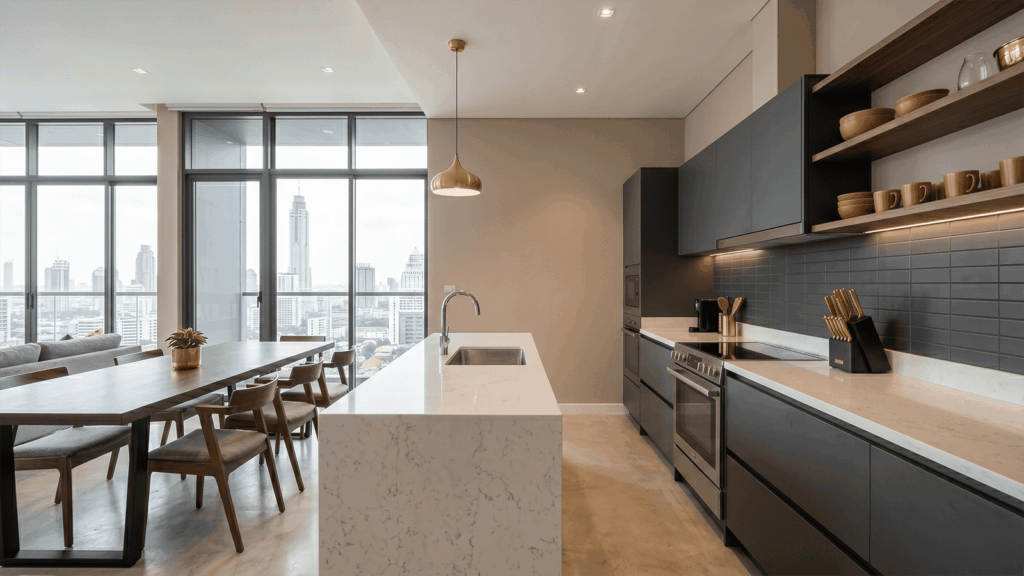
- Visualize in room context. Showing the palette applied to actual surfaces (walls, cabinetry, floors, upholstery) rather than as abstract swatches.
- Match to real paint specifications. Mapping generated colors to actual paint codes (Benjamin Moore, Farrow & Ball, Sherwin-Williams) rather than RGB approximations.
The tools that miss any of these three end up producing palettes that look fine on a screen but don’t translate to specifications a designer can ship.
Where AI palette generators fit in the workflow
- Concept stage palette development. First-pass palette directions from the project brief. Three to five palette options for a kitchen project, generated in 10 minutes versus 2 days of manual exploration.
- Context-testing existing palette ideas. A designer has a palette in mind; AI lets them visualize it in the actual room before committing.
- Client preference discovery. Presenting 4–6 palette directions to a client at the first meeting to find which direction resonates.
- Cross-room palette coordination. Generating coordinated palettes across multiple rooms in the same project, with intentional variation.
- Seasonal or material refresh palettes. Refreshing an existing room with a new accent color or seasonal styling palette without redoing the whole scheme.
Six rules for AI palette work
- Start with context, not preference. Tell the AI the room’s orientation, natural light, existing materials, and intended mood. Generic “modern kitchen palette” gives generic results.
- Specify proportions, not just colors. A great palette includes “60% wall color, 20% cabinetry, 15% counter, 5% accent” guidance — not just five swatches of equal weight.
- Always visualize in room context. Color in context is not the same as color in isolation. Lighting, adjacent materials, and surface scale all change perceived color.
- Test at multiple times of day. Morning, noon, evening — the same palette reads differently. AI lets you preview this without painting samples.
- Cross-reference to real paint specs. AI-generated colors must map to actual paint codes a contractor can buy. Otherwise the palette dies at specification.
- Edit aggressively. AI often generates technically harmonious palettes that lack personality. The human designer’s job is editing the AI output toward the project’s actual character.
Limitations to manage
- Color rendering on screen vs. real life. AI palettes display on monitors; real rooms exist in physical light. Always specify and sample before final commitment.
- Material undertones. AI tools don’t always account for material-specific undertones (warm vs. cool whites, undertones in wood floors). Sample in context before specifying.
- Lighting condition assumptions. Most AI tools generate palettes assuming neutral lighting. Real rooms have specific lighting that shifts the palette.
- Pattern interaction. A solid palette generator doesn’t account for how the palette will read against patterned wallpaper, patterned rugs, or patterned upholstery. Pattern integration is still human work.
- Brand identity coordination. For commercial projects, the brand palette is a constraint AI palette generators don’t typically respect — manual integration required.
When AI palette generation isn’t the right tool
Some color work doesn’t benefit from AI assistance:
- Heritage and historic renovation projects. Period color authenticity requires research and judgment AI doesn’t have.
- Brand-driven commercial projects. The brand palette is the constraint, not the output.
- Single-color decisions. Choosing one paint color (vs. building a palette) is faster done by sampling than by AI generation.
- Client-supplied art or objects driving the palette. When the palette flows from a specific painting or rug the client owns, AI is downstream of the human judgment about the source object.
Frequently asked questions
Can an AI color palette generator replace a designer’s color sense?
No. AI generates technically harmonious palettes from inputs; designer judgment about character, client fit, and project narrative adds the discrimination that turns ‘harmonious’ into ‘right’. AI accelerates the first-pass; the designer’s editing produces the specification.
Are AI-generated palettes accurate to real paint colors?
The best tools map to actual paint codes (Benjamin Moore, Farrow & Ball, Sherwin-Williams). Tools that only generate RGB hex codes are not ready for specification. Always cross-reference to a real paint manufacturer’s catalog before specifying.
How many colors should a room palette have?
Three to five core colors is typical for a single room, with one dominant (50–60%), one secondary (25–35%), and 1–3 accents (5–10% each). AI tools often generate 5–7 colors, which is too many for execution — edit down.
Should I use the same palette across multiple rooms?
Coordinated, not identical. Adjacent rooms should share palette logic — same dominant color family, same warmth temperature — but vary in proportion and accent. AI palette generators handle this well when prompted to produce coordinated multi-room palettes.
What’s the difference between an AI palette generator and a regular palette generator?
Traditional palette generators produce color combinations (Coolors, Adobe Color). AI palette generators add context awareness — generating palettes from briefs, from images, or visualizing palettes in real room contexts. The contextual reasoning is what distinguishes AI tools from traditional ones.
See it in your own projects.
Generate your first AI interior visualization in under 3 minutes. No 3D experience required.