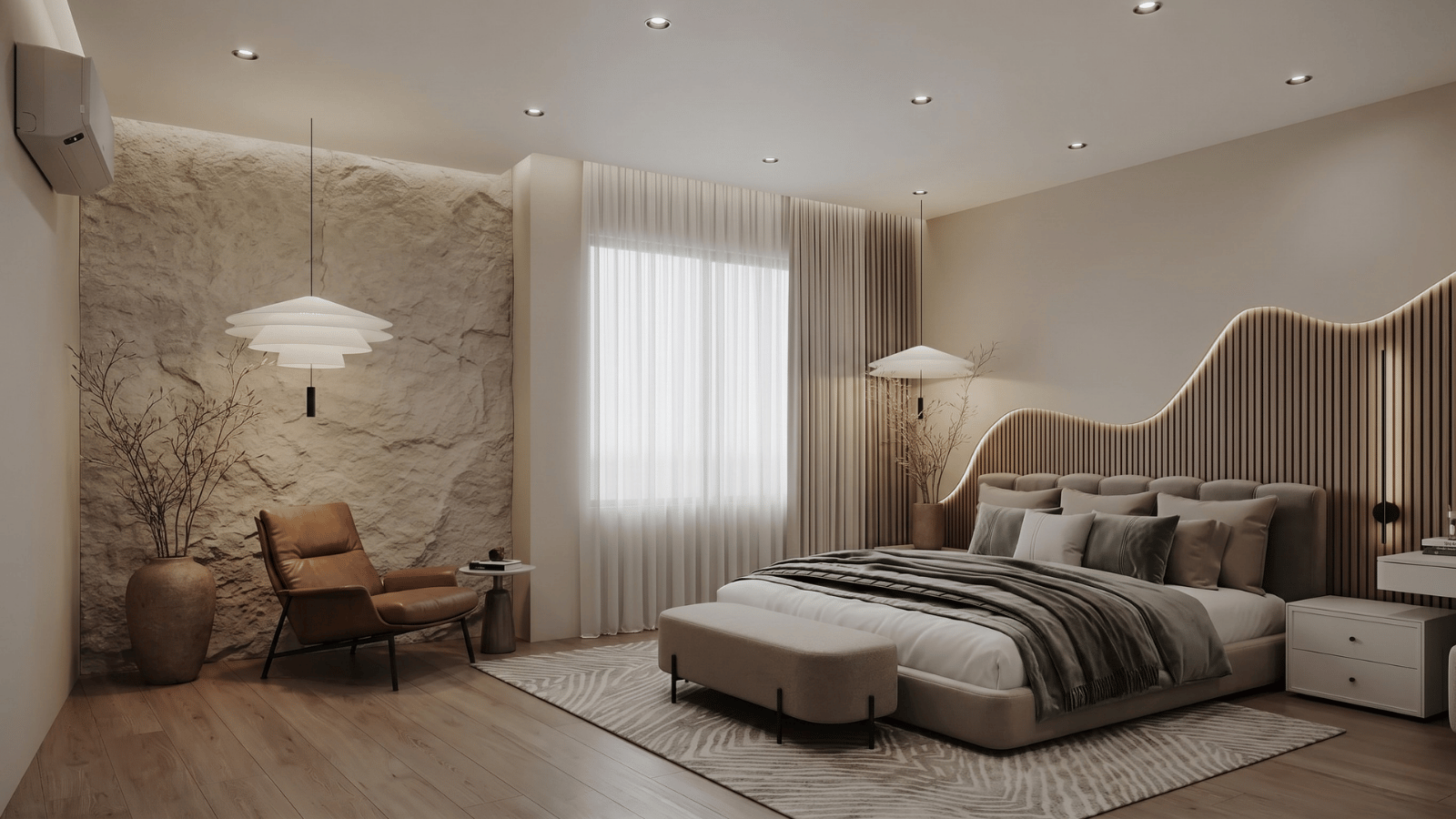
What is AI bedroom design?
AI bedroom design is the use of generative image models to produce photorealistic restyled bedrooms from a reference image. The tool preserves the room’s footprint — window and door positions, wall layout, architectural features — while restyling every surface, fabric, and finish per the brief.
It’s a concept-stage tool: not a construction document, not a furniture order, but the fastest way to show a client “your bedroom, restyled” before committing to purchases. Dezeen and ArchDaily have tracked AI visualization becoming standard in early residential concept presentation since late 2023.
How AI bedroom design works
- Upload the bedroom base image. Photo or simple 3D massing. This anchors the footprint.
- Write a materials-first brief. Name the bedding textile (washed linen, silk-blend), wood species, paint color by reference (Farrow & Ball “Railings”, Benjamin Moore “White Dove”), and intended mood.
- Generate variants. Produce 2–4 style directions with the camera locked.
- Refine via masking. Swap only the headboard, only the nightstands, or only the wall treatment.
- Curate and present. Show the two strongest with a clear directional recommendation.
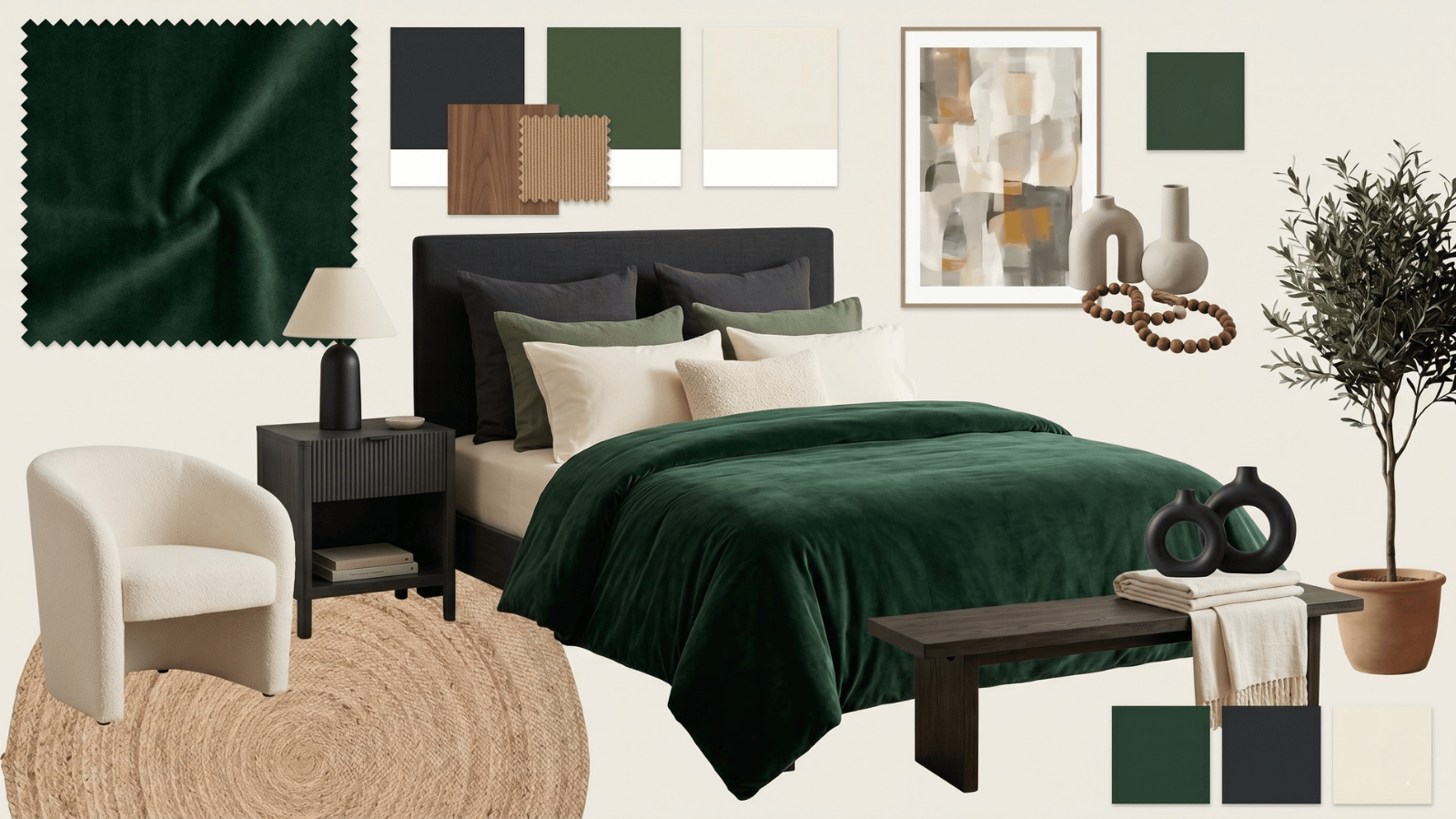
What designers use AI bedroom design for
| Application | Outcome |
|---|---|
| Headboard study | Test upholstered linen, channeled velvet, rattan, and wood paneling on the same wall |
| Bedding and layering | Compare minimal hotel-style vs. layered duvet + quilt + throw combinations |
| Paint direction | Moody charcoal vs. soft plaster vs. warm white on all four walls in minutes |
| Wall treatments | Shiplap, Venetian plaster, grasscloth, and wallpaper — same room, fast compare |
| Storage integration | Freestanding vs. built-in wardrobe visual comparison |
| Hospitality bedrooms | Boutique hotel, short-term rental, and guest bedroom concept decks |
AI bedroom renders vs. traditional mood boards
A mood board asks the client to imagine how references apply to their bedroom. An AI render shows their bedroom, restyled. The comprehension gap closes instantly, which accelerates approval and reduces revision rounds.
- Concept meetings — three directions in a single pitch.
- Pre-purchase visualization — “will that green headboard read too dark in your actual light?”
- Paint approval — avoid client cold feet on a bold color by showing it in their actual bedroom.
- Hospitality portfolio — generate bedroom concept sheets for hotel operators, rental managers, and development clients.
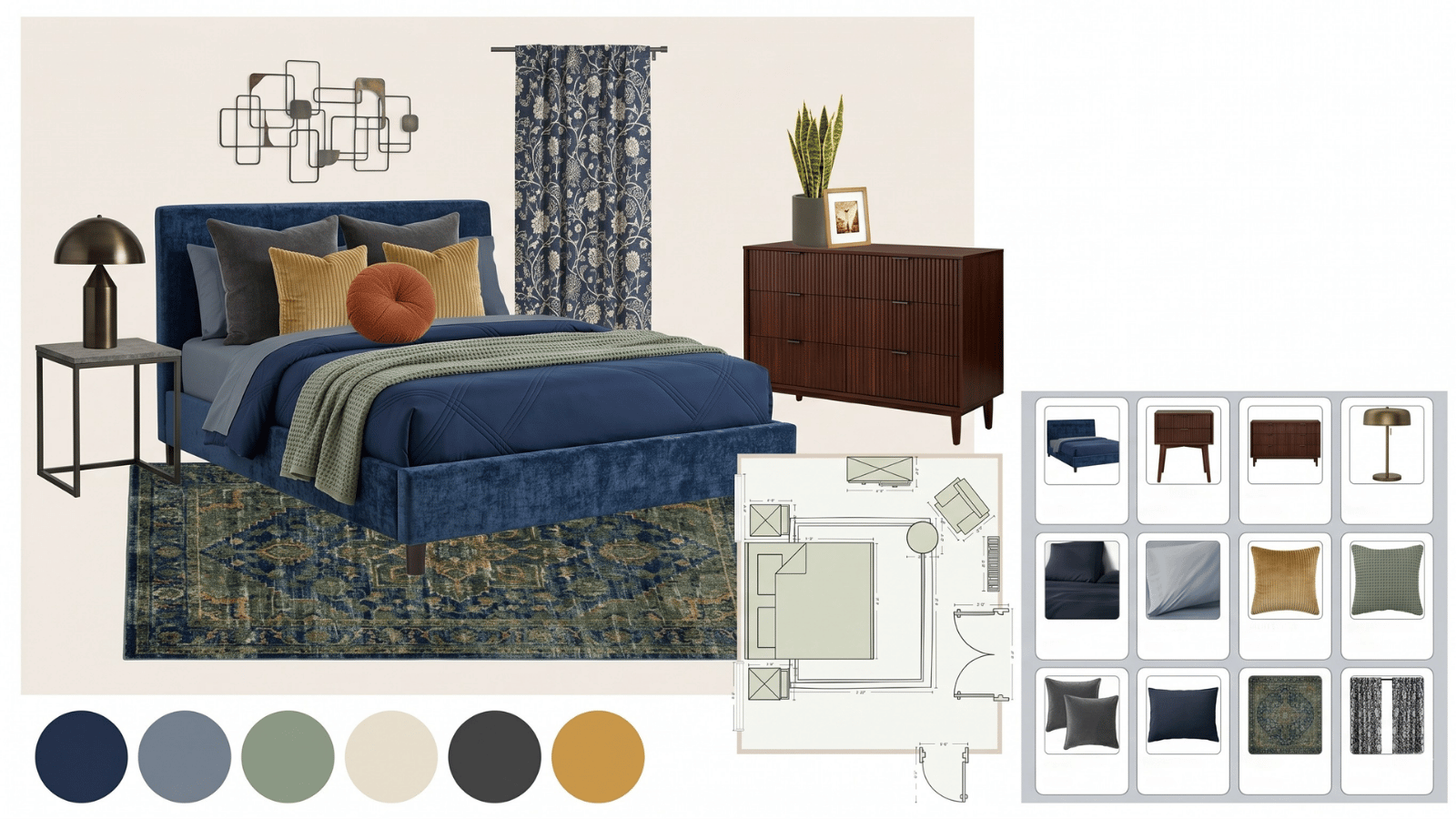
Six rules for professional bedroom renders
- Start from a real photo. No generic “bedroom” prompt — architecture and scale matter.
- Name the bedding fabric. “Washed linen duvet, cotton percale sheets” vs. “silk-blend coverlet, velvet throw” produces visibly different reads.
- Reference real paint colors. Farrow & Ball, Benjamin Moore, Sherwin-Williams names steer output more precisely than hex codes.
- Control window light. “East-facing bedroom, morning light” reads entirely differently than “west-facing, golden hour”.
- Mask-only for partial updates. Lock the headboard and bedding, test nightstands and lamps only.
- Cull aggressively. Generate eight variants, show two. Curation is what the client pays the designer for.
Limitations to be aware of
- Bed scale drift. King vs. queen vs. California king may not read proportionally correct.
- Textile artifacts. Bedding wrinkles and throw drapery can appear unnaturally posed.
- Lamp and fixture details. Small objects are the weakest part of most AI renders — swap in product shots for spec decks.
- Built-in precision. Integrated wardrobes and headboards are approximate — CAD is still required for joinery.
How Roomwork.ai supports bedroom projects
Roomwork.ai is built for professional interior designers. Object appearance and camera lock across iterations let you present side-by-side bedroom directions that clients can actually read. Try Roomwork.ai free and produce a three-direction bedroom pitch this afternoon.
Frequently asked questions
Can AI redesign a bedroom from just a photo?
Yes — this is the strongest use case. A well-lit daytime photo produces the cleanest restyled output.
What’s the best base photo angle for an AI bedroom render?
A wide-angle shot taken from the doorway, showing the bed and headboard wall, gives the AI the most context to restyle while preserving scale.
Can AI bedroom renders be used for hotel projects?
Yes, especially for boutique hotel concept pitches where operator decks need 3–6 bedroom directions quickly. Treat renders as directional, not final.
How accurate are the paint colors in AI bedroom renders?
Directionally accurate, not calibrated. Always confirm with real paint samples in the actual light conditions before specifying.
Does AI replace the designer for bedroom projects?
No. AI produces inventory; the designer produces the edit, the taste call, the specification, and the project execution. Compression, not replacement.
How many iterations should I expect per bedroom direction?
Two to three generation rounds plus one masking pass. Total time per direction: 20–40 minutes of active work.
See it in your own projects.
Generate your first AI interior visualization in under 3 minutes. No 3D experience required.