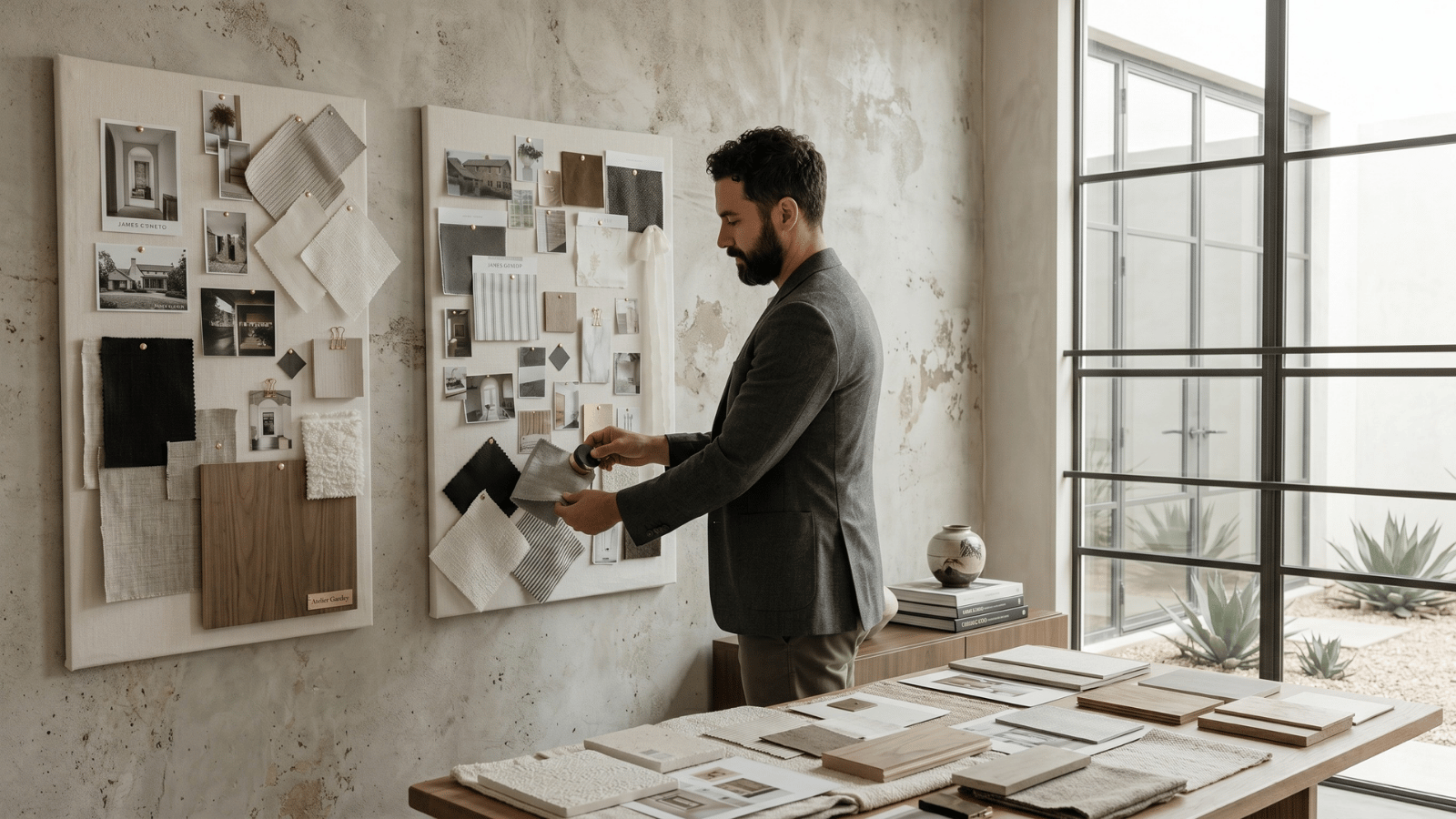
This is a working designer’s playbook: portfolio structure, project case-study format, photography essentials, where AI rendering fits, the platforms most studios use in 2026, and the specific mistakes that lose business.
What makes an interior design portfolio actually convert
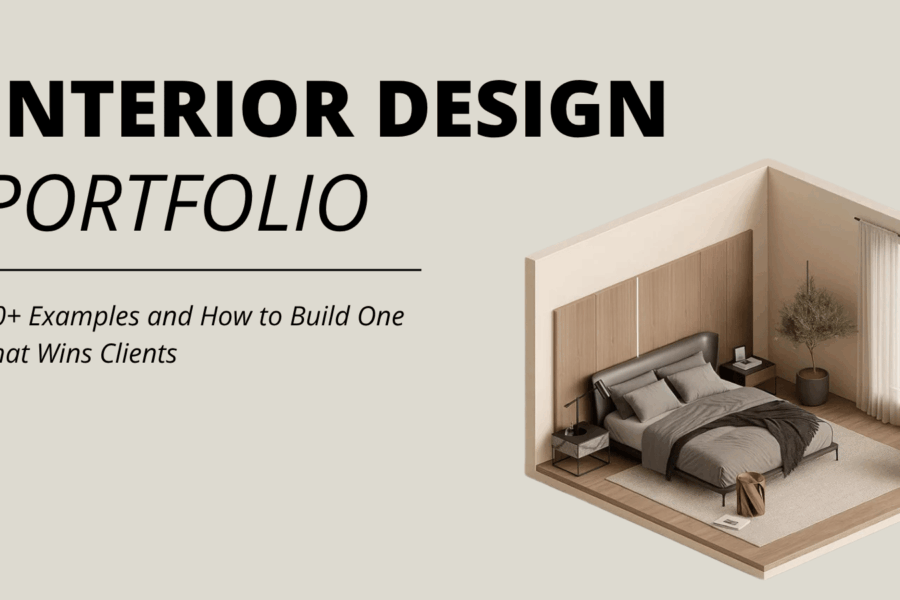
A portfolio’s job is not to demonstrate every project you’ve ever touched. It’s to make a prospective client say “I want this person designing my space.” Three traits separate portfolios that convert from portfolios that don’t:
- Curation. 8–12 deeply documented projects beats 50 thinly documented ones. Every included project must be on-strategy for the work you want next.
- Story over images. Each project includes the brief, the constraints, the design moves, and the outcome — not just photos.
- Photography quality. One bad photo undermines five great ones. Invest in professional photography for the projects you include.
Portfolio structure: what to include
| Section | What it does |
|---|---|
| Hero project | Your single best project featured prominently — the one that defines your aesthetic |
| About / philosophy | One paragraph on how you work and what you believe about design |
| Project gallery | 8–12 case studies with consistent presentation format |
| Process page | How you actually run a project — discovery, concept, install, completion |
| Press / recognition | Published features, awards, AD100 / House Beautiful 100 mentions if applicable |
| Client testimonials | Real quotes from named clients (with permission) |
| Contact / inquiry form | How to start a project with you |
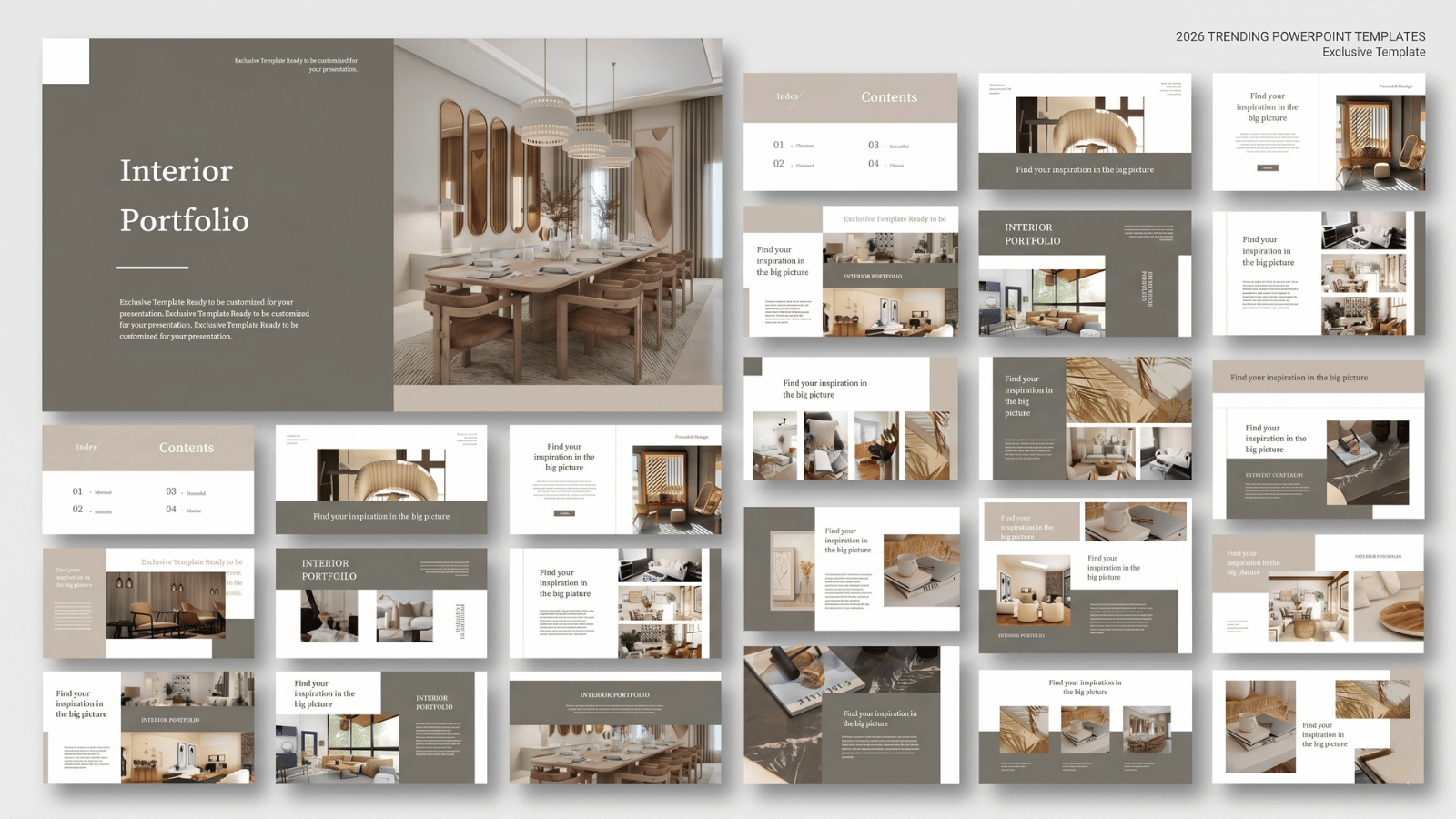
Per-project case study format
Each project in your portfolio should follow a consistent structure so clients can scan quickly:
- Project title + scope. “Tribeca Loft Renovation — full residential, 2,400 sq ft, 6 months”
- Client brief in one sentence. “Family of four moving from suburbs wanted a downtown home that felt like a country house.”
- Hero photo. The one image that defines the project.
- Design moves (3–5 bullets). The intentional decisions you made — material palette, floor plan changes, custom millwork, etc.
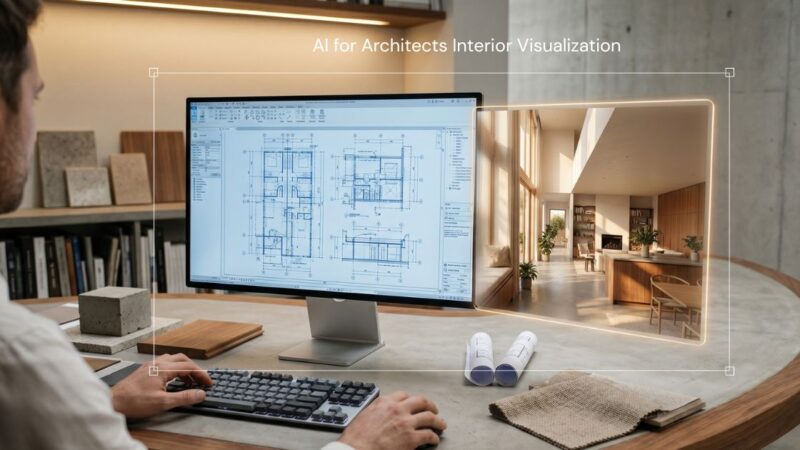
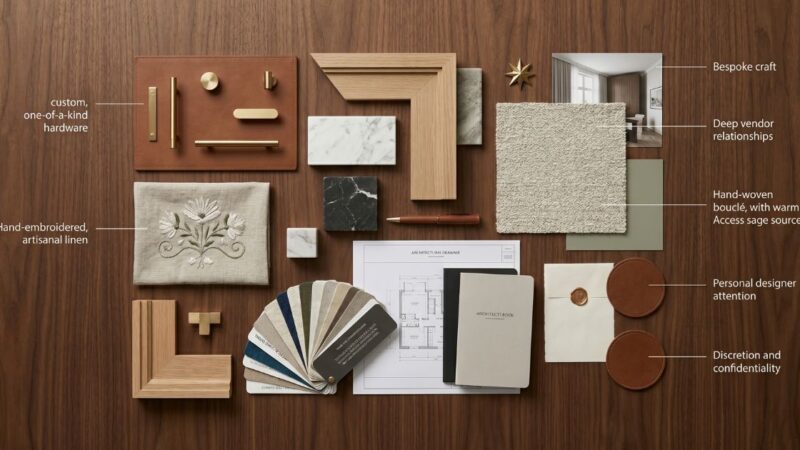
- Process visuals. Mood board → AI concept render → 3D model → installation photo. Show how you got there.
- Completed installation gallery. 8–15 photos showing the finished space at multiple angles.
- Result. Outcome statement: “Featured in Architectural Digest, October 2025.”
Where AI rendering fits in a 2026 portfolio
Most modern portfolios integrate AI-stage visuals into the project process documentation. Three patterns are emerging:
- Process visualization. Show your AI concept renders alongside the final installation photo so prospective clients see the design intent → execution journey.
- Speculative work. Some studios build conceptual portfolios using AI when actual built work is limited (early career, or pivoting into a new sector). Always disclose that the work is conceptual.
- Pitch deck integration. AI renders in your portfolio’s “process” section signal that you’re a 2026-fluent studio that ships fast.
See our 5-stage AI workflow guide for context on where AI fits in a project lifecycle.
Photography: the make-or-break element
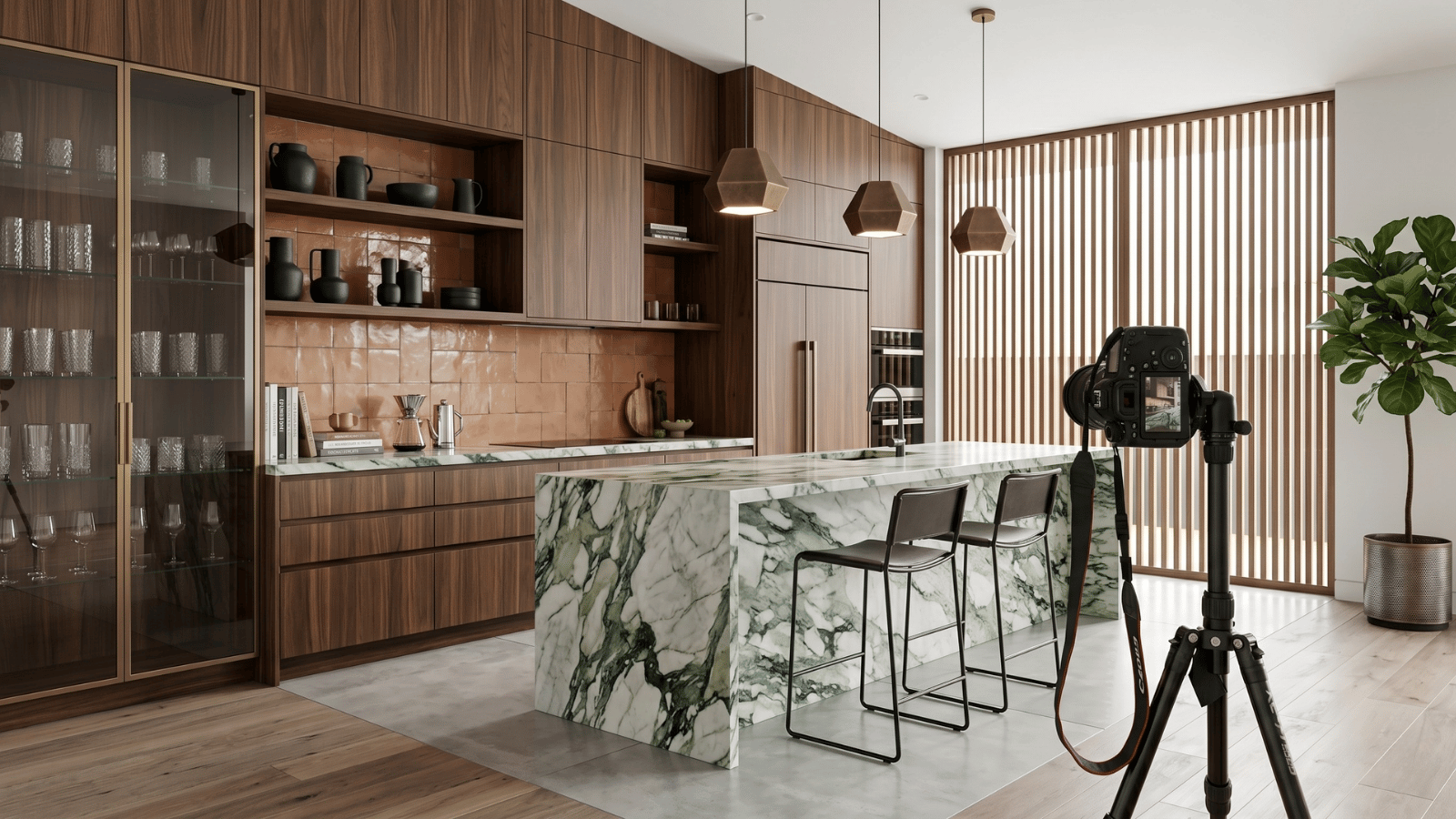
- Professional photography is non-negotiable for portfolio work. Budget $1,500–$5,000 per project for a half- or full-day shoot.
- Shoot at the right time. Schedule photography for 4–8 weeks after install completion when the space has settled but is still pristine.
- Multiple times of day. Most portfolios benefit from morning, midday, and dusk shots of the same space.
- Style for the camera. Photographers know what the lens sees vs. what the eye sees — collaborate on styling.
- Get model releases for any people in shots. Common oversight that costs you photo usage rights later.
Portfolio platforms designers actually use in 2026
| Platform | Best for | Cost |
|---|---|---|
| Custom WordPress site | Established studios with brand control | $200–$2,000 setup + hosting |
| Squarespace | Solo designers, fast launch | $23–$65/mo |
| Cargo | Design-conscious portfolios with strong type | $13/mo |
| Are.na | Process and reference documentation | Free / $5/mo |
| Houzz | Lead generation in suburbs/residential remodel | Free + paid |
| Discovery and aesthetic broadcast | Free |
Most established studios run a primary website (custom WP or Squarespace) plus Instagram for discovery. Are.na is increasingly common as a “behind-the-scenes” reference layer for clients who want to see your process.
Common portfolio mistakes that lose business
- Including too many projects. 30 thin projects communicates “junior”. 10 deeply documented projects communicates “senior”.
- Missing the brief. Photos without context look like Pinterest. The brief and your design moves are what hire you.
- Mixing styles. Pick a directional aesthetic. A portfolio that shows you can do “everything” reads as having no point of view.
- Stale projects. Anything more than 4 years old without exceptional reason should rotate out.
- No contact path. A clear inquiry form, calendar link, or email button on every page.
- No process documentation. Clients hire designers for the journey, not just the outcome.
Frequently asked questions
How many projects should be in an interior design portfolio?
8–12 deeply documented projects beats 30 thinly documented ones. Curate ruthlessly to the type of work you want next.
Should new designers include speculative or AI work in their portfolio?
Yes — when transparent about it being conceptual. Speculative work shows aesthetic point of view when built work is limited. Disclose it as concept/spec.
How often should you update an interior design portfolio?
After each major project completion, or at minimum quarterly. Stale portfolios signal a stale practice.
How much does professional interior design photography cost?
$1,500–$5,000 per project for residential, depending on city and photographer experience. Commercial and hospitality projects run higher.
Should the portfolio site or Instagram come first?
Site first. Instagram is discovery; the portfolio site is where serious clients evaluate you. Both feed each other.
Can AI generate portfolio-ready imagery?
AI is excellent for process visualization (concept stage, material studies, client direction approval). For final installation photography, real photography of completed projects is non-negotiable.
See it in your own projects.
Generate your first AI interior visualization in under 3 minutes. No 3D experience required.