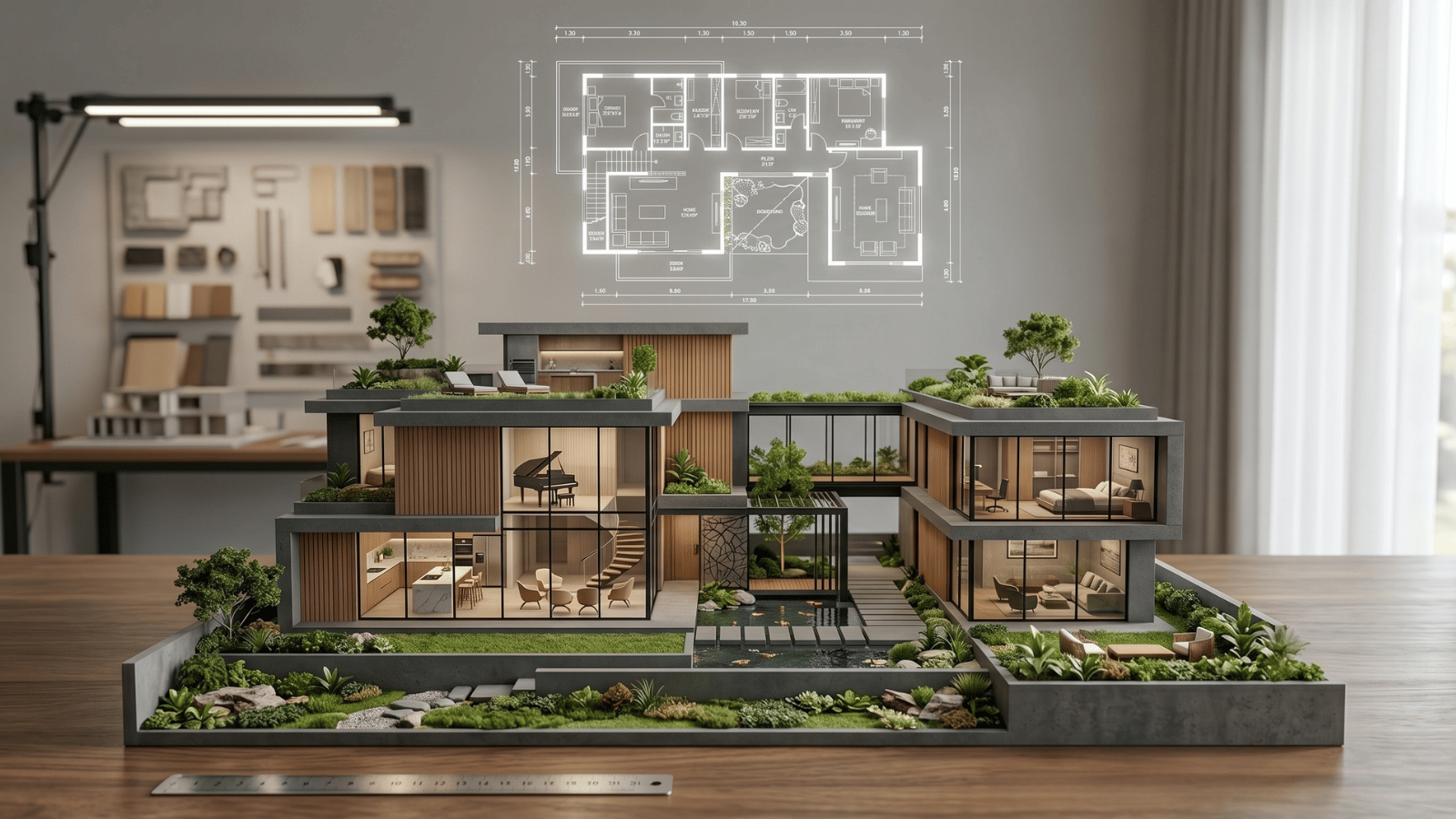
Stage 1: Discovery — AI for vibe exploration
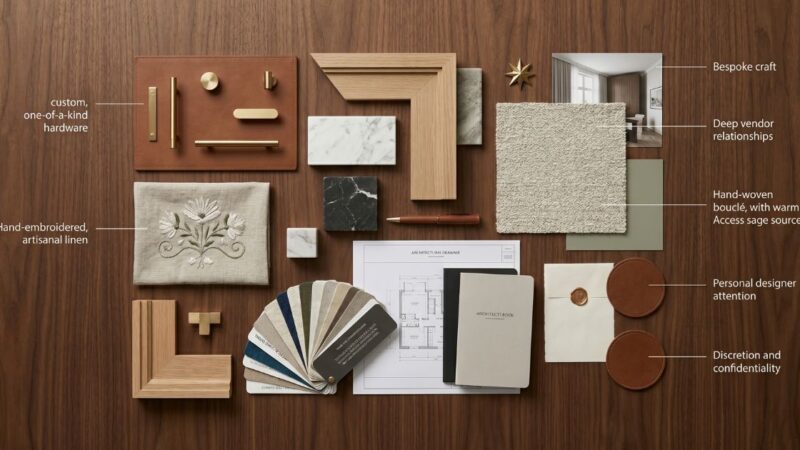
At project intake, designers use AI to explore directional vibes faster than hand-curating Pinterest boards. Tools: AI mood board generators, reference image search with style tagging.
The work product is a short vibe deck — 3–5 reference directions — to align on direction with the client before committing to visualization. Time saving: 2–4 hours of reference hunting compressed into 30 minutes of directed generation.
Stage 2: Concept — AI for first visuals
This is the stage where professional AI interior design tools earn their subscription fee. Designers take a photo or 3D massing of the actual space and generate 3–4 materially distinct style directions. The client sees their room restyled — not a mood board that requires interpretation.
Tools: generative restyling platforms like Roomwork.ai. Output: concept deck with 2–3 curated directions. Time saving: 1–2 weeks of first-pass visualization compressed to 1–2 days.
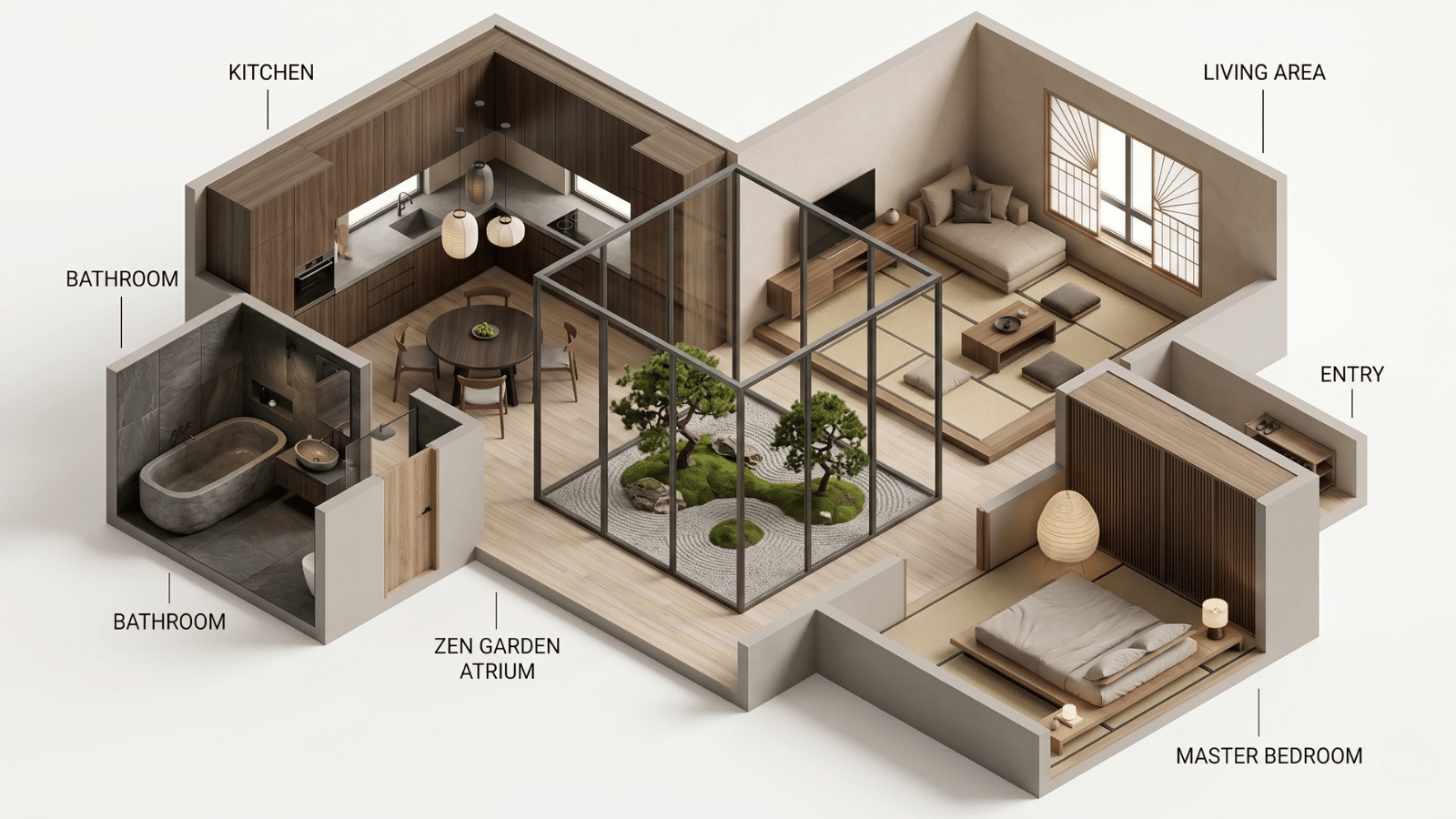
Stage 3: Material study — AI for finish iteration
Once direction is approved, designers use AI to iterate specific finishes — cabinet wood, countertop stone, tile pattern, paint color — without rebuilding the whole image. Object-masking is the critical feature here.
Common material studies: 4 cabinet colors × 3 stone options = 12 variants, all with camera locked. Previously this would take a full week in 3D; AI compresses it to an afternoon.
Stage 4: Client approval — AI for revision speed
Client revisions that used to burn a day of 3D rework are now 15–30 minute masked regenerations. “Keep everything but darken the wood” becomes a single mask + prompt, not a scene rebuild.
The cultural shift: designers can say yes to more client exploration because the marginal cost of a variant is near zero. This either means more revisions within the same project budget (better relationship) or faster project completion (better margin).
Stage 5: Documentation support — AI-assisted CAD and spec
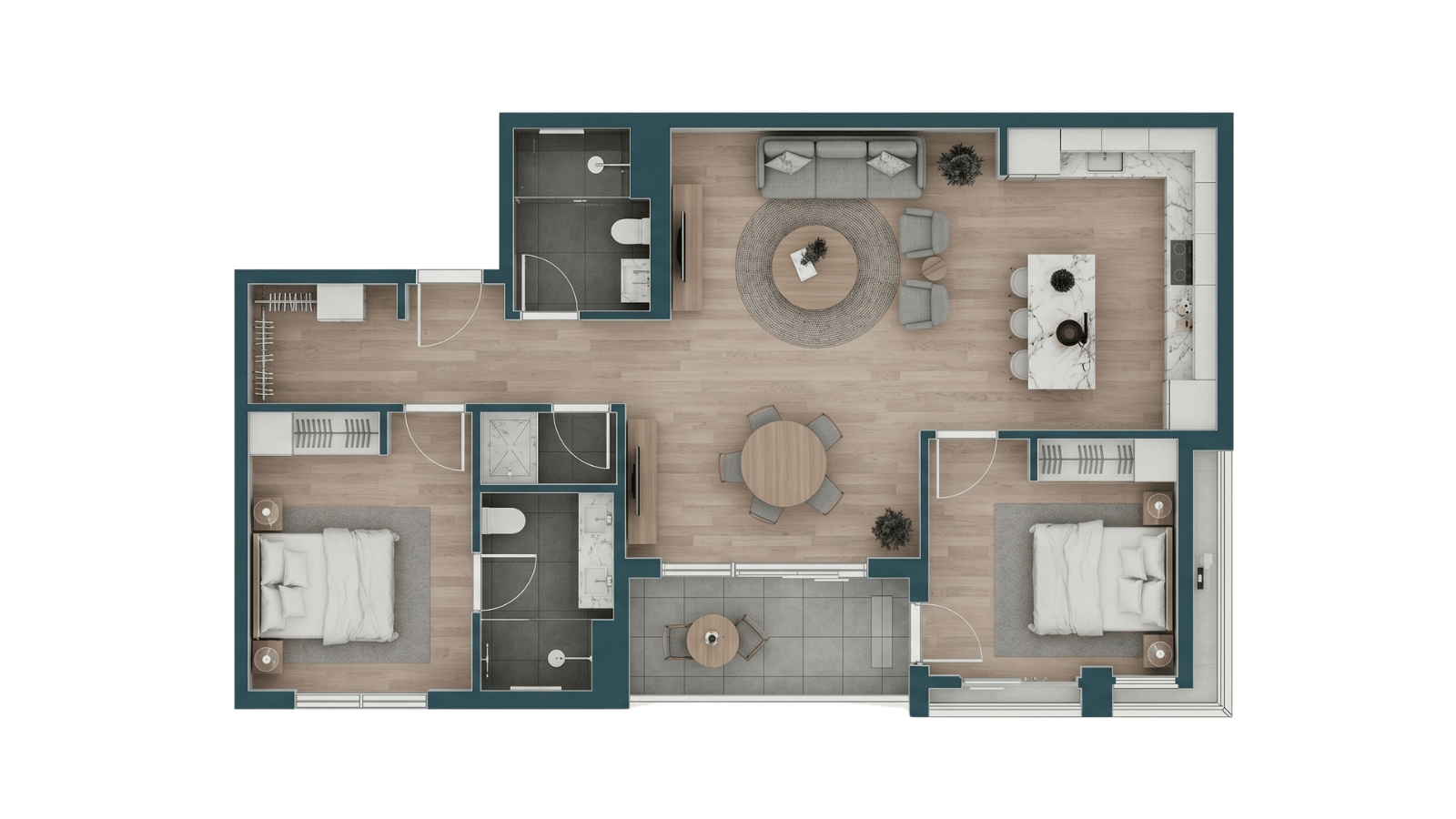
This is where AI does the least design-stage heavy lifting but increasingly augments production: auto-generated schedules, AI-assisted floor plans, rendering acceleration on final-pass imagery, spec sheet drafting. AI reduces mechanical time, not creative time.
Construction documents, millwork drawings, and code-compliant plans still live in CAD. AI is the autocomplete, not the drafter.
What the reallocated hours actually go to
| Time previously spent on | Reallocated to |
|---|---|
| Hand-building mood boards | Deeper client discovery conversations |
| First-pass 3D sketching | Material sourcing and vendor relationships |
| Revision cycles on first visuals | Custom detailing and on-site presence |
| Repetitive documentation | More projects per year at better margin |
The designer’s value-add shifts from production to judgment, curation, and specification — the parts of the job AI can’t do.
Seven habits of AI-native interior designers
- Photograph every intake room thoroughly. Base images are now a deliverable — treat them like one.
- Develop a materials vocabulary. Name stones, wood species, fabric weaves, tile patterns precisely.
- Generate more, show less. Curate to two directions per client meeting, never dump eight.
- Use masking as the default. Full regeneration is last resort; regional edit is first resort.
- Lock the camera on client decks. Variant comparison is how clients actually decide.
- Keep AI output out of construction documents. Directional only — never a spec.
- Explain the tool transparently. Clients respect that AI generates, designer curates. Hiding the AI role erodes trust.
Where AI doesn’t replace designer work
- Client listening, programming, and brief development.
- Site visits, measurement, and spatial judgment.
- Material sourcing, vendor management, lead time coordination.
- Contractor and trade relationships.
- Final specification, order placement, and punch list management.
- The taste call — what reads as “right” in the context of the project.
How Roomwork.ai fits the workflow
Roomwork.ai was built for the concept and material-study stages — the two that benefit most from AI. It preserves object appearance across iterations, supports material-only regeneration, and produces camera-locked variants for client-grade comparison. Pair it with a discovery tool at intake and your existing CAD for documentation. Start free.
Frequently asked questions
How do interior designers actually use AI in 2026?
Across five project stages: discovery, concept, material study, client approval, and documentation support. Different tools for different stages — AI isn’t a single monolithic product.
Does AI save interior designers time?
Yes — substantially on the concept and material-study stages. Designers report 60–80% reductions in first-visual production time, which reallocates to sourcing, custom detailing, and more projects per year.
Will AI replace interior designers?
No. AI produces image inventory; the designer produces judgment, curation, specification, and execution. The parts of the job a model can’t do — listening, taste, vendor relationships, physical presence — are growing in importance, not shrinking.
Should I tell my clients I’m using AI?
Yes. Transparency builds trust. Frame it as the production tool that lets you spend more time on the parts of the project that actually determine quality — sourcing, detailing, and on-site presence.
What’s the biggest mistake designers make adopting AI?
Treating it as one monolithic tool instead of a stack matched to workflow stages. Another common mistake: skipping masking and only using full regeneration, which destroys consistency across variants.
How long does it take a designer to become proficient with AI tools?
Two to four weeks of real project use. The learning curve is less about software and more about developing a specific materials vocabulary that steers output precisely.
See it in your own projects.
Generate your first AI interior visualization in under 3 minutes. No 3D experience required.