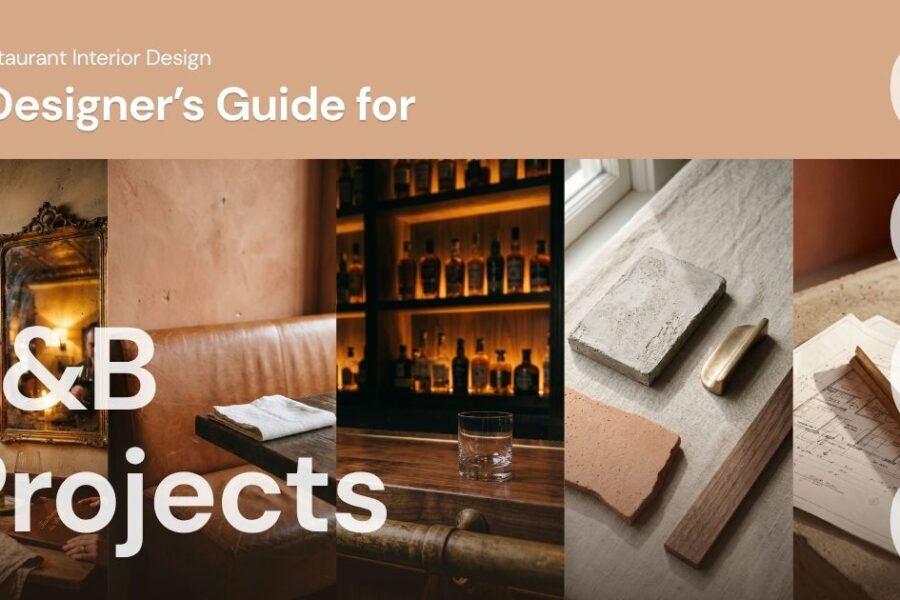
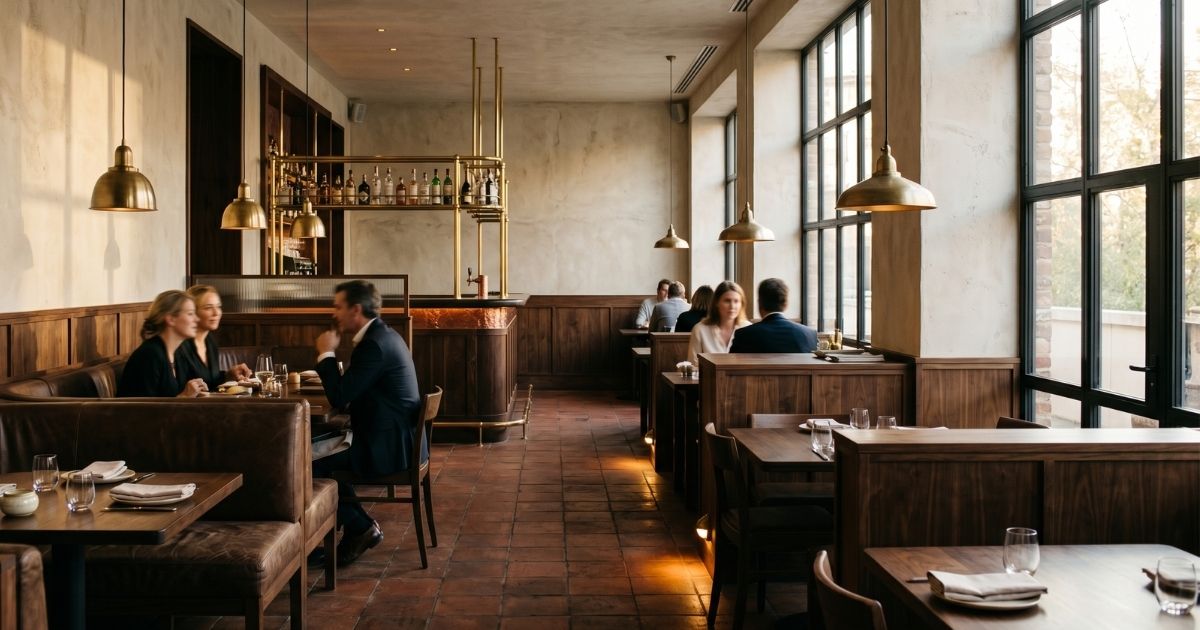
Restaurant projects are atmosphere-driven, specification-light, and pitch-heavy — a combination uniquely suited to AI acceleration. This guide covers exactly where AI ships value in F&B interior design in 2026, with workflow examples from concept through operator approval.
Why restaurants are a strong AI fit
F&B interior projects share three traits that make them well-suited to AI: atmosphere matters more than complexity (restaurants live or die on mood, not millwork count), turnaround is fast (restaurant projects move faster than residential or hospitality, and clients expect concept speed), and operators evaluate by comparison (showing three direction options is the standard pitch format).
AI gives restaurant designers the three-direction pitch in days rather than weeks, lets them iterate atmosphere choices in front of the operator in real time, and provides photorealistic concept imagery without the budget overhead of 3D visualization that smaller F&B projects can’t carry.
Five F&B use cases where AI ships now
- Atmosphere direction studies. Three to five complete atmosphere concepts for a restaurant pitch — moody Italian, bright Mediterranean, dark steakhouse, casual neighborhood — produced in days.
- Seating layout option generation. Booth versus banquette versus four-top versus communal — tested in plan and visualized in perspective.
- Bar and back-bar studies. Bar elevation alternatives, lighting moods, bottle display strategies.
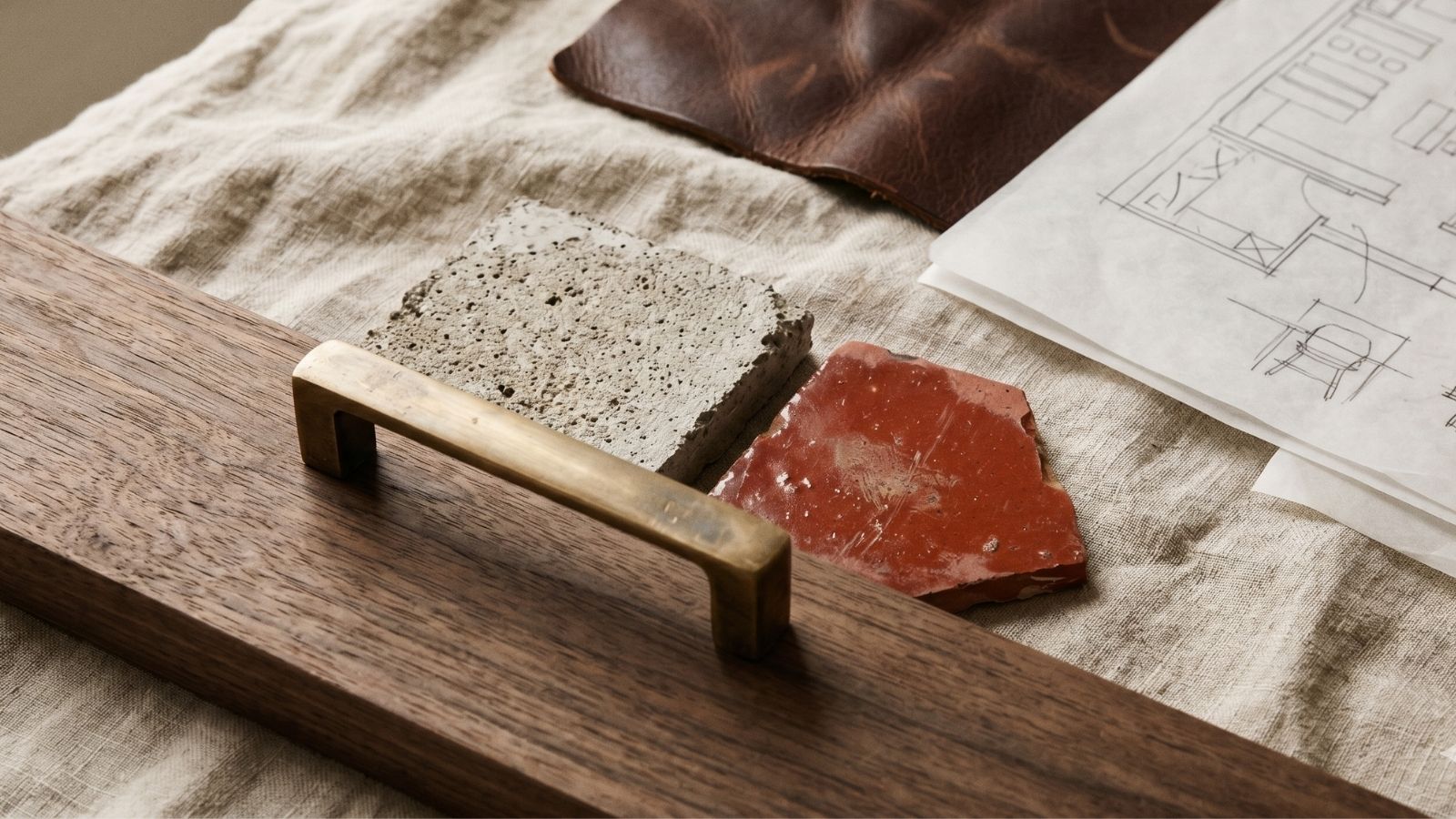
- Material direction palettes. Tile choices, banquette upholstery, plaster wall finishes, ceiling treatments — generated as comparison grids for operator selection.
- Pre-construction marketing imagery. Hero images for the restaurant’s brand launch, social media announcements, and PR releases before construction is complete.
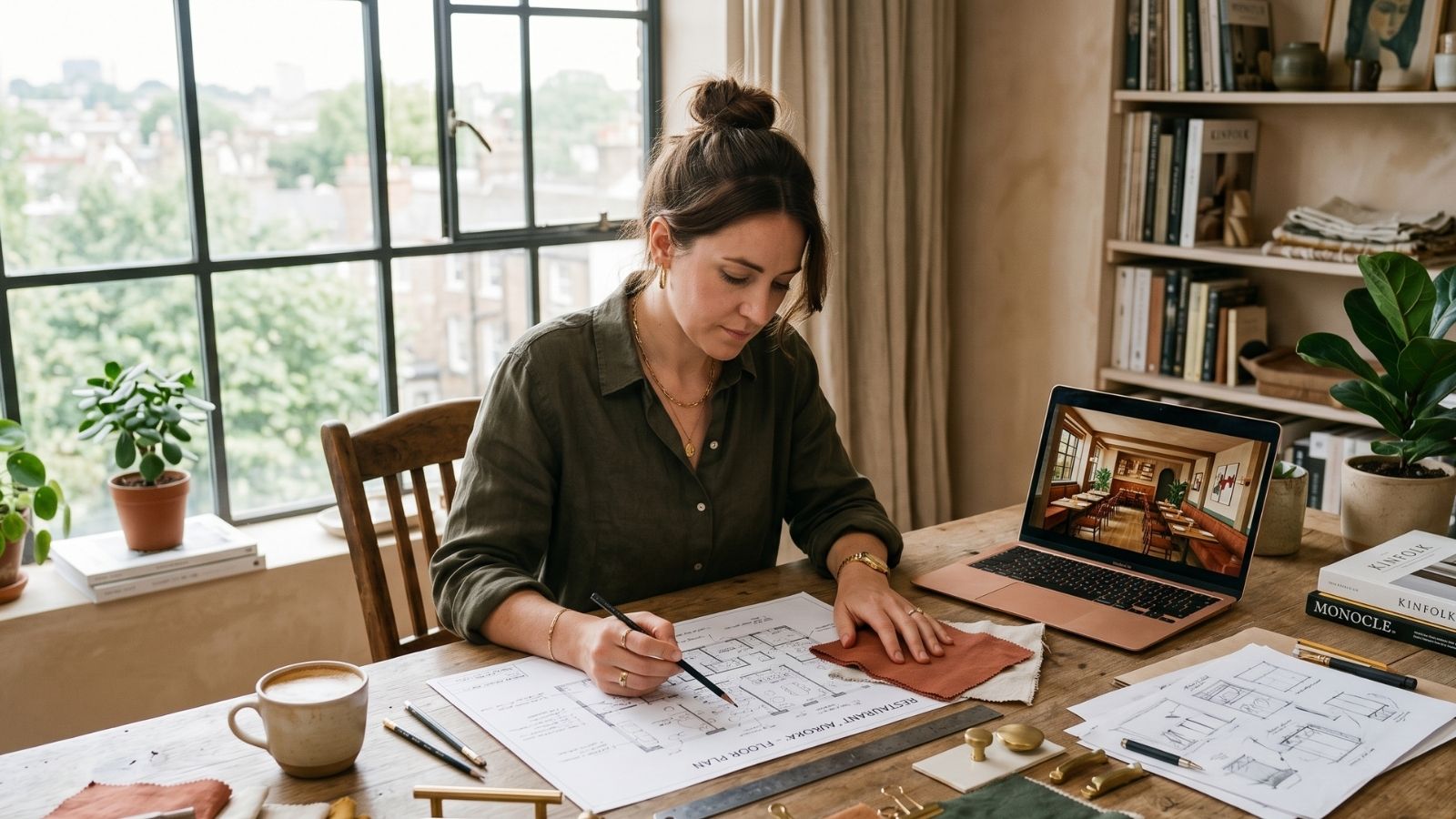
Where AI doesn’t help F&B projects
- Kitchen layout and equipment. Commercial kitchen design requires equipment specification, code compliance, and workflow choreography that AI doesn’t handle.
- Acoustic engineering. Restaurant acoustics is a science (NRC, RT60, occupancy modeling) that AI imagery doesn’t address.
- Brand storytelling. The narrative behind a restaurant — chef story, neighborhood context, cultural references — requires human design judgment.
- Custom millwork detailing. Bar tops, host stands, server stations — final shop drawings happen in CAD, not AI.
- Code and accessibility compliance. Egress, restroom counts, ADA, fire ratings — all human work.
Six rules for AI restaurant concept work
- Lock the atmosphere brief first. “Moody Italian trattoria, low candlelight, copper accents, antique mirrors” produces a coherent direction. Vague briefs produce vague atmospheres.
- Generate at low and high light levels. Operators need to see both the lunch service mood and the evening service mood. Same room, different lighting.
- Include diners in some images. AI imagery without people looks staged. Adding people grounds the scale and energy of the space.
- Test the back-of-house adjacency visually. Open kitchens, expo windows, and pass-throughs are signature F&B moves — visualize them in concept stage.
- Generate signature views. The entry sequence, the bar from the door, the booth from the host stand — operators evaluate restaurants by signature views.
- Always show the bar. Bar atmosphere is the single highest-impact concept moment in most F&B projects. Don’t bury it.
How AI changes the F&B pitch
Before AI, the standard F&B pitch involved 3–5 hand-drawn or hand-rendered concept boards, plus a few mood board references. The pitch could take 4–6 weeks to prepare and the operator was asked to commit based on relatively abstract concept work.
In 2026, the AI-augmented F&B pitch routinely includes 15–25 photorealistic atmosphere images covering every major service zone — entry, bar, dining room, private dining, restrooms — at lunch and dinner light levels. The operator can evaluate the actual feel of the space before signing off, which dramatically reduces concept-revision cycles after fee engagement.
The net effect: F&B designers win pitches faster, lose fewer to “we don’t quite see it”, and spend less concept time per won project.
Frequently asked questions
Can AI design a restaurant?
AI accelerates the atmosphere and concept phase of restaurant design — producing photorealistic mood studies, seating layout options, and bar concept variations. It doesn’t handle commercial kitchen layout, acoustic engineering, brand storytelling, code compliance, or final documentation. Treat it as a concept accelerator, not a project replacement.
How does AI help restaurant designers win pitches?
By generating 15–25 photorealistic atmosphere images for the pitch in days rather than weeks. Operators evaluate restaurant pitches by feel, and photorealistic imagery dramatically outperforms hand-rendered mood boards for that purpose. Studios using AI win more pitches and lose fewer to ‘we can’t quite see it’.
Does AI work for small independent restaurants?
Yes — arguably better than for chain restaurants. Independent F&B clients usually can’t afford traditional 3D visualization, so AI provides photorealistic concept imagery that was previously out of reach. The result is more polished pitches at small-project budgets.
Can AI handle commercial kitchen design?
No. Commercial kitchen design requires equipment specification, code compliance, workflow choreography, and engineering coordination that AI tools don’t address. F&B designers should treat kitchen design as a separate workflow handled by kitchen consultants or in-house specialists.
Will AI-generated restaurant renders look professional enough?
Yes, when produced by a designer who knows how to prompt. The five-part formula — subject, style, materials, lighting, camera — produces operator-grade imagery. Generic prompts produce generic results. Designer judgment is what makes AI imagery work professionally.
See it in your own projects.
Generate your first AI interior visualization in under 3 minutes. No 3D experience required.